8 Kienzle MTCO 1324
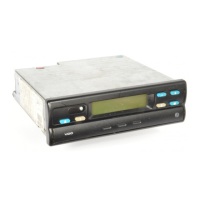
Operating controls (Page 2, figure I)
a) "Blocked drawer"
b) "Hinged drawer"
Note
The operation of both device designs is, in
principle, identical. Operating steps which
deviate from the normal procedure are
listed separately.
1) Left-hand keypad
2) Right-hand keypad
3) Display
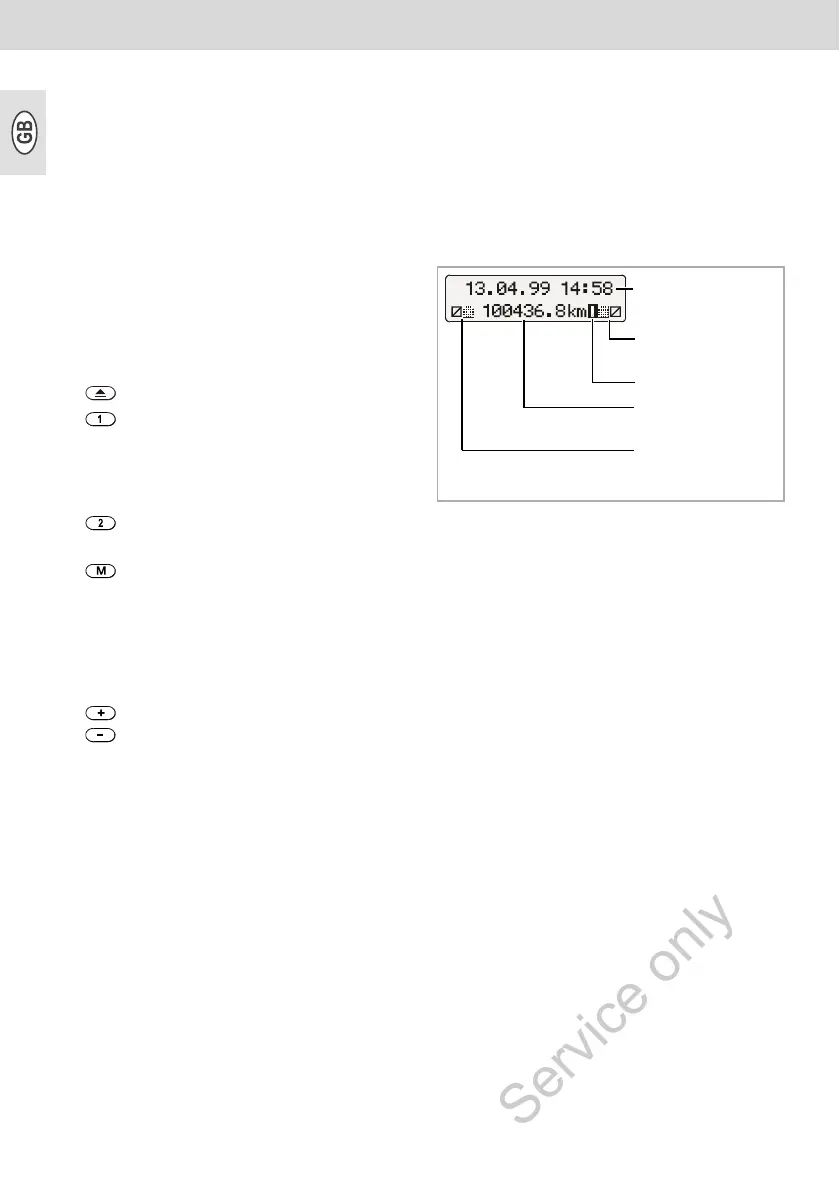
• The basic display is shown perma-
nently.
• Messages / notes are displayed
automatically, ➥ see page 14.
4) Separating plate
between driver 1 and driver 2 chart.
5) Checkpoint marking
for checking the temporally correct
position of the chart carrier.
6) "Pear-shaped" chart carrier
7) Nameplate
The manufacturer, device type,
inspection mark and serial number are
indicated here.
Key for unlocking the drawer.
Key for adjusting the time group for
driver 1.
Key for adjusting the time group
for driver 2.
Key for selecting the following
functions:
• "Time Adjustment",
➥ see page 13.
• Display "Error Memory",
➥ see page 14.
Keys for adjusting the time and for
displaying the current error mes-
sages.
Date + time
Chart + time group
symbol, driver 2
Error symbol
Total kilometre
reading
Chart + time group
symbol, driver 1



 To Next Page