Calibration
17-390 Dimension 3100 Manual Rev. C
Z Calibration Engage continued...
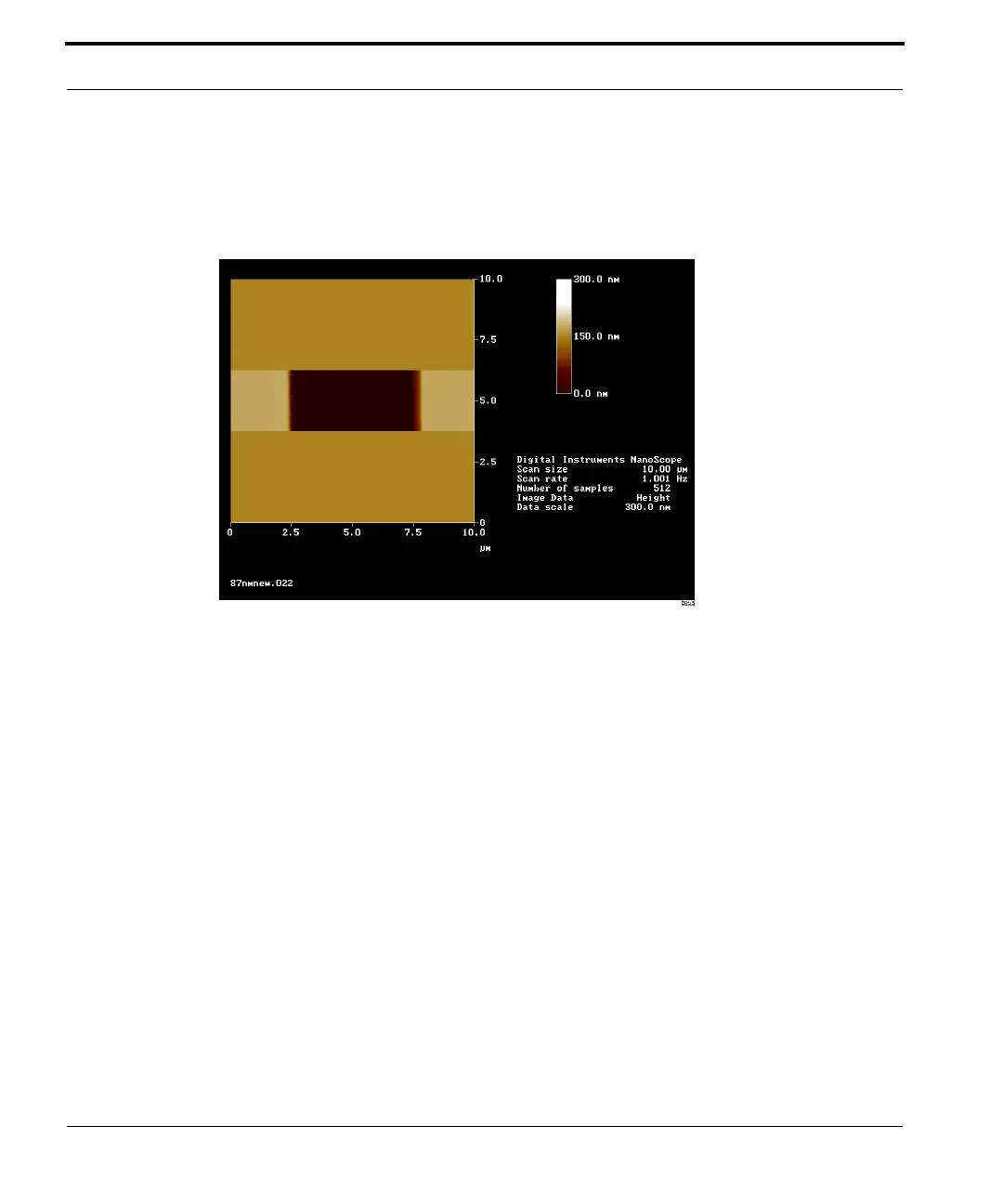
4. Change the aspect ratio to 4:1, and verify that the image includes
the pit along with portions of the surrounding flat area (See Figure
17.8a).
Figure 17.8a Z Calibration Image
5. Verify that the Z Center Position value shown next to the image
display is close to 0 volts (±5 volts).
6. If the Z Center Position value is non-zero, use the Real-time /
Motor / Tip Up and Tip Down buttons to adjust.
17.8.2 Capture and Correct an Image
1. Capture an image by selecting Capture in the Real-time menu, or
click on the CAPTURE icon. When the image is captured, go to the
Off-line screen.
2. Remove all tilt and scan line errata from the image before
continuing by selecting Off-line / Modify / Flatten Manual.
3. Set the Flatten order parameter in the dialog box to 1.



 To Next Page