Stage System
5-84 Dimension 3100 Manual Rev. C
5.3 Stage Menu Commands
Important stage menu commands are discussed in detail in the following
sections:
• Load New Sample: Section 5.3.1
• Locate Tip: Section 5.3.2
• Align Laser: Section 5.3.3
• Focus Surface: Section 5.3.4
• Move To (X,Y): Section 5.3.5
• Set Reference: Section 5.3.6
• Stage Menu Commands continued...: Section
• Initialize: Section 5.3.8
• SPM Parameters: Section 5.3.9
5.3.1 Load New Sample
ATTENTION: Do not move the stage while the microscope is scanning.
Stage software is designed to function between vertical movements of the
head. Functions such as Load New Sample first lift the head's probe from
the sample surface, then index the stage to a preprogrammed location
(usually front-center) where samples may be rapidly reloaded.
To load or unload a sample from the stage using the Load New Sample
function, complete the following:
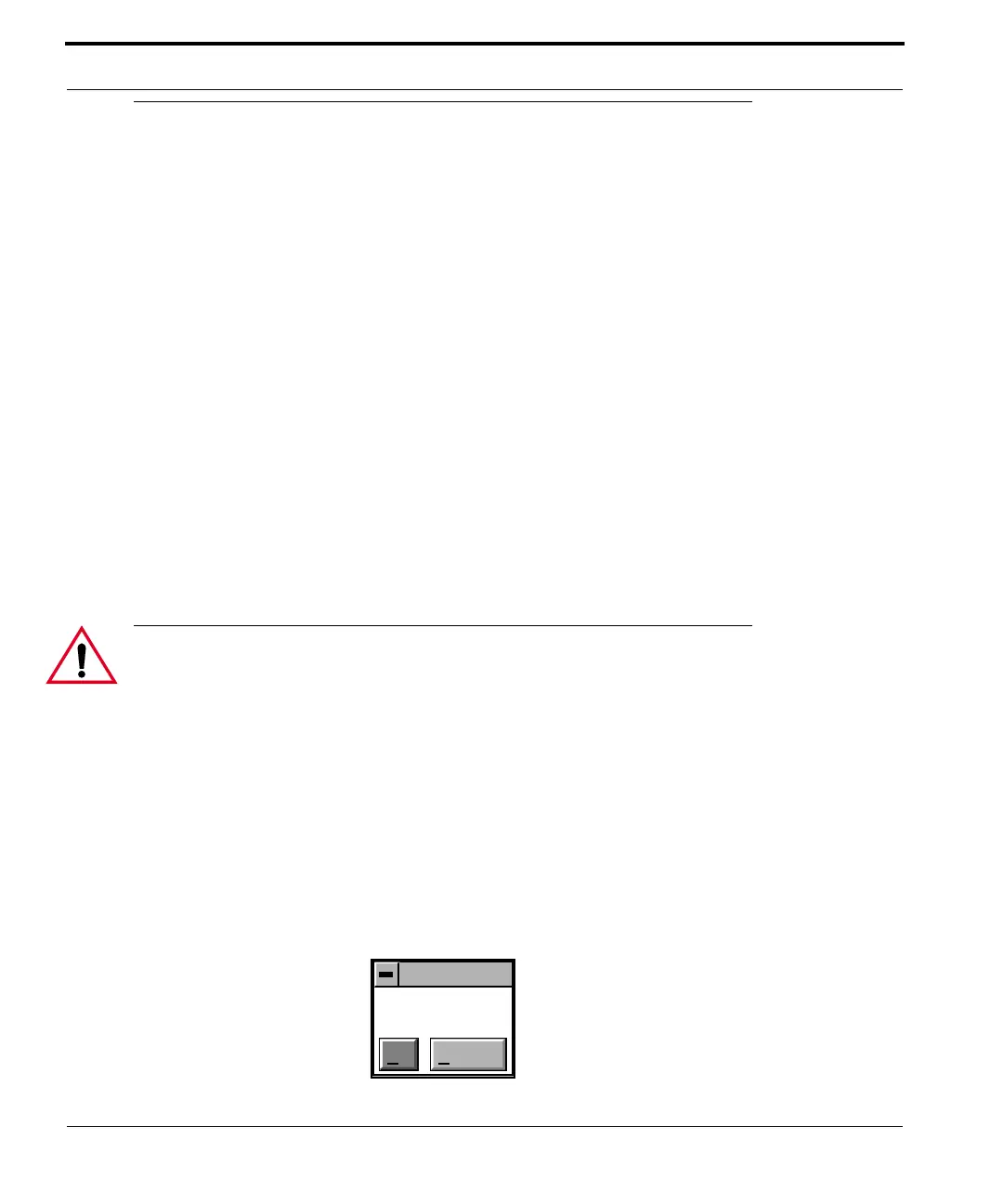
1. Select Load New Sample from the Stage pop-down menu. The
screen displays a dialog box (See Figure 5.3a).
Figure 5.3a Stage Load/Unload Prompt
Stage
Load/Unload?
Ok Cancel



 To Next Page