Installation
4-76 Dimension 3100 Manual Rev. C
Connect the Dimension 3100 Controller continued...
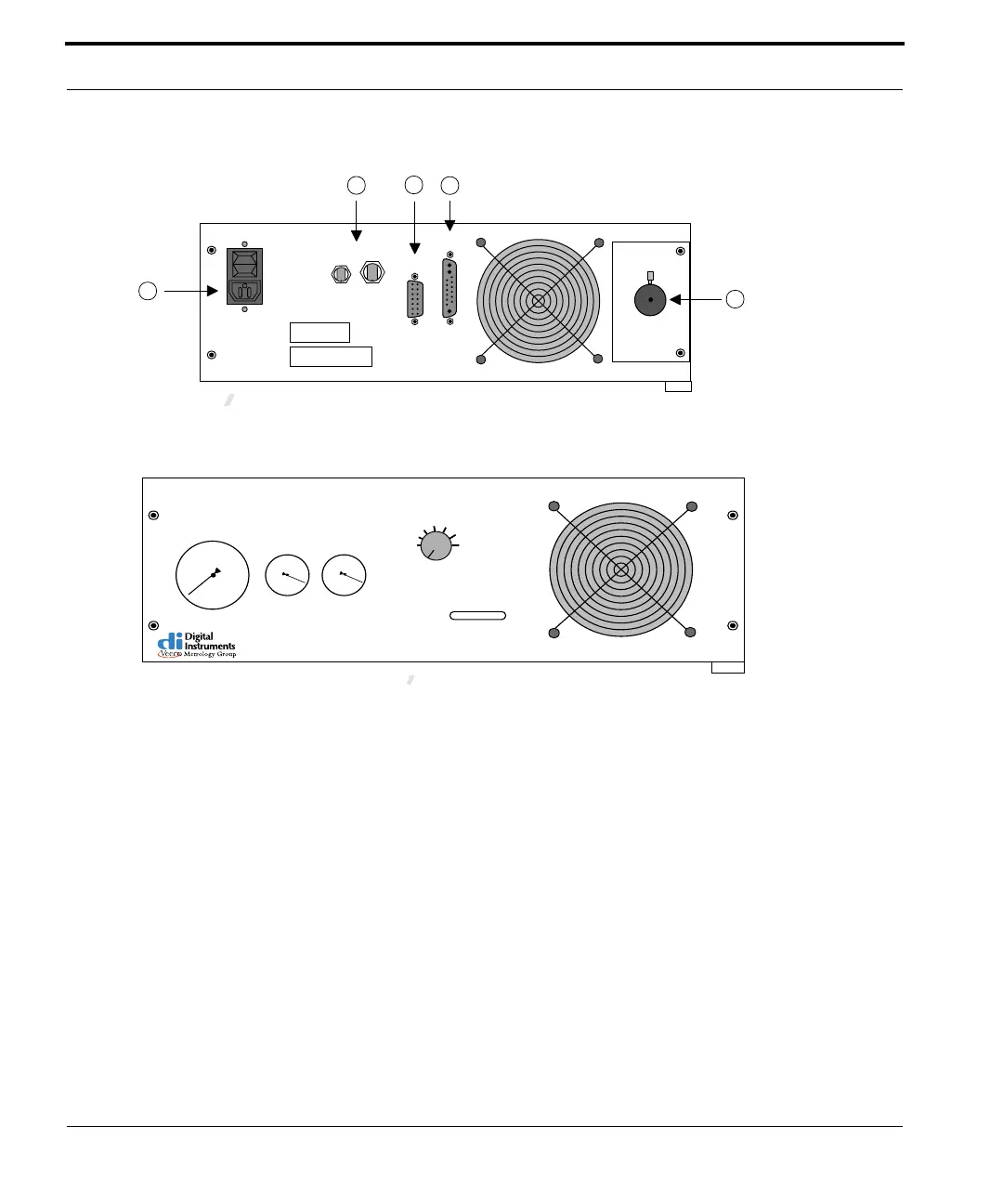
Figure 4.5d Dimension 3100 Controller (rear view)
Figure 4.5e Dimension 3100 Controller (front view)
2. To set illumination, toggle the manual control switch on the front of
the Dimension 3100 controller to ON for manual control or OFF
for computer control (See Figure 4.5e).
Note: Each illumination system may vary in
intensity. Adjust to preferred levels once the
system is operational—for computer
adjustment there is an "illumination" parameter
on the Other Controls panel.
3. Lock the fiber optic cable in place after establishing connection to
the Dimension 3100 controller and to the Dimension 3100
microscope optics. Tighten the respective locking screws until they
are snug.
4. Remove the temporary cover from the vacuum/air ports.
I
O
4
1
5
2
3
3903
AC
POWER
ETL STICKER HERE
SERIAL NO. STICKER HERE
DC
POWER
SERIAL
PORT
Lightbulb is the only
user serviceable part
MICROSCOPE
AIR & VACUUM
NanoScope®
Dimension
TM
3100 Controller
Air Pressure
Chuck Vacuum Vacuum Pump
Manual
Light Control
Status
1 2 3 4 5 6 7 8 9
3908



 To Next Page