VELUX 25
Enter Back
P1
P2
Yes No
More
P1
P2
Continue
5
Displays the product chosen.
• Press "More" to move additional products to Room 1.
You will return to the list in item 4. Repeat items 4-5 until
the relevant products have been moved to Room 1.
• Press "Continue" to proceed.
6
Displays a list of options.
Press to highlight "Save Room".
Press "Enter" to confirm your choice.
Highlight one of the other options to undo your choice.
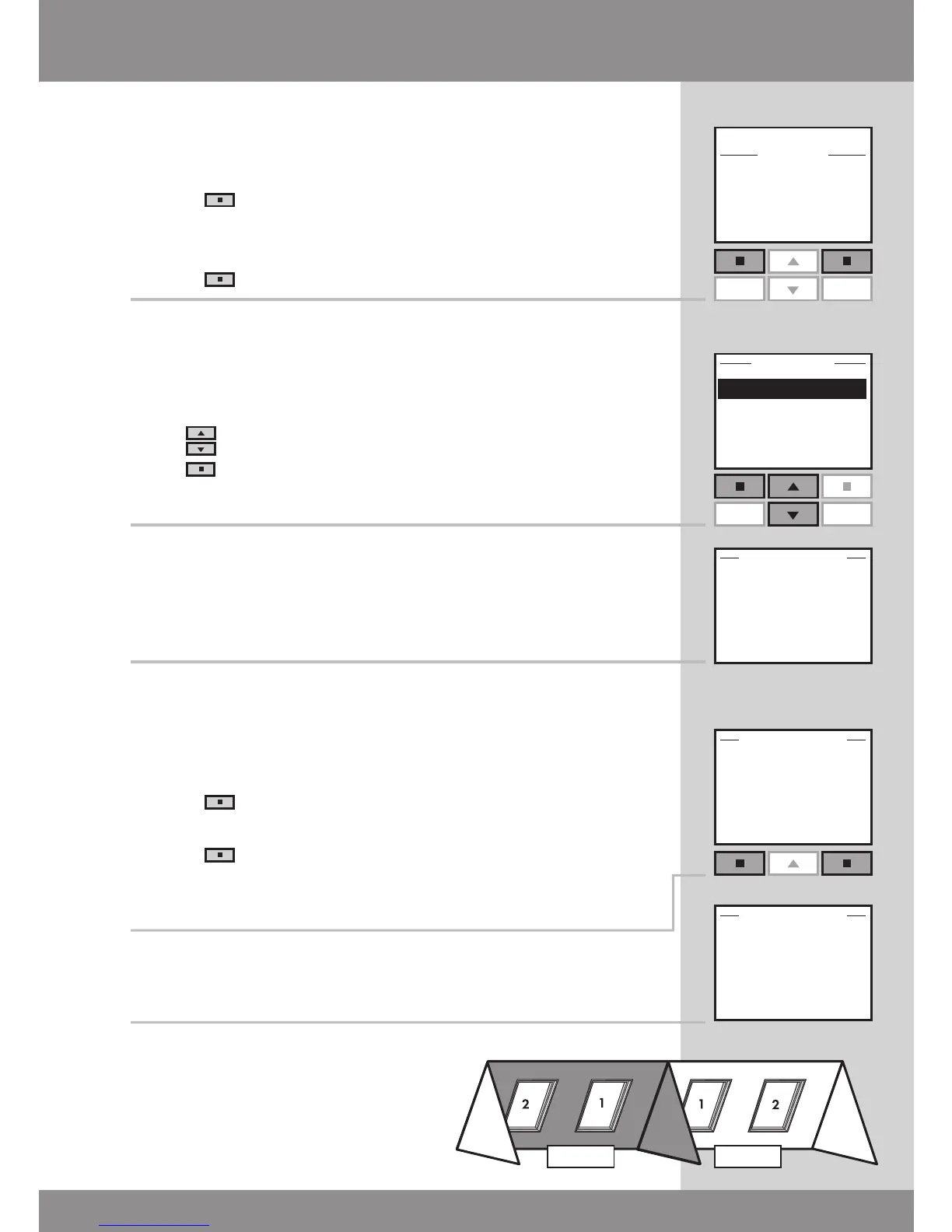
7
The display shows that a Room has been created.
8
The display asks whether to assign the remaining products
to just one new Room.
• Press "Yes" to save the remaining products in
Room 2.
• Press "No" to return automatically to the list in
item 3 and possibly create more Rooms.
Note: All products must be assigned to a Room.
9
The display shows that a new Room has been created.
Note: Numbers are assigned in
the order in which the products
are moved to the Room in ques-
tion.



 To Next Page
 Loading...






