EasyManua.ls Logo

VEMAG HP30E - User Manual

Default Icon
189 pages
Print Icon
To Next Page IconTo Next Page
Loading...
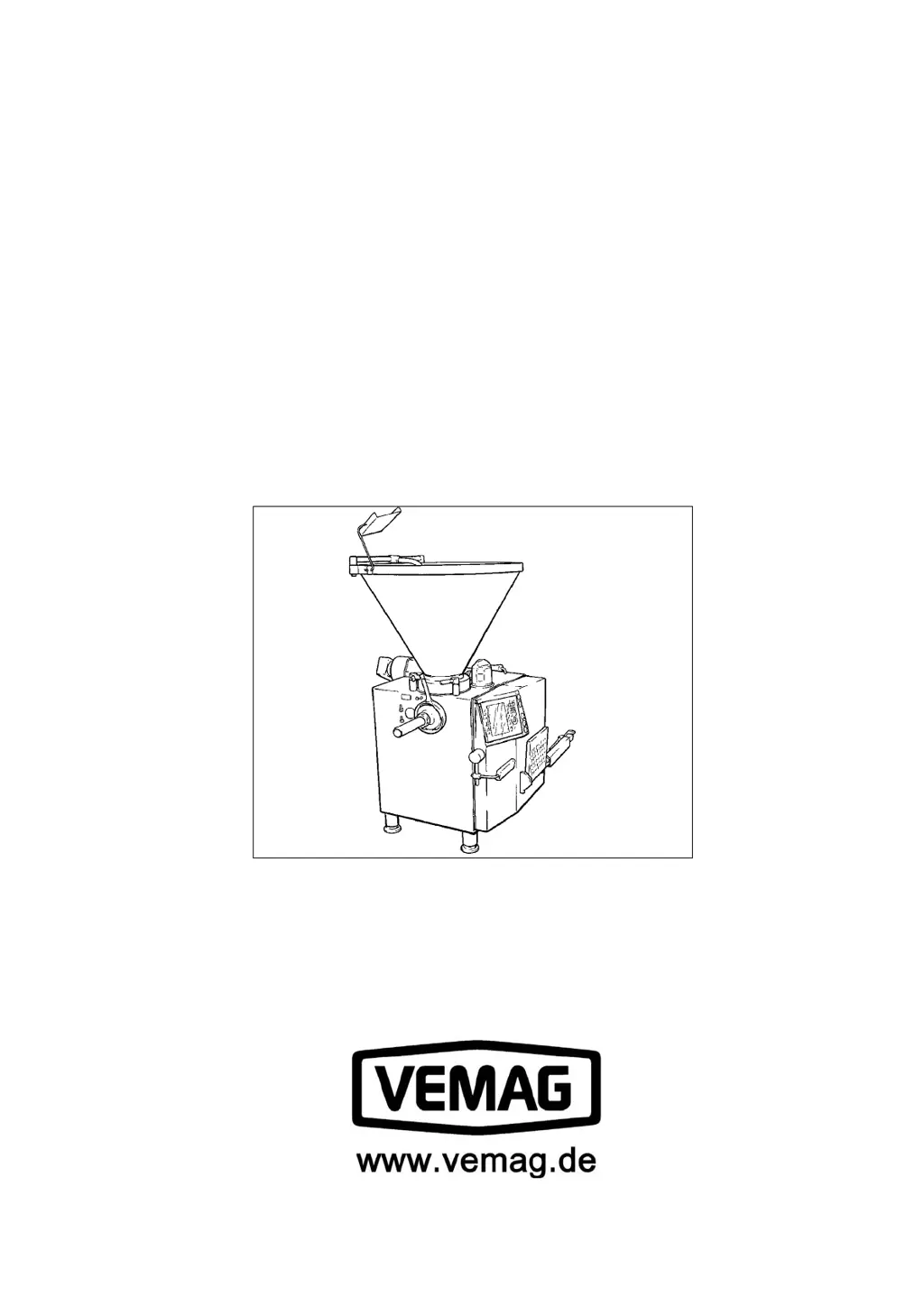
Vacuum ller
HP25E (from 1640800)
HP30E (from 1660917)
Operating instructions

Questions and Answers

  • M
    Megan PerezAug 14, 2025
    Why are there weight fluctuations in my VEMAG HP30E?
    • T
      Thomas AndersonAug 14, 2025
      Weight fluctuations in VEMAG Industrial Equipment can arise from several factors. Ensure you're using the correct double screw, especially a 48 mm double screw pitch for smaller portions. Inspect the double screw and housing for wear, maintaining a maximum air gap of 0.5 mm. Close any air relief bores in the double screw housing. Verify the vacuum system's integrity. Finally, check the feed screw, ensuring a 110 - 120 mm gap between its bottom edge and the housing's top edge.
  • S
    Stephanie StoneAug 17, 2025
    How to prevent air trapped in product with VEMAG HP30E?
    • J
      Joseph PerezAug 18, 2025
      If your VEMAG Industrial Equipment is experiencing air trapped in the product, several factors could be responsible. Begin by inspecting the double screws for wear or suitability. Next, check the vacuum system for leaks, focusing on the double screw drive seal. If the vacuum display fluctuates, it indicates air intake by the vacuum pump, so inspect the valve float. Clear any blocked air relief bores using the setting screws. Employ mixing speed during the final bowl-cutting phase and ensure the entire vacuum system is free-flowing.
  • A
    aaron12Aug 21, 2025
    What to do if raw sausage smears with VEMAG Industrial Equipment?
    • G
      Gary RayAug 21, 2025
      If you notice raw sausage smears when using your VEMAG Industrial Equipment, it could be due to several reasons. First, ensure that you are using the appropriate double screw. Check the product feed for any lumps. Inspect the vacuum system for any issues. Finally, consider reducing the product temperature.
  • K
    kimberlyjonesAug 25, 2025
    Why is there a drop in output from my VEMAG Industrial Equipment?
    • D
      Derrick MooreAug 25, 2025
      A drop in output in your VEMAG Industrial Equipment may be caused by worn double screws and housing, a low vacuum, or a deformed feed screw. Inspect the double screw and housing for wear, measuring the air gap. Ensure the vacuum setting is correct, with no product in the vacuum pot. Check the feed screw, maintaining a 110 - 120 mm gap between its bottom edge and the housing's top edge.
  • L
    lharperAug 27, 2025
    What to do if the lifting/tipping device (optional) is not functioning on VEMAG HP30E?
    • E
      Erika HarrisAug 28, 2025
      If your VEMAG Industrial Equipment's lifting/tipping device isn't working, it could be due to several reasons. The buttons might not be responding, or the valve Y1, Y2 isn't being actuated or is defective. The hoist motor could also be malfunctioning, or the power switch QM5 might have been triggered. Check the hoist motor and switch on the power switch. For the valve issue, check the voltage indicated by the LED below the valve plug. For further assistance, contact VEMAG Customer Service.
  • B
    Bryan HartAug 31, 2025
    How to solve machine temperature too high in VEMAG HP30E?
    • M
      Michelle QuinnAug 31, 2025
      If your VEMAG Industrial Equipment machine temperature is too high, the air filter might be contaminated. Clean the air filter to resolve this issue.
  • B
    Benjamin JohnsonSep 3, 2025
    What to do if vacuum level not reached, vacuum unstable in VEMAG Industrial Equipment?
    • A
      Amy WilsonSep 3, 2025
      If the vacuum level is not being reached or is unstable in your VEMAG Industrial Equipment, there could be a leak in the vacuum system. Also, water or product residues might be in the line to the display, or the air de-oiling element could be contaminated. Check the vacuum system for leaks. Clean or replace the line if necessary. Replace the air de-oiling element.
  • X
    xbarreraSep 7, 2025
    Why display does not light up on VEMAG HP30E Industrial Equipment?
    • M
      Mrs. Sonya StephensSep 7, 2025
      If the display on your VEMAG Industrial Equipment does not light up, several issues could be the cause. There might be no mains voltage, or the main switch might not be turned on. Additionally, fuses F1, F2, or F3 could be defective, or the power supply or graphic control could be malfunctioning. Switch on the main switch. Have machine back-up fuse replaced by an electrician. Have fuse replaced by an electrician. Have defective part replaced by electrician.
  • P
    Peter DanielsSep 12, 2025
    Why is the vacuum pump not running on my VEMAG Industrial Equipment?
    • E
      Elizabeth StoneSep 12, 2025
      If the vacuum pump isn't running on your VEMAG Industrial Equipment, the power switch QM4 may have been triggered, or the vacuum pump could be overloaded. Switch on the power switch. Check the vacuum pump.

Summary

Vacuum filler

Index

Safety instructions

Guidelines and warnings for safe operation and maintenance.

Description

Detailed explanation of the machine's components and features.

Installation and commissioning

Steps for setting up and starting the machine.

Setting up

Procedures for configuring the machine for operation.

Operation

Instructions for using the machine during production.

Graphical control

Explanation of the machine's user interface and controls.

Cleaning

Procedures for cleaning the machine and its parts.

Maintenance

Guidelines for routine maintenance and servicing.

Troubleshooting

Guidance for identifying and resolving common issues.

EC-Declaration of Conformity

1. Safety instructions

1.4 General safety instructions

Provides essential safety rules for operating the machine.

1.5 Special safety instructions

Highlights specific safety precautions for various operations.

3. Installation and commissioning

3.2 Setting up the machine

Steps to correctly position and align the machine.

3.3 Electrical connection

Guidance on connecting the machine to the power supply.

5. Operation

5.1 Working with the machine

Detailed steps for starting and operating the filler.

6. Graphical control

6.4 Status and error messages

Information on system status indicators and error reporting.

6.6. Mode groups, modes, start;stop methods and parameters

Explains different operating modes and their parameters.

8. Maintenance

8.4 Maintenance schedule

Table outlining maintenance tasks based on operating hours.

9. Troubleshooting

9.2 Troubleshooting table

Lists common faults, their causes, and remedies.

VEMAG HP30E Specifications

General IconGeneral
BrandVEMAG
ModelHP30E
CategoryIndustrial Equipment
LanguageEnglish

Related product manuals