HP25E / HP30E 6. Graphical control
6-49© VEMAG 2018
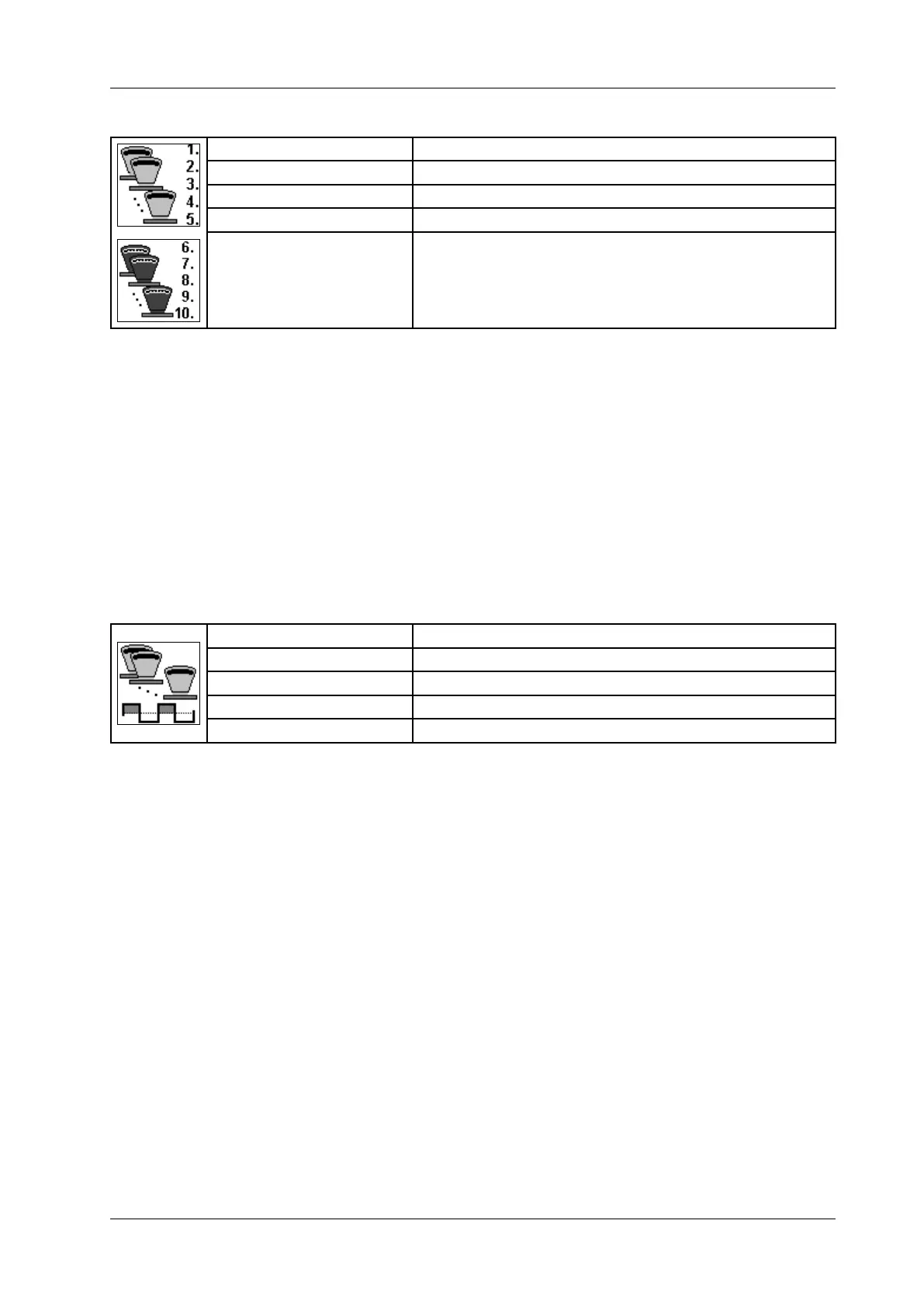
6.6.4.45 Group portions
Display: Group portion
Unit: Number of portions/gramme g
Resolution: 1/0.1 g
Setting range: 0 - 99/0.1 g - 60,000.0 g
Application: Forming machine FM 250 (kebab production)
• Enter the number of portions (e.g. kebab slices) of identical weight.
• Enter weight.
• Press Enter.
Here you dene how many portions of identical weight you want
to produce and determine the weight of these portions.
Example: 1. 5 x 300 [g]
The rst portion has a weight of 300 g and is produced
a total of ve times.
You can enter up to 25 group portions. If the last portion of a frame (e.g.
No. 5) is > 0, the next frame is displayed (No. 6 - 10).
6.6.4.46 Group pause
Display: Group pause
Unit: Milliseconds [ms]
Resolution: 1 ms
Setting range: 0 – 9,999 ms (-1 = o)
Application: Forming machine FM 250 (kebab production)
• Enter group pause.
• Press Enter.
Here you dene the pause after which all group portions are produced
(e.g. set-up time for changing stick when making kebabs). The group
pause can only be larger than the value set under "Pause". If the group
pause has been switched o, the value set under "Pause" also applies
between groups.



 To Next Page