DESCRIPTION
B001167
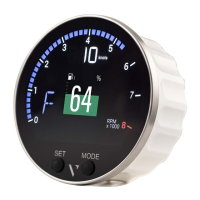
SCREENS SCROLLING
To return to the previous page, briefly press the MODE
button.
To go to the next page, briefly press the SET button.
briefly press the SET and MODE buttons
Press and hold the SET button until the value resets.
acknowledge the alarm pop
SELECT THE PAGES TO DISPLAY
By default, all pages are displayed.
You can choose which pages to hide/show in the settings menu, under Show screen.
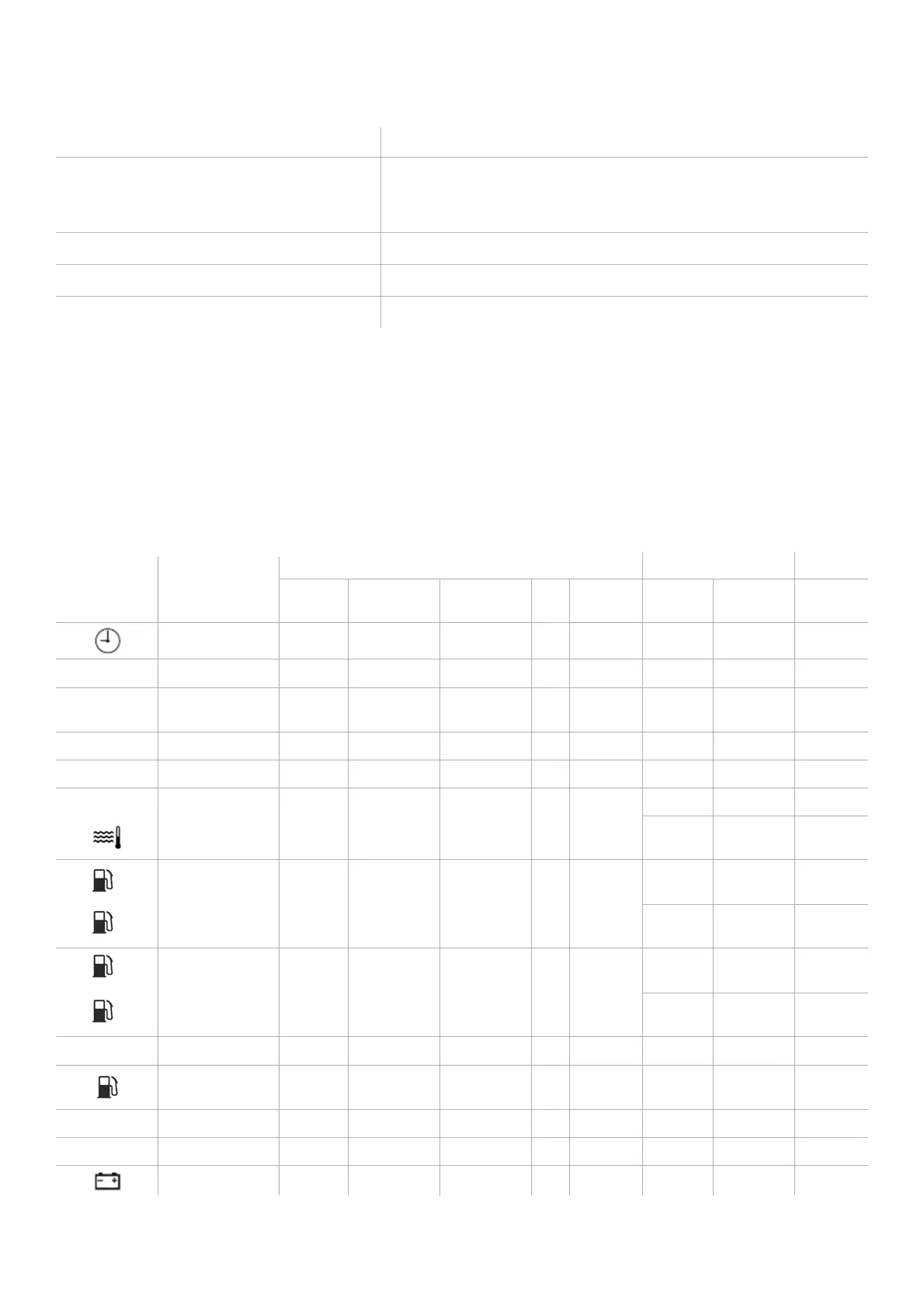
LIST OF MANAGED DATA
Icon/Text Information
Input signal Output Unit
Internal
Frequency Resistive LIN
NMEA
2000
NMEA
2000
EasyLink
Clock x * - - - x x - hh:mm
-
GPS position x * - - - x x -
COG
Course over
ground (COG)
x * - - - x x - °
Trim
Trim - - x - x x x °
RUDDER
Rudder angle - - x - x x x °
Depth - - - - x - - m / ft
Seawater
temperature
- - - - x - - °C / °F
1
Fuel level of the
first tank
- - x - x x x % / L / Gal
2
Fuel level of
second tank
- - x - x x x % / L / Gal
3
Third tank fuel
level
- - x - x x x % / L / Gal
4
Fourth tank fuel
level
- - x - x x x % / L / Gal
TTL
Total fuel used x - - - - - - L / gal.
Fuel flow - - - - x - - L per h /
gph
FRESH
Fresh water - - x - x x x % / L / Gal
WASTE
Wastewater - - x - x x x % / L / Gal
Voltmeter x - - x x x x V


 To Next Page