GENERAL SETTINGS
B001167
GENERAL SETTINGS
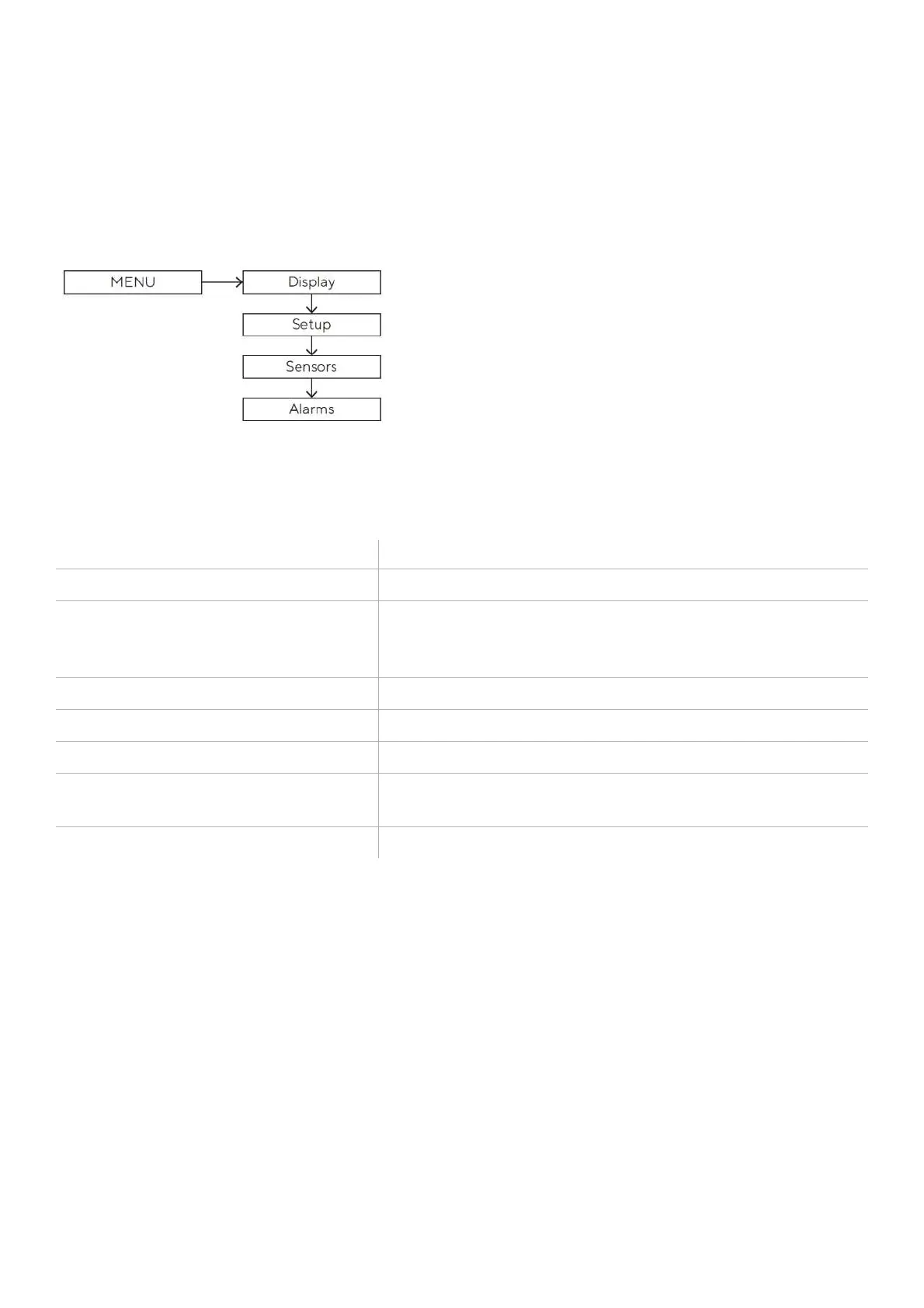
SETTINGS MENU STRUCTURE
OPERATE THE SETTINGS MENU
button until the first menu item appears.
scroll through the settings menu items
and possible values
• To go to the previous item/value, briefly press the
MODE
button.
• To go to the next item/value, briefly press the
SET
button.
button until the data is confirmed.
button until the previous data appears.
disappears, or the previous data page appears



 To Next Page