SETUP
Connection Ports
M425 I
NSTALLATION GUIDE 17
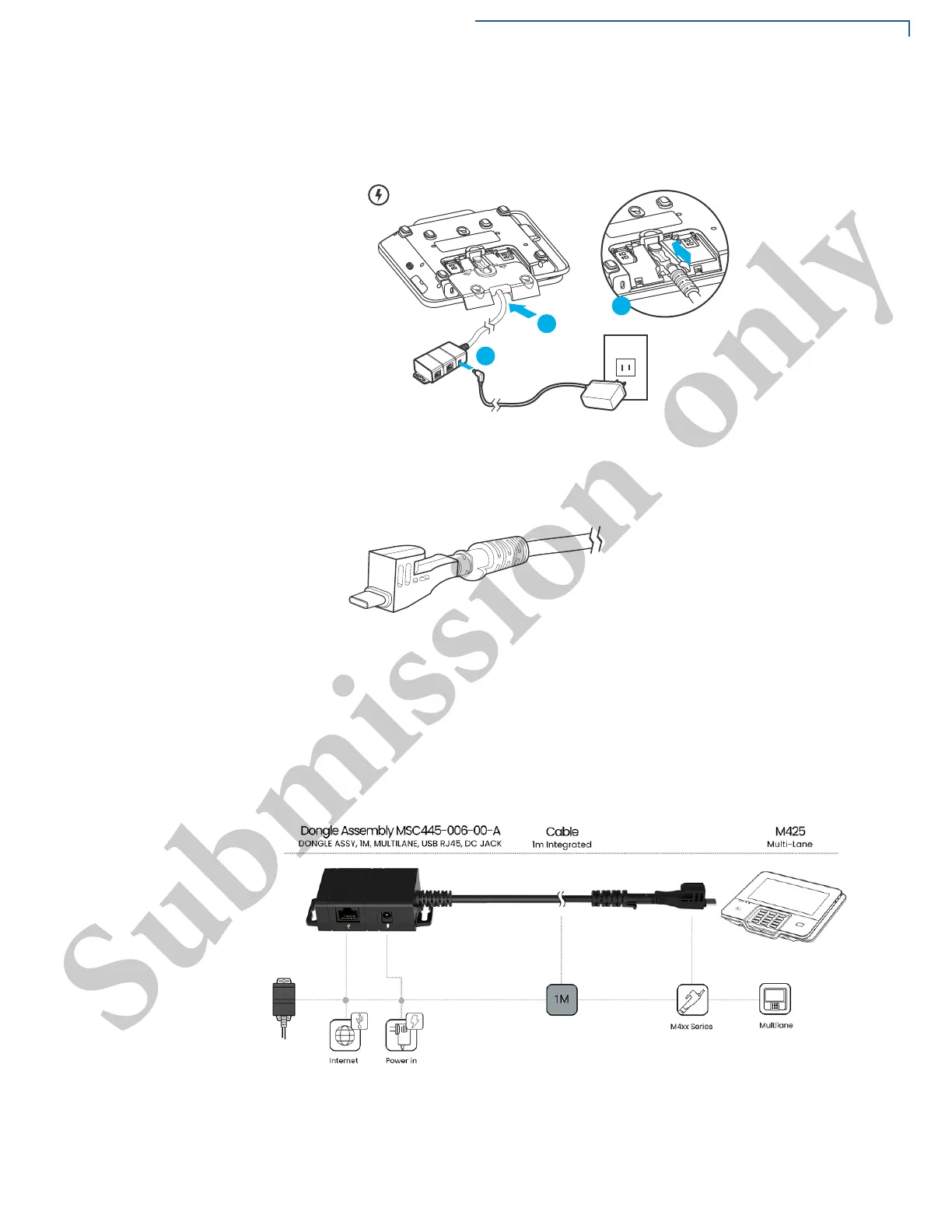
2 Connect the multiport cable at the back of the device, Figure 4 (B).
Figure 4 Multiport Cable Connected on the Rear of the Unit
Powered Multiport Cable supports USB and power connectivity. It provides a
convenient way to connect to other systems of the same type.
Figure 5 Powered Multiport Cable
Integrated Kits
Connect the integrated kits as per the required configuration.
Following are the supported integrated kits for M425 connectivity.



 To Next Page