LabQuest
®
2 Hardware
8
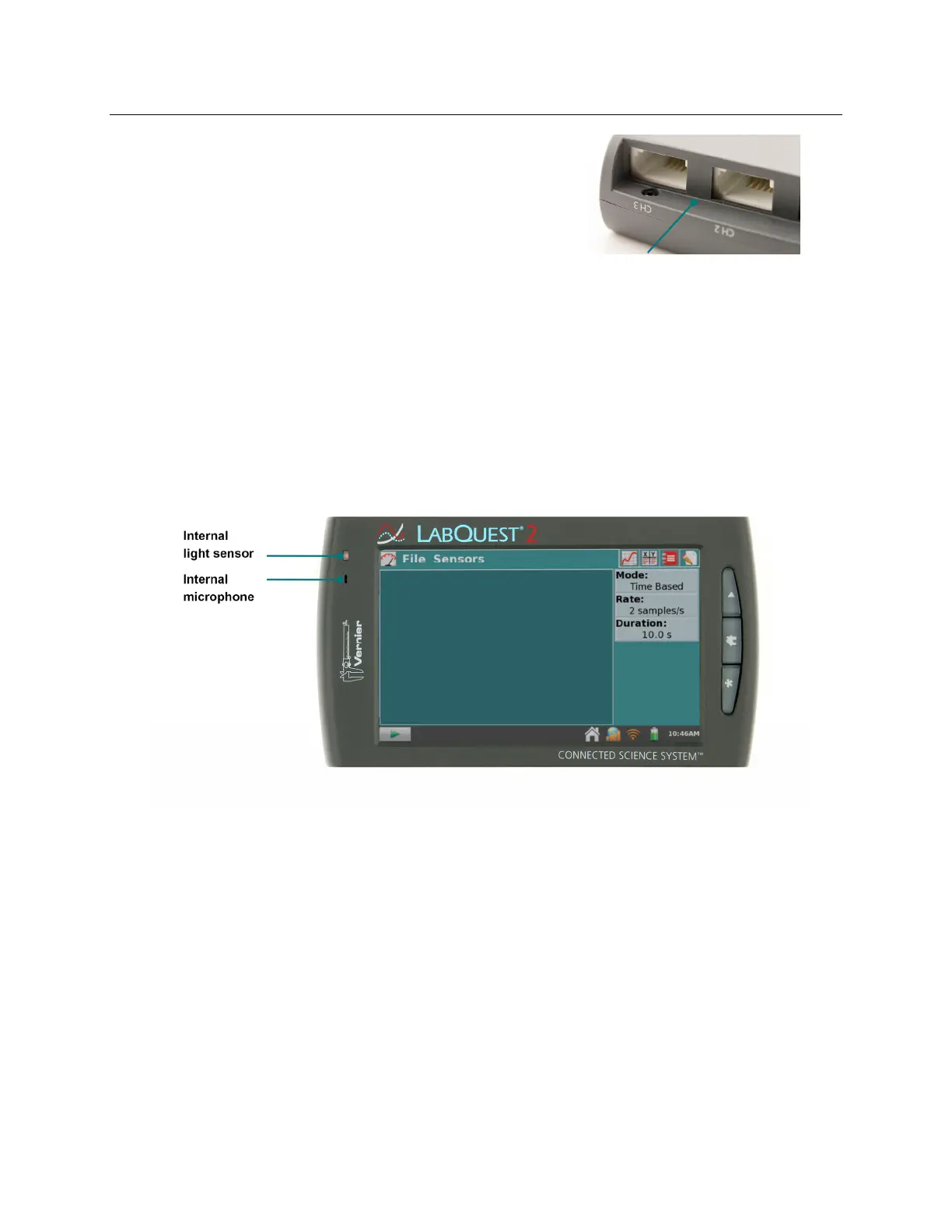
Temperature – The internal temperatu
e sensor
monitors ambient temperature. The sensor is
located between CH2 and CH3, in front of the BTA
connectors.
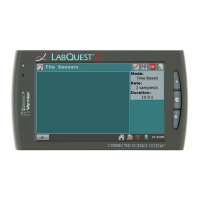
Light Sensor – The internal light sensor is located on the front of LabQuest, to the left of the
screen. This light sensor combines one exposed photodiode (CH0), which is responsive to
both visible and infrared light, and one filtered photodiode (CH1), which is responsive
primarily to infrared light. The CH1 reading is subtracted from the CH0 reading and then
converted to a value in lux that represents illuminance (ambient light level) to approximate
the human eye response. The spectral response range for this sensor is approximately 400–
800 nm.
Microphone – The internal Microphone is located on the front of LabQuest to the left of the
screen, as shown below, and measures waveforms. TIP! This sensor cannot be used with
external sensors.


 To Next Page