Installing & Configuring the eyeBeam SIP Softphone A-3
CounterPath SIP Softphone
Wave Phone User Guide
When prompted:
3. Enter the license button that you were supplied, and click OK.
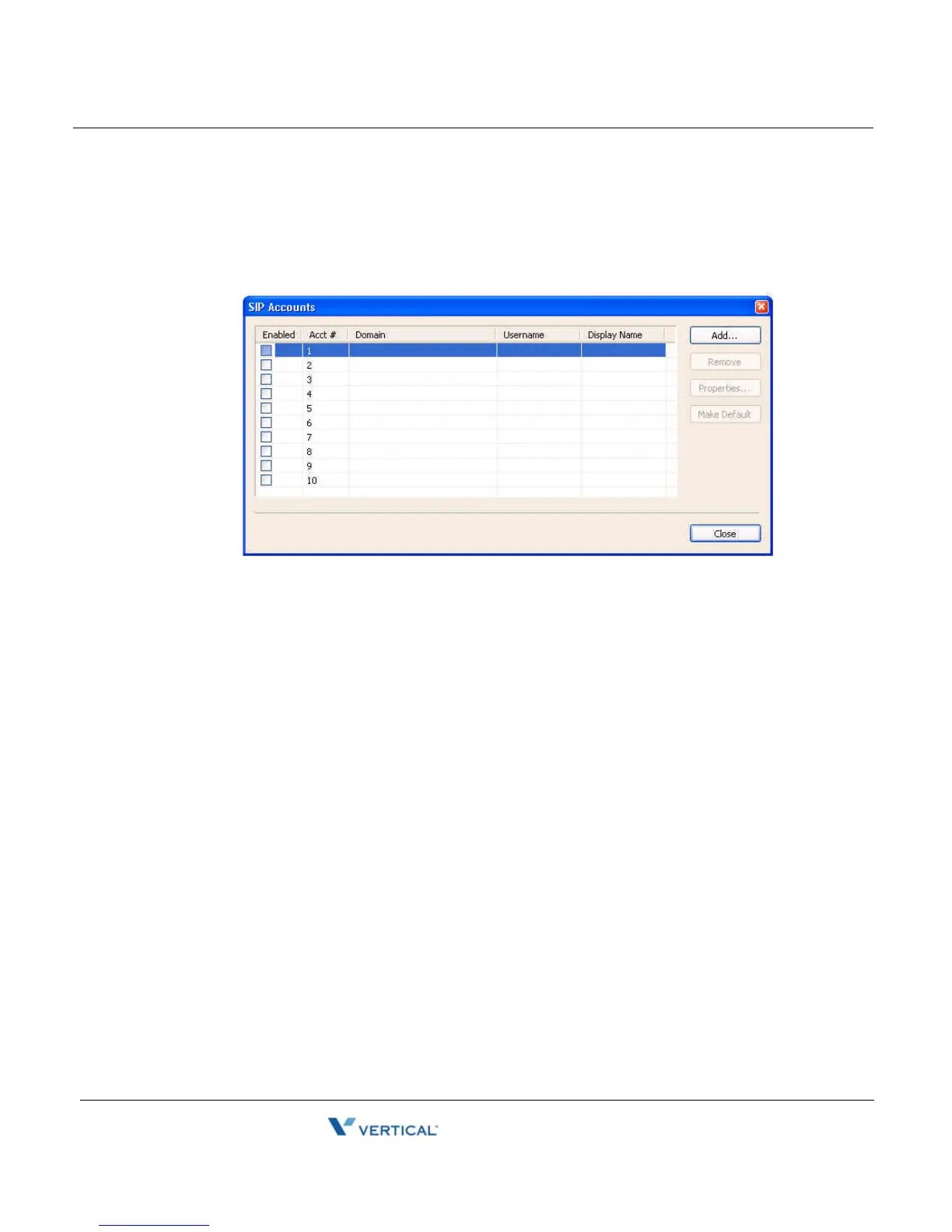
When the SIP Accounts dialog box opens:
4. Select the first SIP Account row.
5. Click on the Add Button.
Note: If you accidentally exit the dialog box, right-click anywhere on the eyeBeam phone
and choose Account Settings to open it again.



 To Next Page