Vertiv™ NetSure™ V200E50 DC Power Retrofit Installation and User Manual
Proprietary and Confidential © 2022 Vertiv Group Corp.
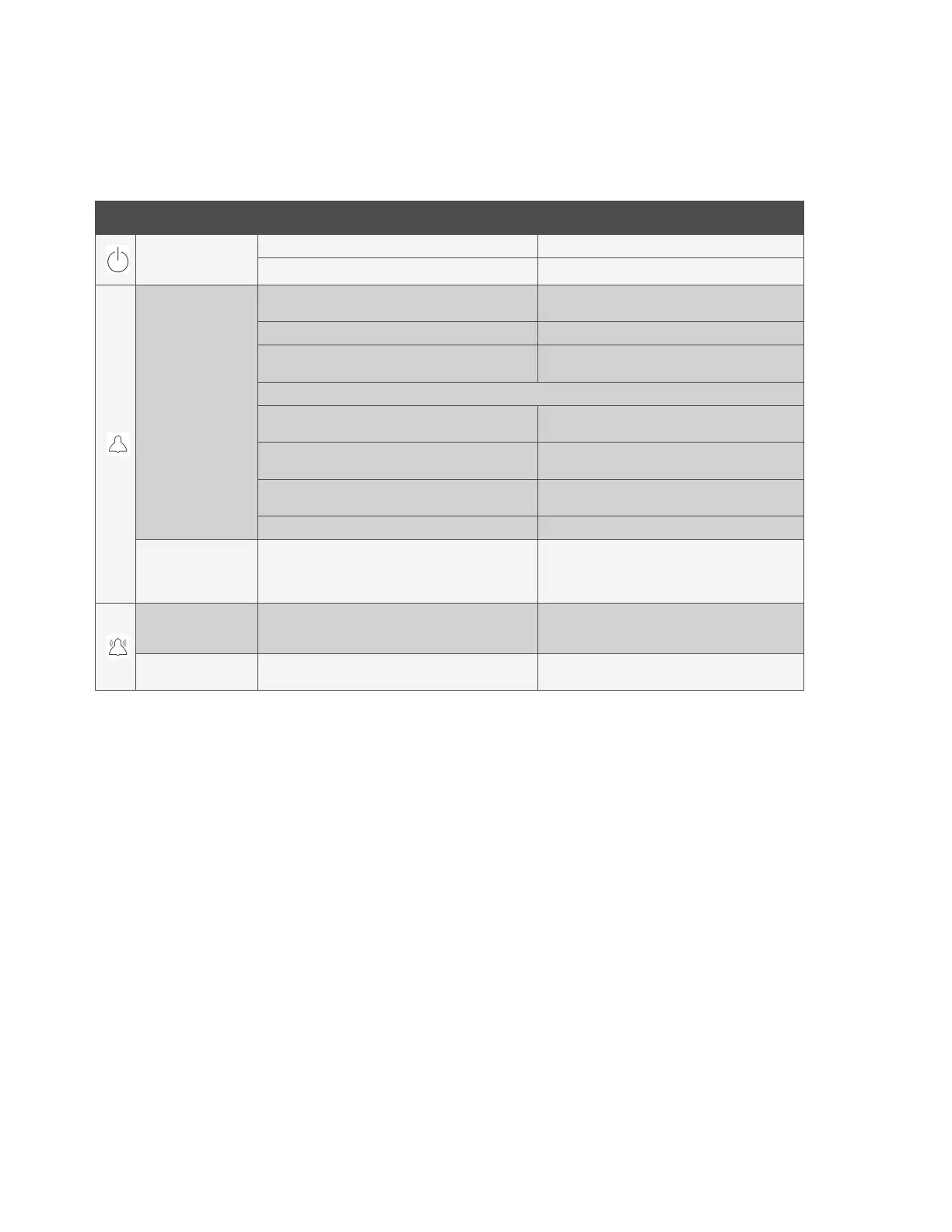
The fault indicators that each Rectifier can display are as follows: Power indicator (green) OFF, Protection indicator (yellow) ON or
FLASHING, and Alarm indicator (red) ON or FLASHING. Refer to Table 5.1 for a list of possible causes and corrective actions.
Table 5.1 Rectifier Fault Symptoms and Troubleshooting
Symptom Possible Cause(s) Suggested Action(s)
Power
Indicator
(Green) Off
No input voltage. Verify input voltage is available.
Internal Input fuse open. Replace the Rectifier.
Protection
Indicator
(Yellow) On
AC input voltage outside the normal range.
Correct the AC input voltage to within the
acceptable range.
PFC over-voltage. Replace the Rectifier.
Current sharing imbalance.
See “Rectifier Current Sharing Imbalance” on page
22.
Rectifier over-temperature protection, which could be caused by:
1. Fan rotor blocked.
Remove any object that may be blocking the fan
rotor.
2. Ventilation blocked (inlet or outlet).
Remove any object that may be blocking the inlet or
outlet.
3. Ambient temperature too high or Rectifier inlet too
close to a heat source.
Lower the ambient temperature or relocate the heat
source.
Rectifier not inserted into the slot completely. Remove and properly inset the Rectifier.
Protection
Indicator
(Yellow)
Flashing
Rectifier communication failure.
Check the communication cables.
Remove and properly insert the Rectifier.
Replace Interface Circuit Card.
Alarm Indicator
(Red) On
Overvoltage shutdown.
Internal output fuse open.
Remove the Rectifier from the Mounting Frame and
then reinstall after 30 seconds. If Rectifier fails to
start or shuts down again, replace Rectifier.
Alarm Indicator
(Red) Flashing
Fans not operating (Rectifier shuts down) Replace the fan.







 To Next Page