Chapter 3 Web Interface of RDU501
RDU501 Intelligent Monitoring Unit User Manual
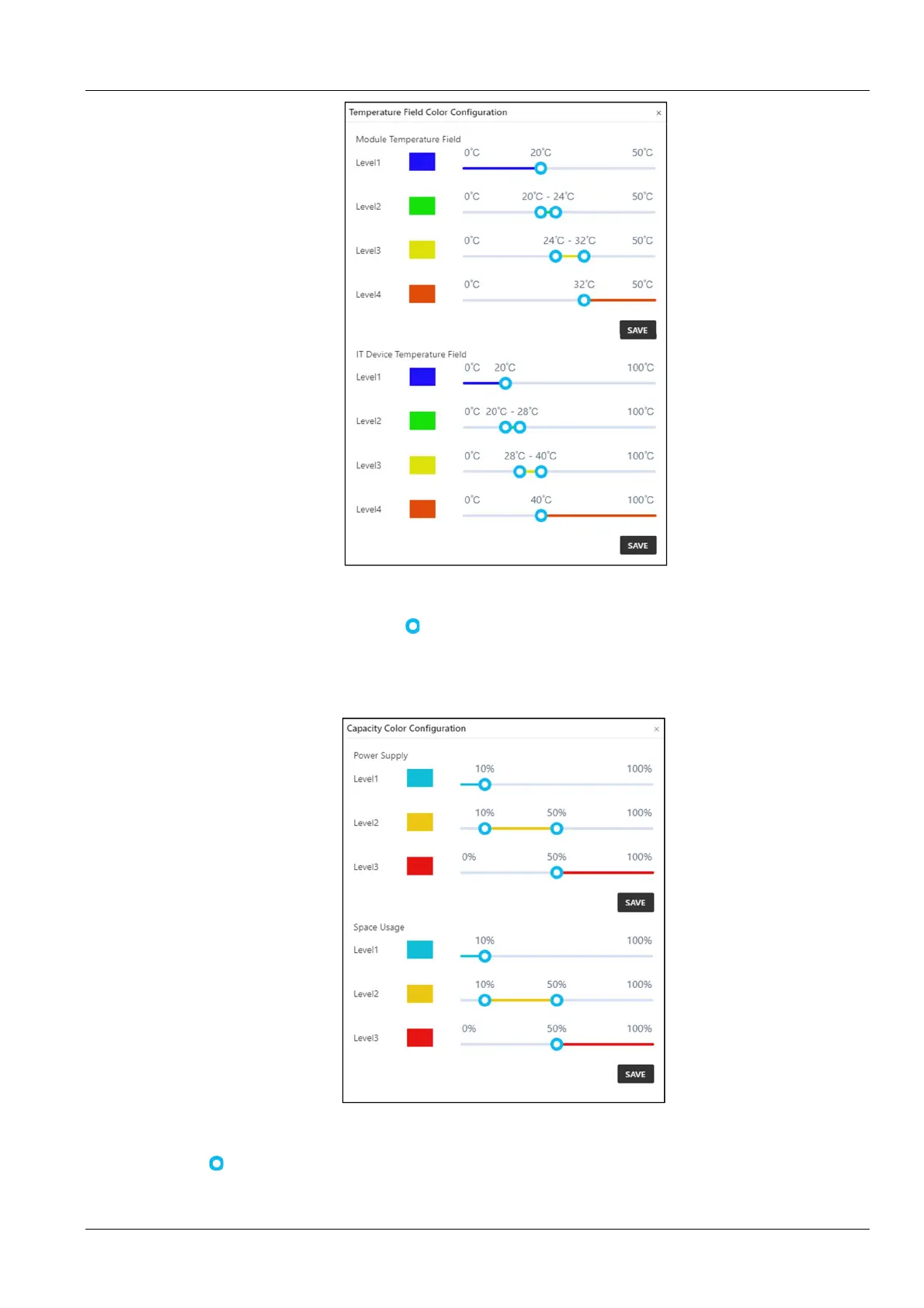
Figure 3-102 Temperature field color setting
The level range of the temperature field of the module and the temperature field of the IT equipment can be set in the
temperature field color setting page. Drag in the level range, change the level range and click Save to complete
the setting.
3.
Capacity color setting
Click the capacity color setting icon at the top right of the page to open the settings page shown in Figure 3-103.
Figure 3-103 Capacity color setting
The level range of the power supply capacity and the space capacity color can be set in the capacity color setting
page. Drag
in the level range, change the level range and click Save to complete the setting.
Assets on the shelves



 To Next Page