Chapter 3 Web Interface of RDU501
RDU501 Intelligent Monitoring Unit User Manual
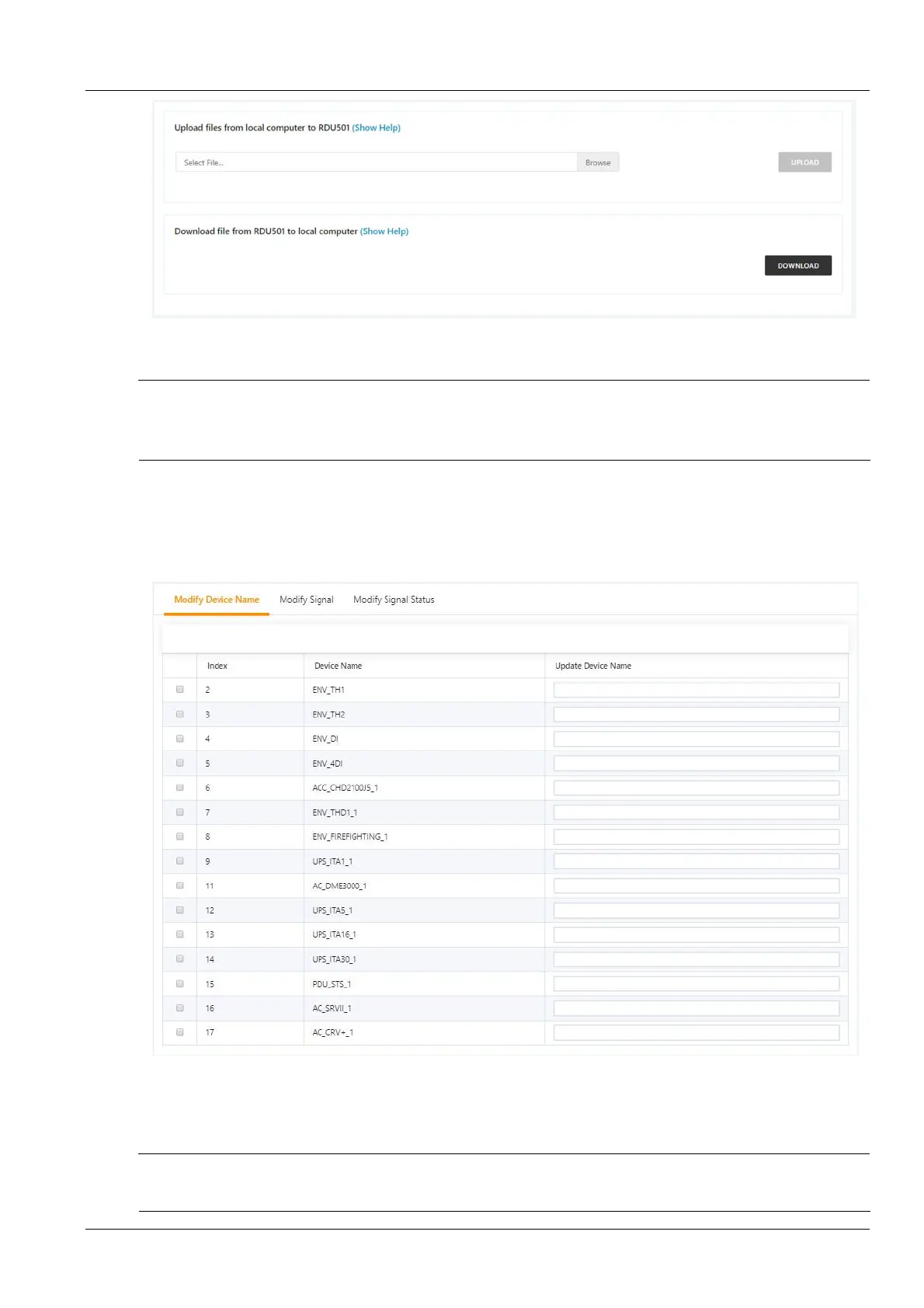
Figure 3-112 Batch configuration
Users can perform Upload and Download operations to complete system batch configuration.
Note
1.
Only the admin user has the authority to perform batch configuration. If batch configuration cannot be performed, click View
Help for help.
2.
The batch configuration files are encrypted after being downloaded to the local.
Device signal configuration
1.
Modify the device name
Click the Device Signal Configuration submenu under the Configuration Management menu to bring up the page
shown in Figure 3-113.
Figure 3-113 Modify device name
In the page shown in Figure 3-113, the user can modify the device name. After entering the new device name, the
Settings button will appear in the upper right corner of the list, and click the Settings button to make the batch
settings.
Note
The device name and signal name characters can be Chinese, English letters, numbers, spaces, and underscores, and other
characters are invalid.



 To Next Page