Chapter 3 Web Interface of RDU501
RDU501 Intelligent Monitoring Unit User Manual
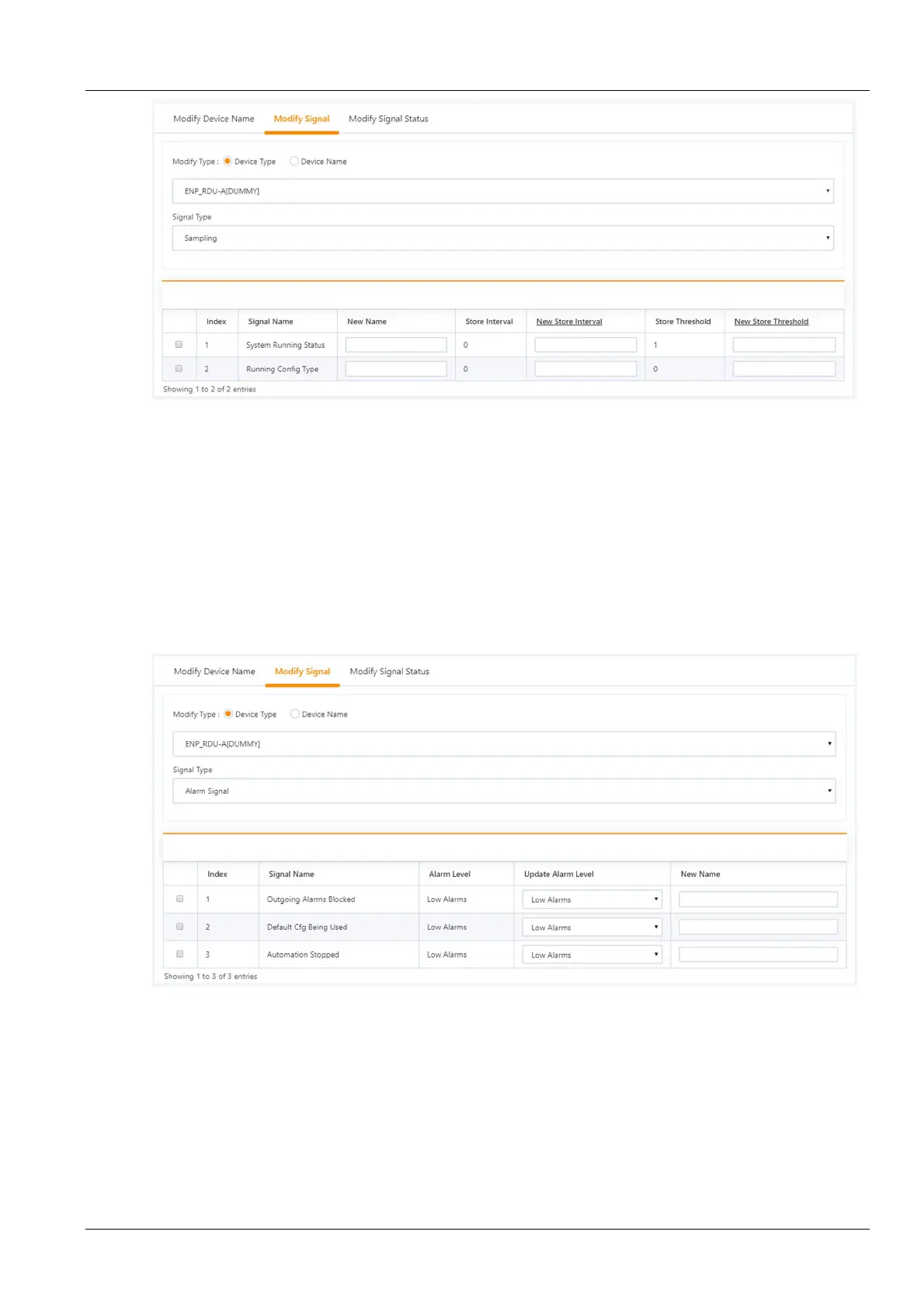
Figure 3-116 Modify the storage cycle/storage threshold
Click on the table title of “New Storage Cycle”, the storage cycle input box will pop up, enter a new storage cycle (for
example: 3600), click the OK button, and all non-zero storage cycles in the device type acquisition signal will be
updated to 3600.
Click the row header New Storage Threshold, pop-up the storage threshold input box, enter a new storage
threshold (for example: 5), click the OK button, and all storage thresholds that are not 0 in the device type acquisition
signal will be updated to 5.
3)
Modify the alarm level
Select the Device Type/Device Name check box, select a device type/device from the drop-down box, and then
select the alarm signal in the signal type drop-down box. The signal list shown in Figure 3-117 appears. You can
select an alarm level in a row, and click the Set button to make one or more changes.
4)
Modify the signal unit
Figure 3-117 Modify the alarm level
Select the Device Name check box, select the THD/8DIAI device in the drop-down box, and then select the setting
signal in the signal type drop-down box. The signal list shown in Figure 3-118 appears. You can enter a new signal
unit in a row and click Set to make one or more changes.



 To Next Page