Chapter 3 Web Interface of RDU501
RDU501 Intelligent Monitoring Unit User Manual
5)
Restore the default name
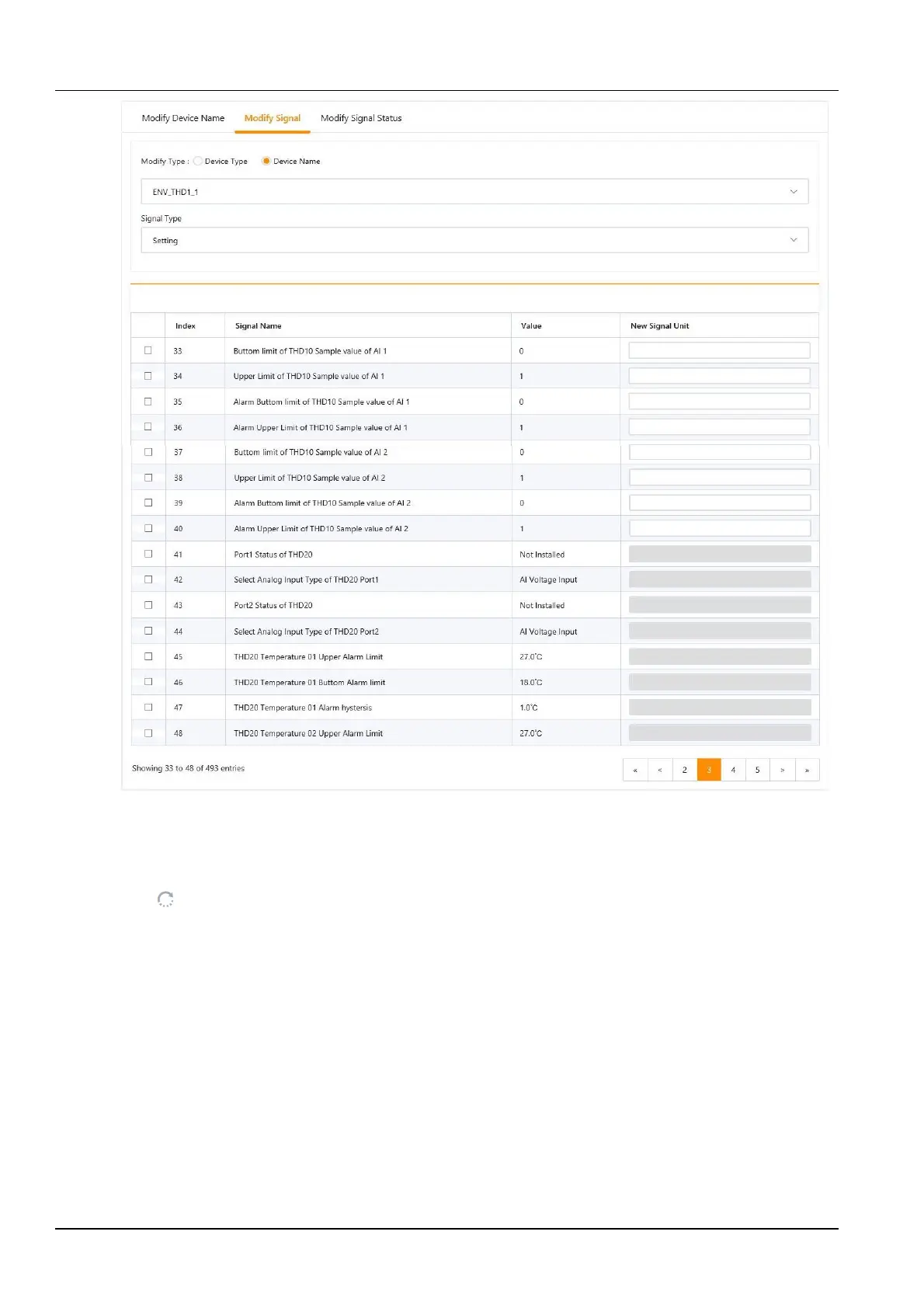
Figure 3-118 Modify the signal unit
Select the Device name check box, select any device in the drop-down box, and then select a signal type in the
signal type drop-down box, the signal list shown in Figure 3-119 appears, you can click the Restore default name
button on the right side of the device. The initial signal name of the current signal can be restored.



 To Next Page