Chapter 3 Web Interface of RDU501
RDU501 Intelligent Monitoring Unit User Manual
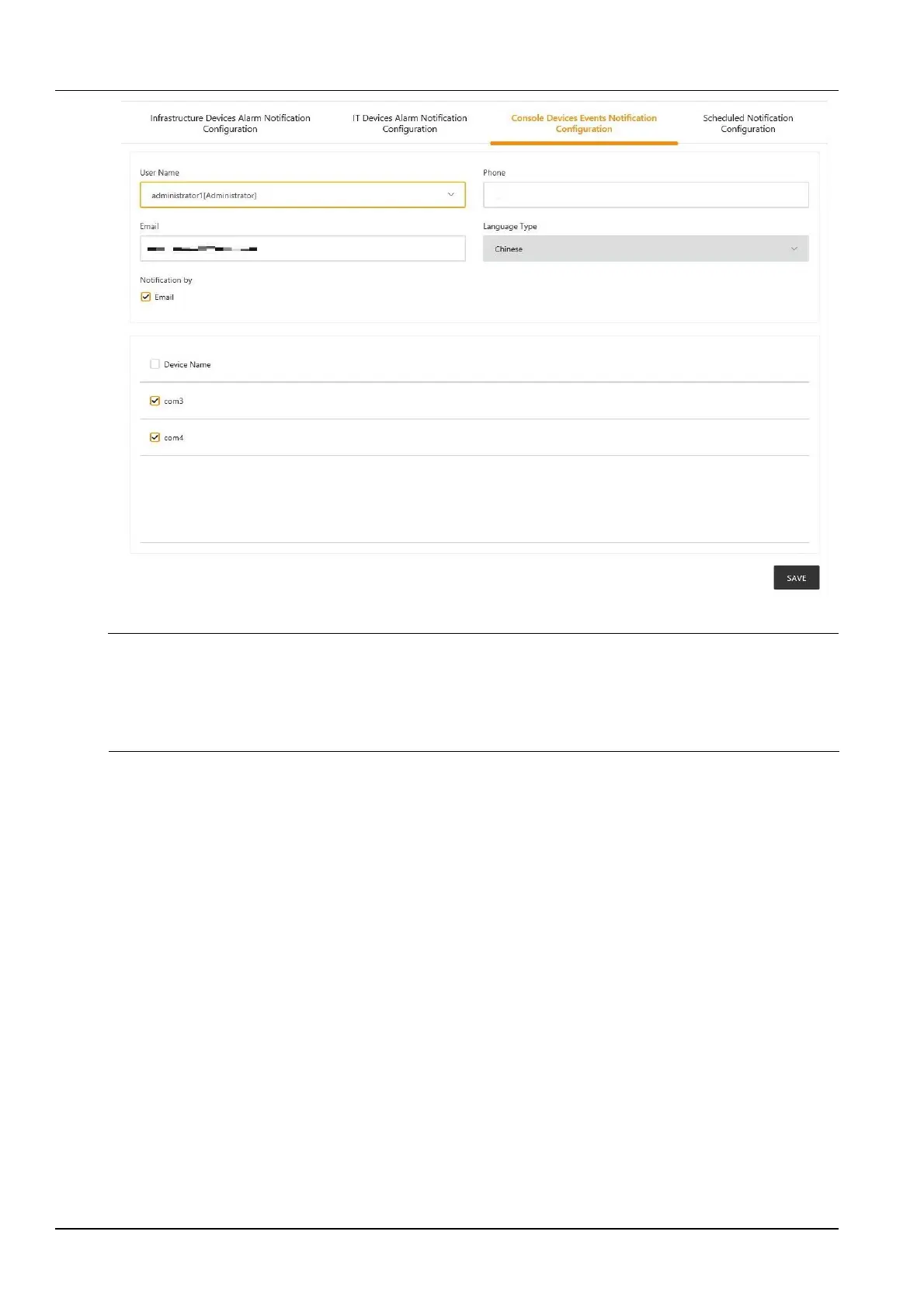
Figure 3-124 Console device event notification settings
Note
1.
The user must first select the Notification mode, and the Alarm notification configuration table at the bottom of the page
can be edited;
2.
When the device name is selected, all devices are configured with alarm notifications at the same time.
3.
The notification language cannot be modified here, and it is consistent with the setting of the power and environment alarm
notification.
4.
System status timed notification configuration
Click the Notification Mode Configuration submenu under the Configuration Management menu, and then click
the System Status Timed Notification Configuration tab. The page shown in Figure 3-125 is displayed.



 To Next Page