Chapter 3 Web Interface of RDU501
RDU501 Intelligent Monitoring Unit User Manual
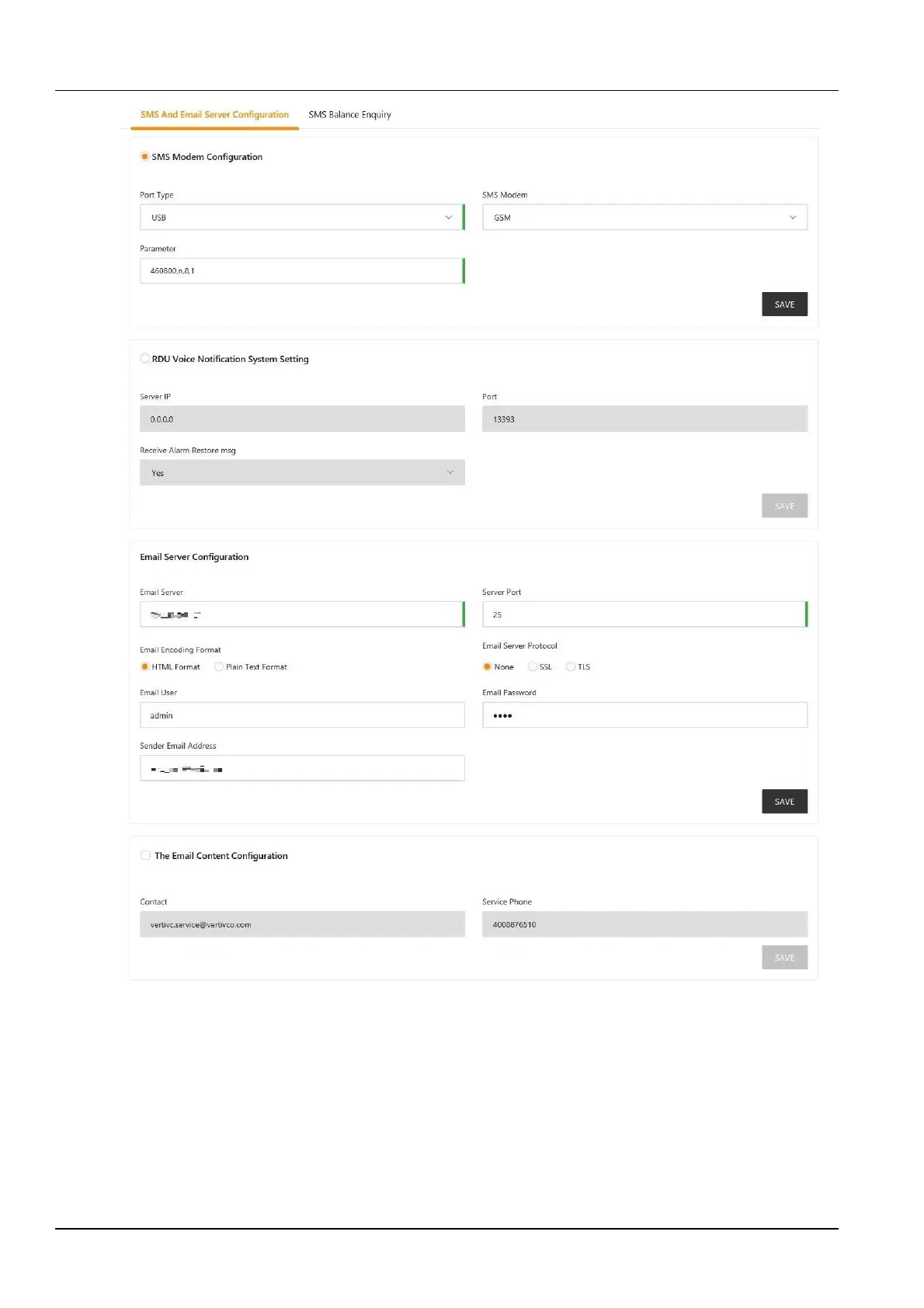
Figure 3-126 Email SMS configuration
1.
SMS module and mail server configuration
In the page shown in Figure 3-126, the user can perform SMS module configuration or RDU alarm voice system
settings for SMS or phone alarm notification reminder, or configure the Email server to enable the system to notify
the alarm by email. Modify the product service information through the Alarm email information configuration. The
configuration procedures are as follows:
SMS module configuration
1)
Connect the SMS MODEM through the USB port (USB1~USB4 port on RDU501 panel) according to the need
(only 1 SMS MODEM can be connected), and then select the Port type;
2)
Select the type of SMS module (GSM/CDMA) according to the model of the incoming SMS MODEM;



 To Next Page