iPM 200 generator module
® Vetaphone March 2021 3401201GB
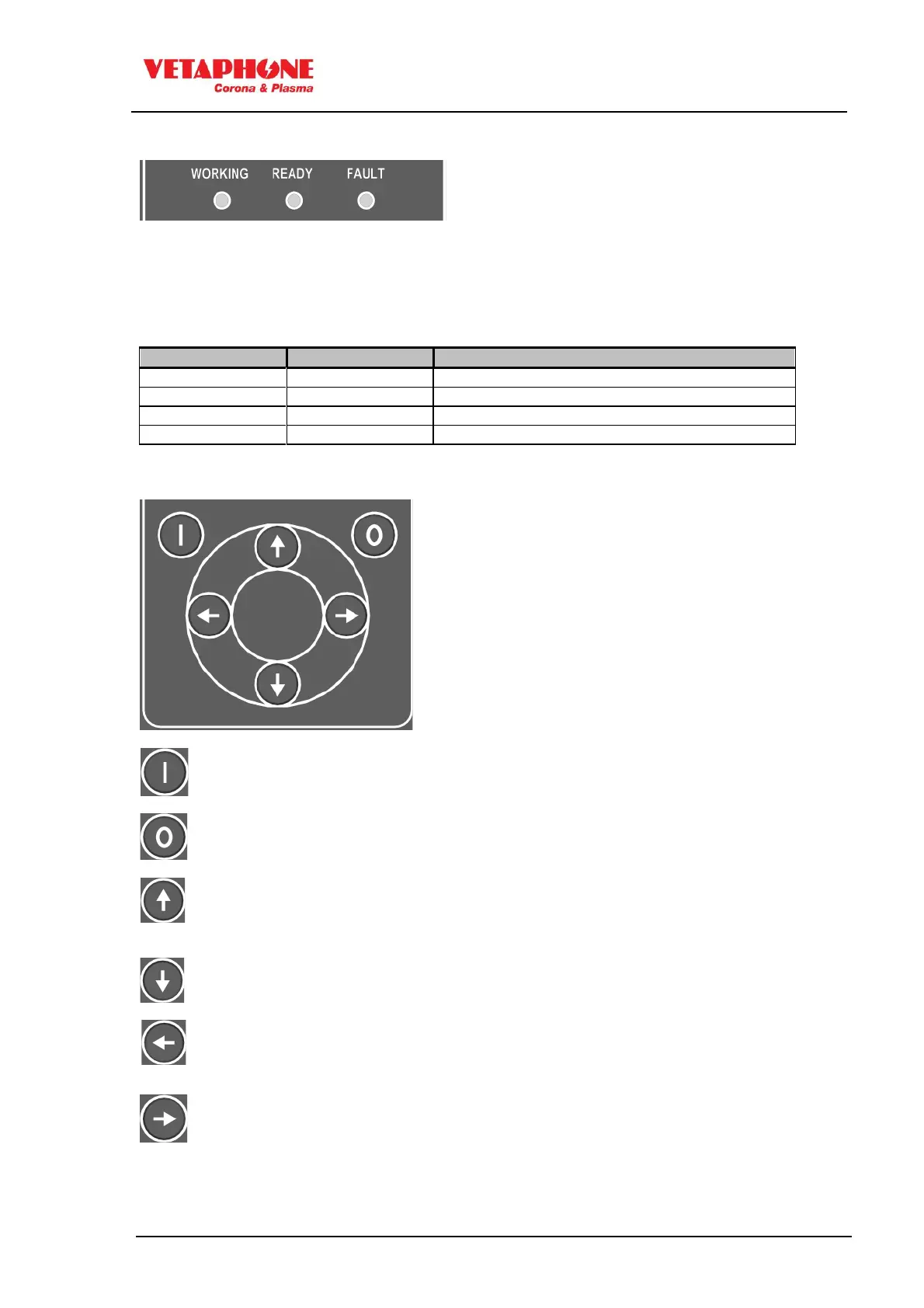
As a supplement to the display, there are three LEDs for indication of electrical signals
(READY), (WORKING) and alarm (FAULT).
Most of the iPM200 parameters can be changed immediately via the control panel, unless this
function is locked. An access code will then be required, and can be obtained from
Vetaphone service department.
Generator ready to operate
In automatic mode, rotation signal is missing
- Stops the generator or clear error
- Scroll upwards through the menu topics or
- Increase the editable value
- Scroll downwards through the menu topics or
- Decrease the editable value
- Go backwards in menu or
- Cancel the changed value
- Go forwards in the menu topics or
- Confirm the changed value
- Edit parameters



 To Next Page