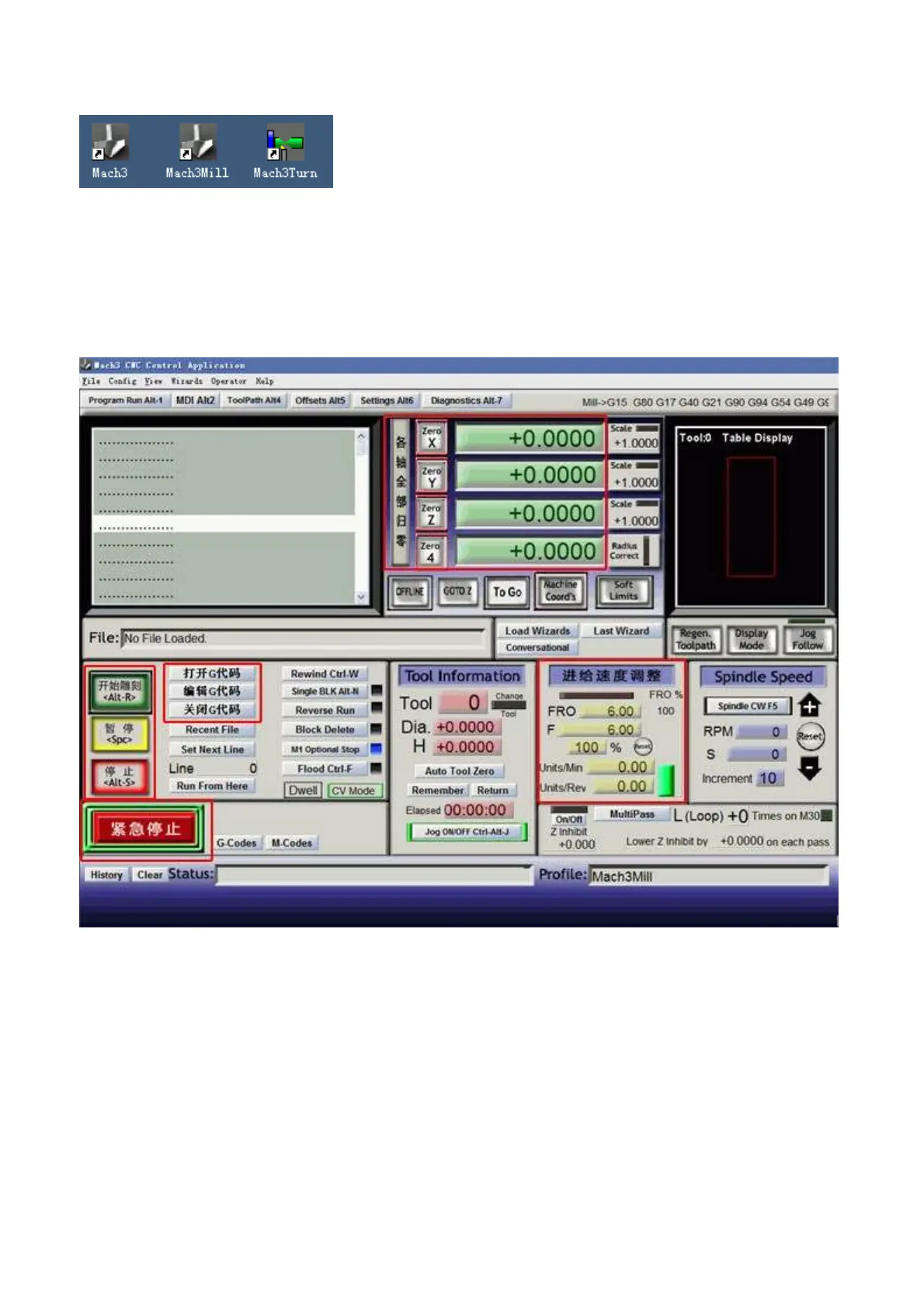
After installing the Mach 3, on the desktop, there will occur 3 icon as follows:
Notice: do not open them, please restart your PC at first (if you open the software not restart PC,it
need uninstall fully and reinstall it)
After restarting the PC, please double click the “MACH 3 MILL” icon, then you can enter the setup of
the software(you can delete the other two icons)
Open the G code---all the axis should be“0”---then start to engrave, You can choose the “Feed hold” to
pause the working when it has something, if something emergency happens, you can use the” E-stop” or
you can adjust the “Feed rate”.
2. How to control the software:
1. After restarting the PC, choose the MACH 3 MILL icon on the desktop to start the Mach 3.
2. Open the “Config -- select Native Units” menu, then choose the “MM’s”



 To Next Page