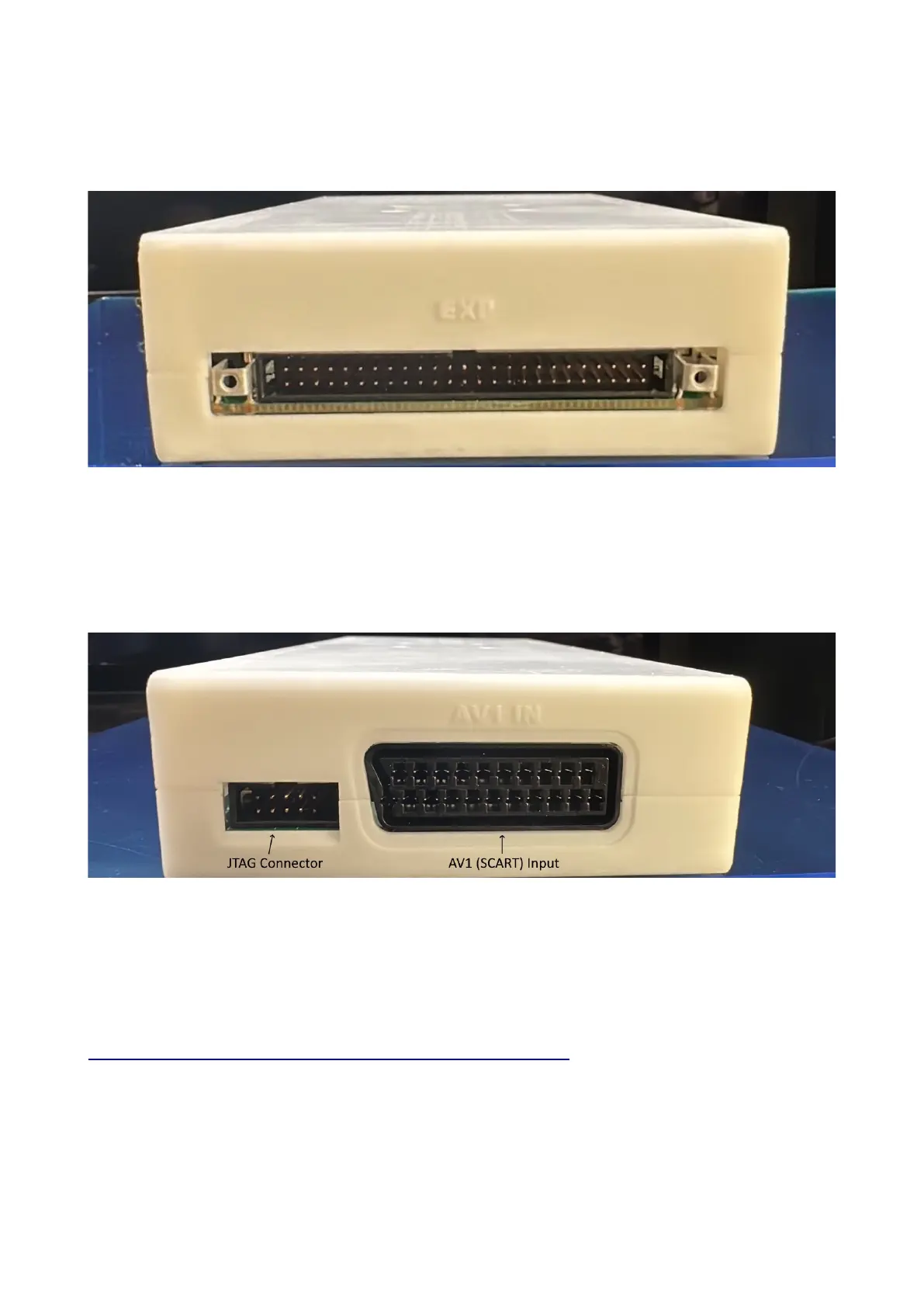
Connectors (left side)
Expansion Connector – For adding expansion boards to the OSSC Pro. Expansion boards can add
new functionality and input and output options.
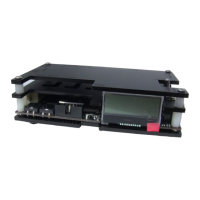
Connectors (Right side)
JTAG Connector - For software development purposes and firmware updates.
AV1 (SCART) Input – Connect an RGB SCART source to this input. Note the input must be RGB
or YPbPr, S-video and composite SCART sources are not supported and require transcoding into
RGB first. Only European spec RGB SCART cables are supported, the less common Japanese JP21
cables must be used with a converter, a suitable one can be purchased here:-
https://videogameperfection.com/products/jp21-to-scart-adapter/


 To Next Page