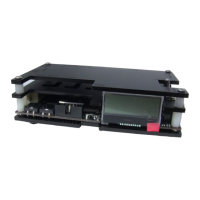
Finally, power on your source device and press the Menu button on the OSSC remote. Use the
menu navigation buttons and OK to choose “Input Select” and then select the relevant input for
your console. For standard RGB SCART devices, choose “AV1_RGBS”. Component video sources
most commonly use “AV2_YpbPr”. VGA sources, such as a Sega Dreamcast, require
“AV3_RGBHV”. For digital video sources, choose “AV4”.
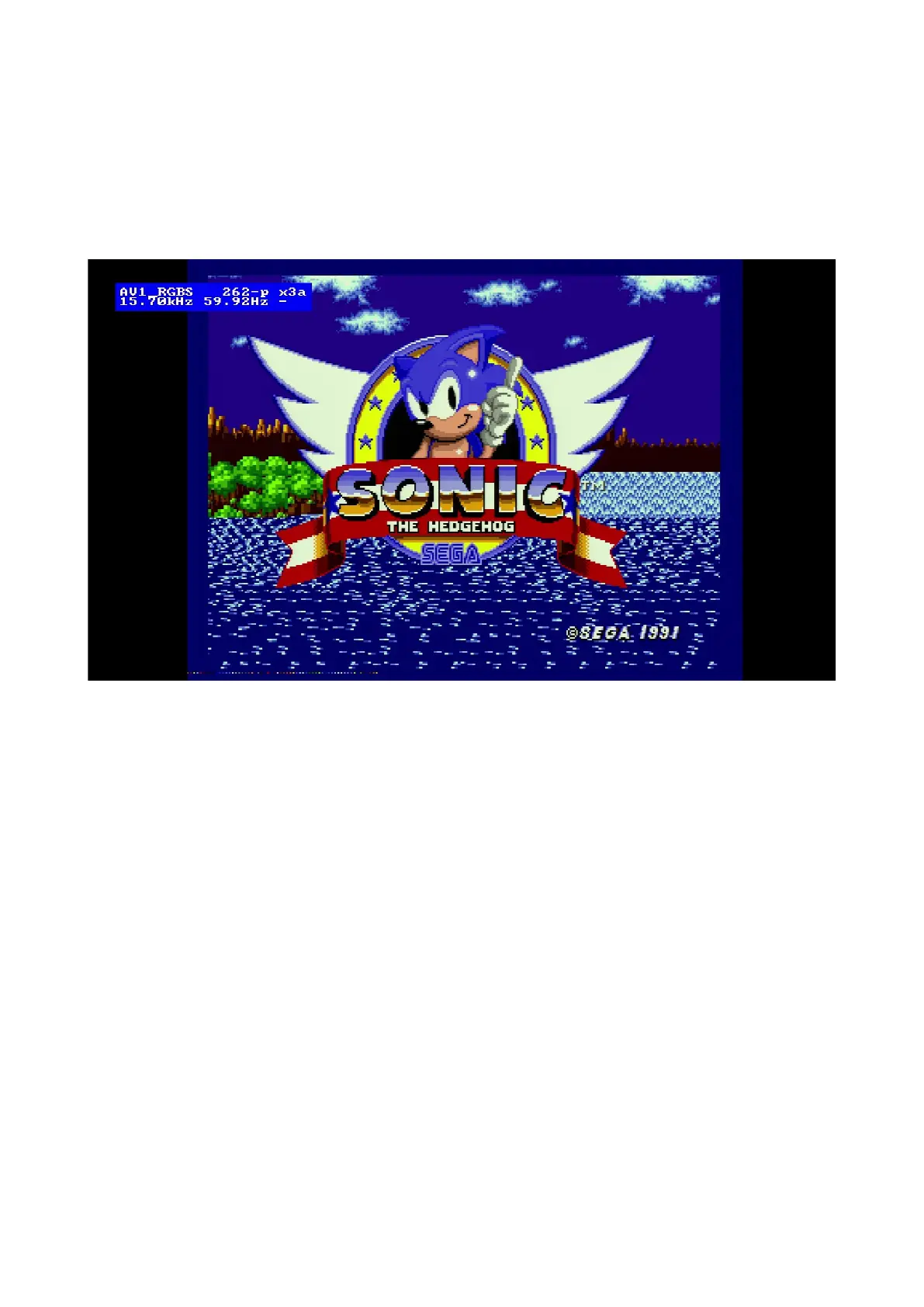
You should now see a picture from your video device.
Congratulations, you have now set up your OSSC Pro and you can start experimenting with its
features.


 To Next Page