7
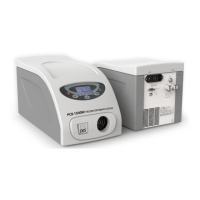
PCB 1500 PELTIER CRYOBATH
USER MANUAL
www.vicidbs.com
Version 1.03.0000
5. INSTALLATION
5.1. Checking the Serial Number
The plate containing the serial number is located on the rear panel at the base of the unit. Check that this
number is identical to the serial number on the delivery note. If not, please inform VICI DBS immediately.
5.2. Checking Main Supply and Fuses
The PCB-1500 is factory set to operate at 220 VAC.
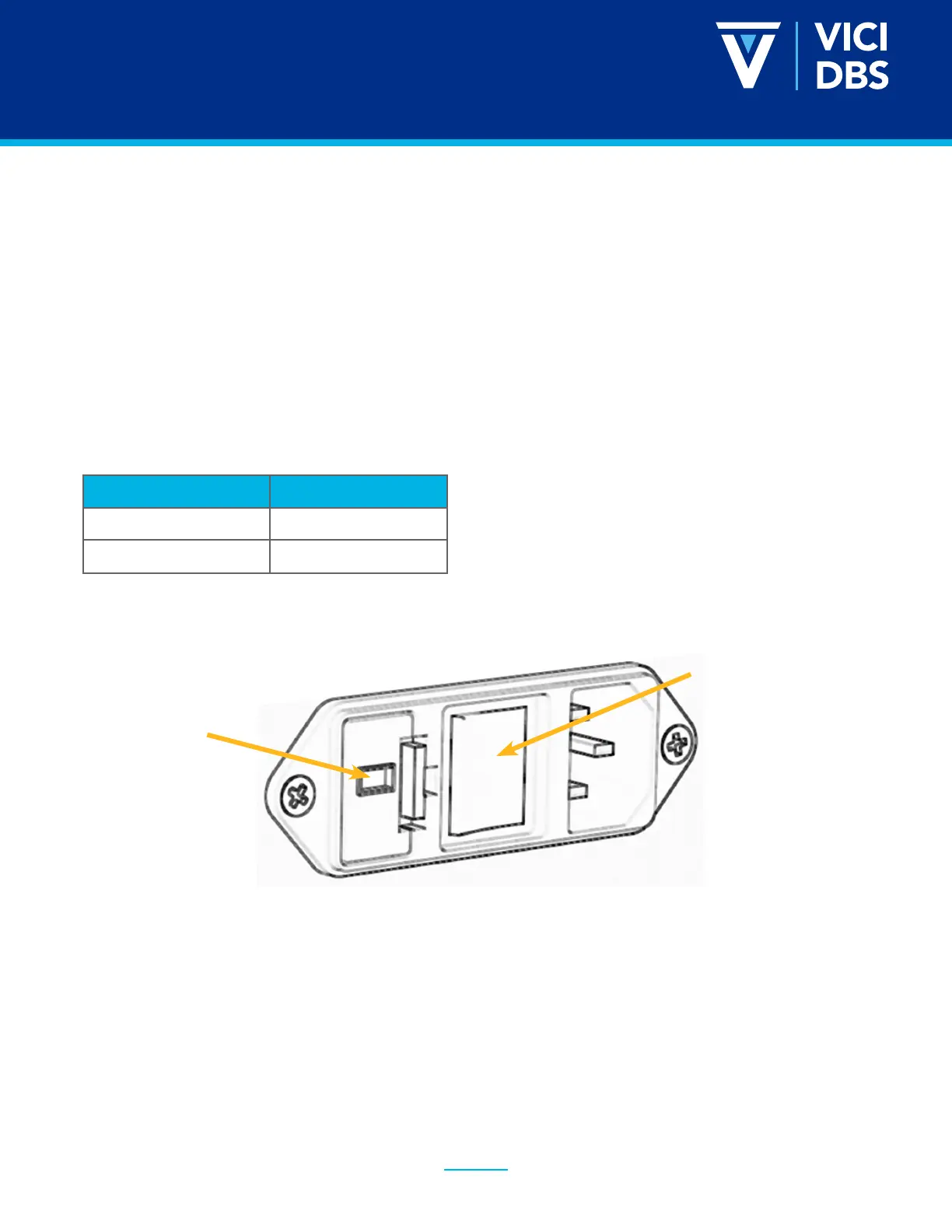
For operation at a voltage of 120 VAC, the voltage selector at the rear of the controller unit must be reset as
described below.
POWER SUPPLY FUSE
240 V T1A, time-lagged
120 V T2A, time-lagged
Adjustment for frequency change between 50 and 60 Hz is not necessary.
Main switch
Voltage selector
with fuses
5.2.1. Changing the voltage and fuses
The voltage set is shown in the window of the voltage selector below the mains input connection. To change
this setting switch off the unit at the mains switch, remove the mains cable and proceed as follows:
• Remove the fuse holder by inserting a small screwdriver alternatively into the two slots at the
left and right and pulling it out of the housing.
• Remove the original fuses and replace with those of correct rating (see section 5.2) and push the
holder back in position.
• Move the slider of the voltage selector with a screwdriver to the desired value. The new select-
ed voltage will be now visible.


 To Next Page