ENUK - V1.4 - 25/01/17
27
4000 Series GSM Audio Intercom - Technical Manual
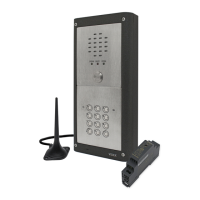
4000 Series GSM Audio Intercom with Proximity
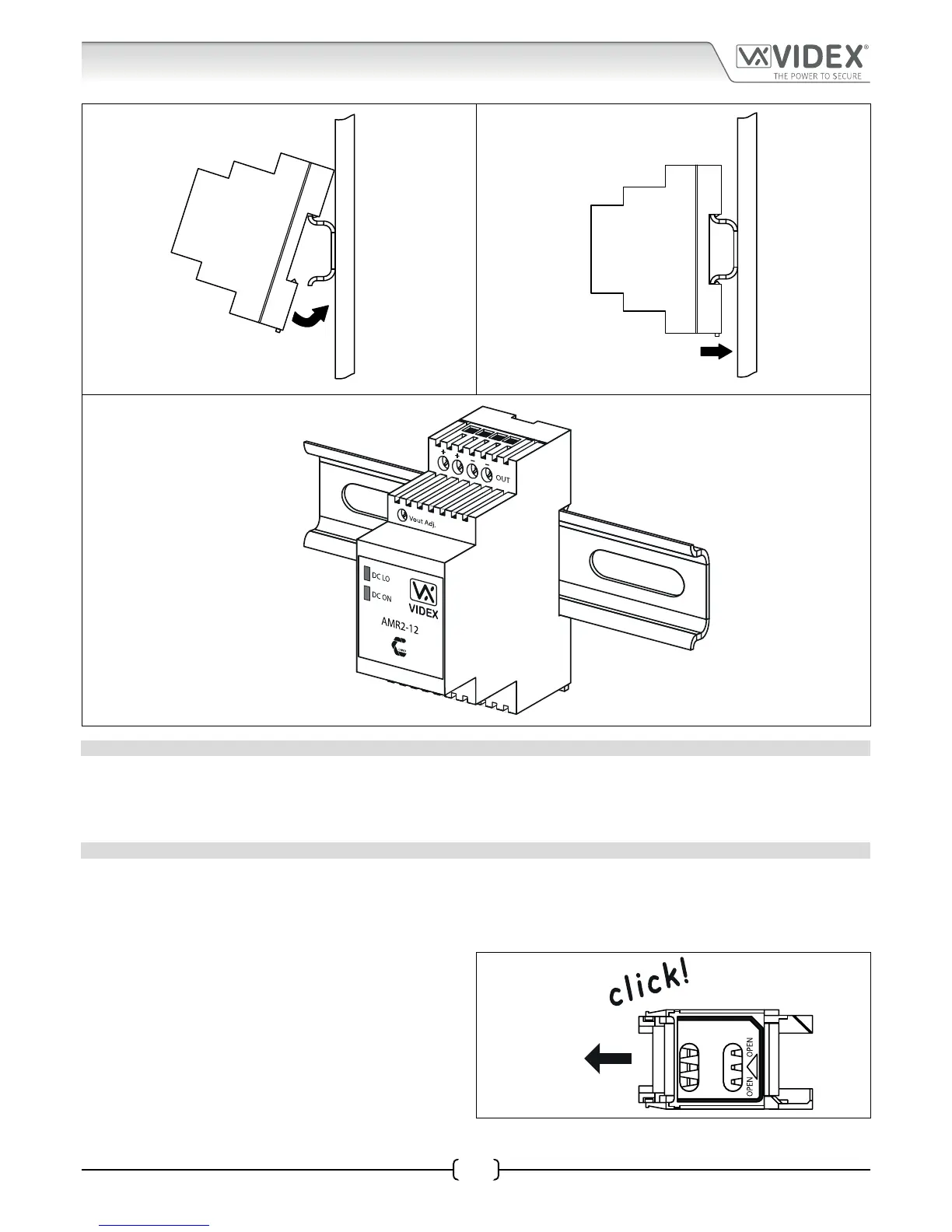
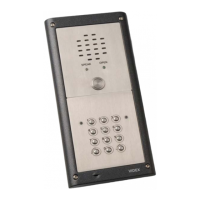
Fig. 30 Fig. 31
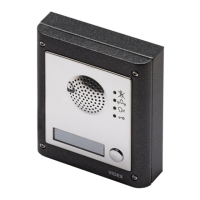
Fig. 32
PANEL CARE
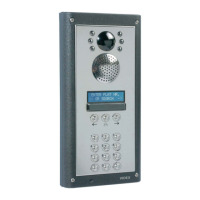
The door panel’s facia is either mirror nish stainless steel or matt nish aluminium. It is important that the facia is cleaned on
regular occasions to prevent dirt build up and tarnishing of the metal. A general household metal polish can be used but care
should be taken to follow the grain of the metal when polishing and also avoid any polish build up around the call buttons which
may prevent the buttons from operating correctly.
FITTING A SIM CARD
After connecting the power supply, antenna, lock output and any auxiliary devices as shown in this manual and before powering
up, a SIM card must be installed (the SIM must already be registered with the network provider). The SIM holder can be found on the
back of the module under the SMA antenna connection. A SIM card from most network providers can be used with the exception
of the 3 network. Follow the steps below to insert the SIM card:
1. First slide the SIM holder on the back of the GSM module
to the left until it ‘clicks’, as shown in Fig.33.
Fig. 33
General Directions for Installation


 To Next Page