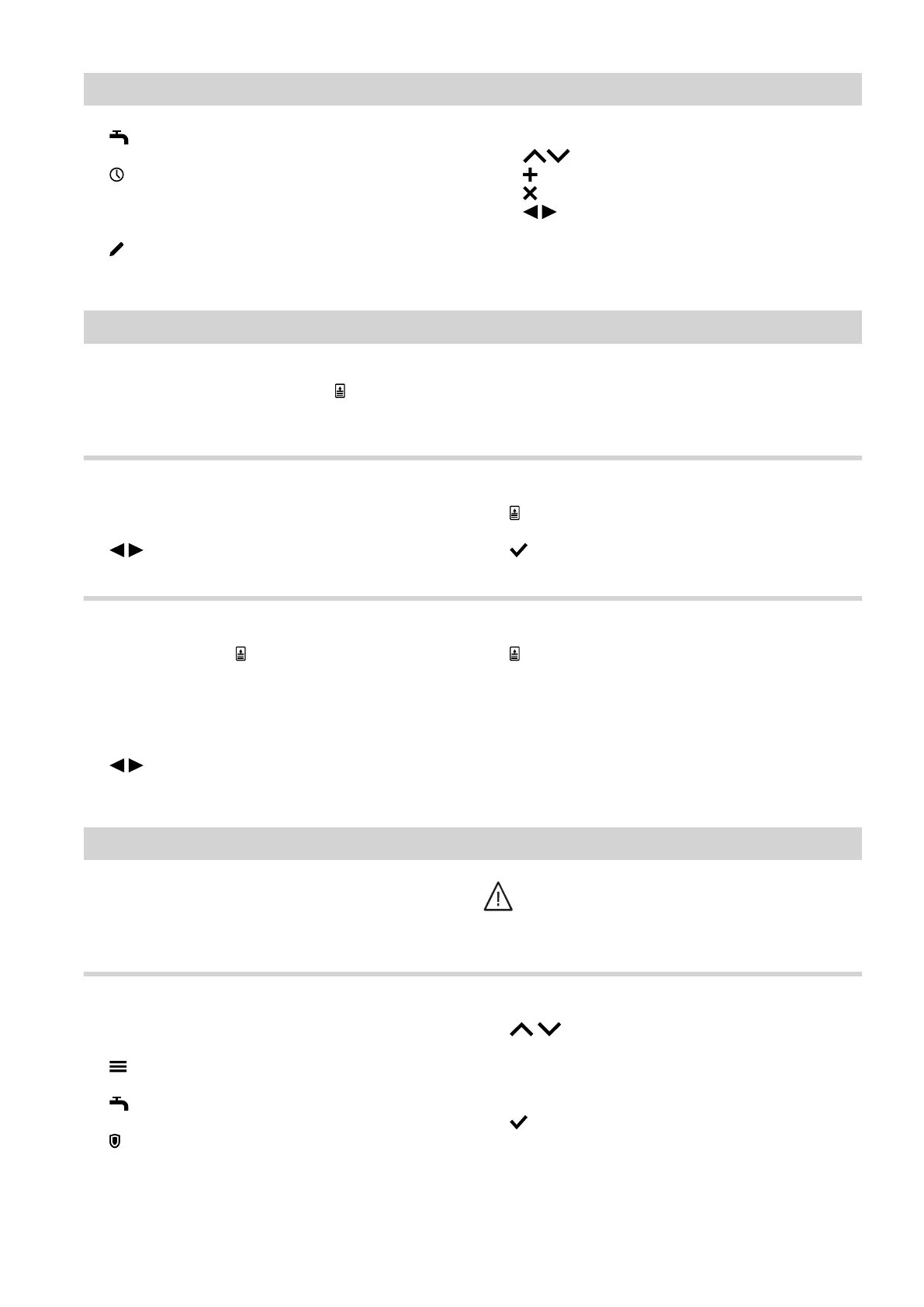
31
2. "DHW"
3.
4. Select a day of the week.
5.
6. Depending on the required change:
■
to change the time phase
■
for a new time phase
■
to delete a time phase.
■
to select the time phase if more than one
time phase is set.
For how to set a time program: See page 19.
"One-off DHW heating" outside the time program
If you require hot water outside the set time phases,
switch on "Once-only DHW heating" .
The DHW cylinder is heated once to the set DHW tem-
perature.
This function has a higher priority than other functions,
such as the time program for example.
Switching on "One-off DHW heating"
Tap the following buttons:
1. for the "DHW" default display or possibly
"Favourites"
2.
3. to confirm
Switching off "One-off DHW heating"
One-off DHW heating ends as soon as the DHW set
temperature has been reached.
Tap the following on-screen buttons to terminate
"One-off DHW heating" early:
1. for the "DHW" default display or possibly
"Favourites"
2.
Increased DHW hygiene
You can heat the water in the DHW cylinder to above
60 °C once a week or for an hour every day. This func-
tion is regularly carried out at the specified time.
Danger
High DHW temperatures can cause scalding,
e.g. if the DHW temperature is above 60 °C.
Mix with cold water at the draw-off points.
Switching on increased DHW hygiene
Tap the following buttons:
1.
2. "DHW"
3. "Hygiene function"
4. for the starting time "Start"
5. Select the required day of the week or daily.
The selection is highlighted.
6. to confirm
DHW heating
Time program for DHW heating (cont.)
6171827







 To Next Page