35
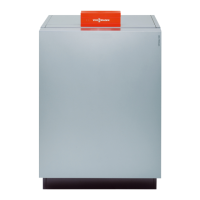
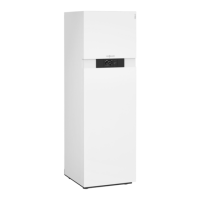
Dependent upon the design of the heat generator, at
the lower or upper edge of the control unit, a Light-
guide is displayed.
With various displays, the Lightguide explains the func-
tions of the control unit.
Meaning of the display:
■
Lightguide pulsates slowly:
Display is in standby mode.
■
Lightguide is illuminated constantly:
You are operating the control unit. Every input opera-
tion is confirmed by a brief flashing.
■
Lightguide flashes quickly:
There is a fault in the system.
In the delivered condition, the Lightguide is switched
on. You can switch off the Lightguide.
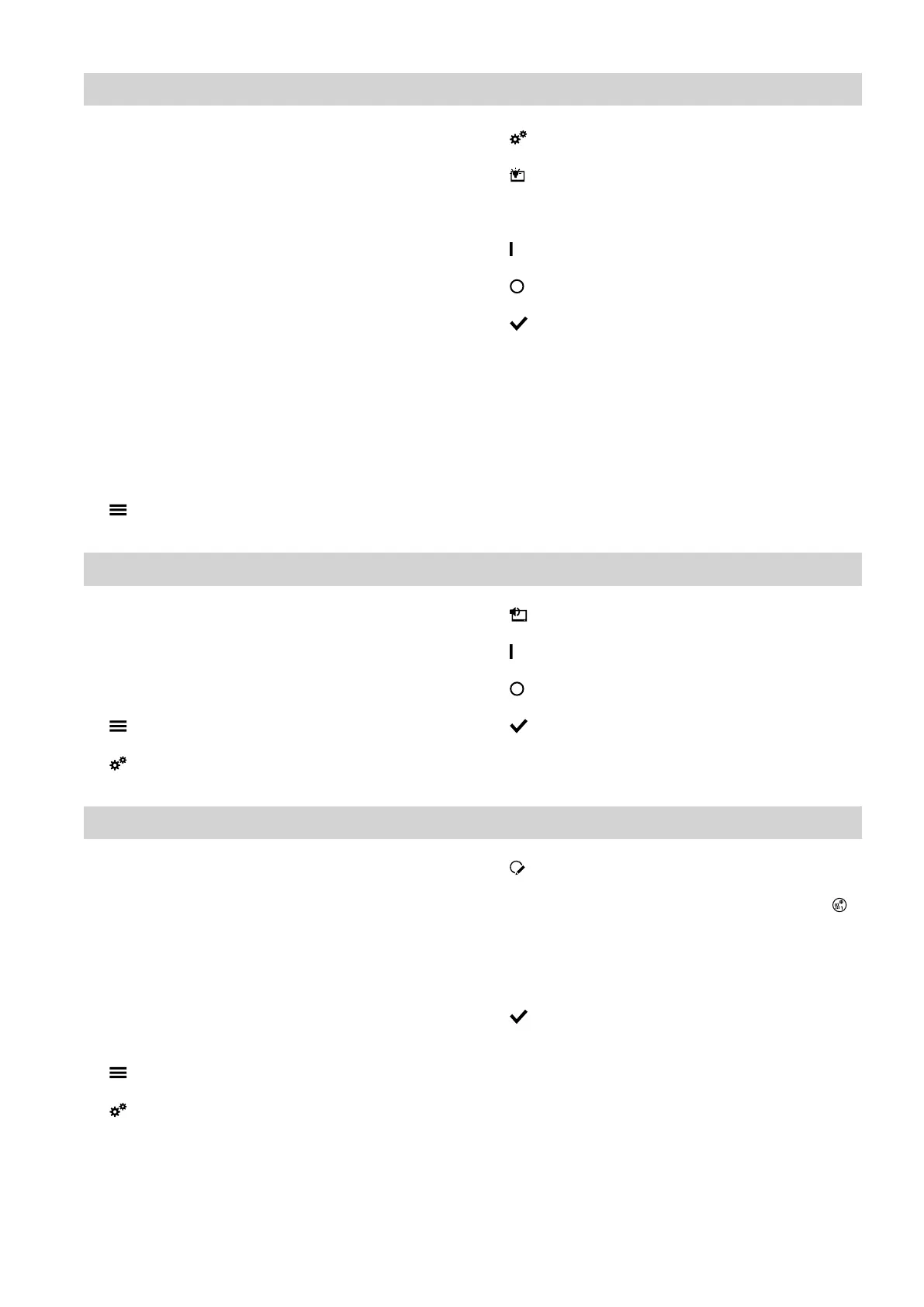
Tap the following buttons:
1.
2. "Settings"
3. "Display setting"
4. "Lightguide ON/OFF"
5. "ON"
Or
"OFF"
6. to confirm
Note
Faults are shown by flashing lights even if the Light-
guide is switched off.
Adjusting the signal tone for on-screen buttons
In the delivered condition, an audio signal is enabled to
produce a sound when a button is tapped on the dis-
play. You can switch this audio signal on or off.
Tap the following buttons:
1.
2. "Settings"
3. "Buzzer"
4. "ON"
Or
"OFF"
5. to confirm
Naming heating/cooling circuits
You can name all heating/cooling circuits individually,
e.g. "Ground floor".
These names are used in the default displays and in
the main menu.
Note
The abbreviations 1, 2, 3, 4 will be retained in the
default display.
Tap the following buttons:
1.
2. "Settings"
3. "Rename heating/cooling circuit"
4. Select the required heating/cooling circuit, e.g.
"Heating/cooling circuit 1"
5. Type in the required name, e.g. "Ground floor" (1 to
20 characters).
6. to confirm
The name assigned to the relevant heating/cooling cir-
cuit is shown in the default display and in the main
menu.
Further adjustments
Switching the Lightguide on and off
6171827







 To Next Page