24
3. Tap on the required period.
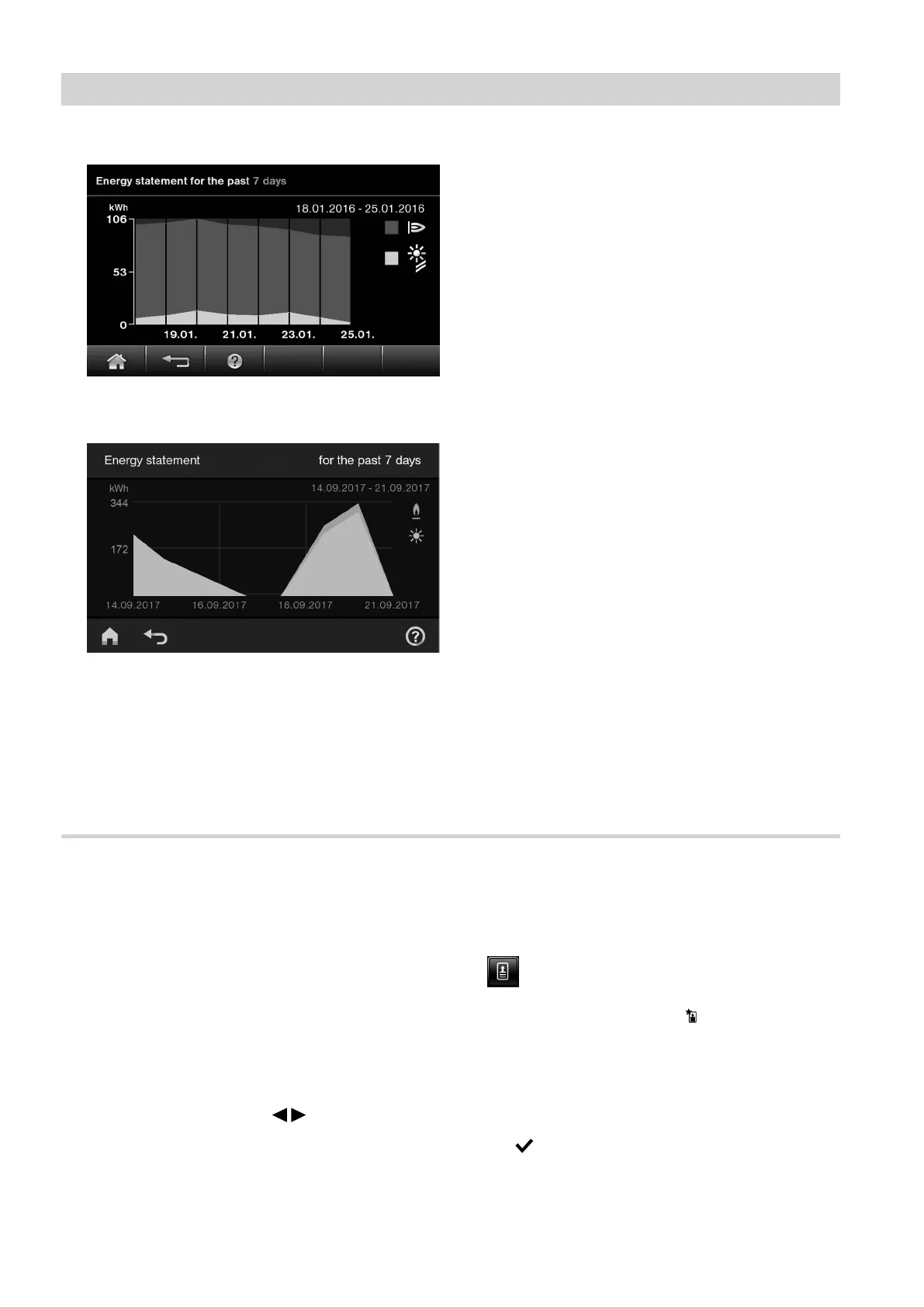
Fig. 23 HO2B
Fig. 24 HO2C
The energy statement is displayed as a graphic.
■
The red/blue area (depending on the type of con-
trol unit) shows the quantity of gas consumed.
■
The yellow area shows the amount of heat gen-
erated by the solar thermal system.
Temperature and heat-up condition of the DHW cylinder
You can call up the following information and functions
for the DHW cylinder:
■
DHW temperatures
■
Heat-up condition according to type of DHW cylinder
■
Current heating activity:
–
Moving red arrows: Heating by the boiler
–
Moving yellow arrows: Heating by the solar thermal
system
■
Starting a one-off cylinder heat-up by the boiler (only
if cylinder heating is not active in the current operat-
ing mode)
1. In the standard menu, use / to call up the
Energy cockpit.
2. Tap on the DHW cylinder to call up further informa-
tion on temperatures and heat-up condition.
Starting a one-off cylinder heat-up
Tap the following on-screen buttons:
1.
"One-off cylinder heating"/ , to start a one-off
cylinder heat-up by the boiler.
The DHW cylinder is heated to the set DHW tem-
perature.
To terminate cylinder heating early, tap "One-off
cylinder heating" again.
2. OK/ to confirm
Operation
Energy cockpit (cont.)
5811580








 To Next Page