30
5. +/– for the required value
6. OK/ to confirm
Central heating with this temperature:
■
Between the time phases for central heating at
standard temperature
■
In the holiday program
Operating program
Further information can be found in chapter
"Terminology" in the appendix.
Setting the operating program
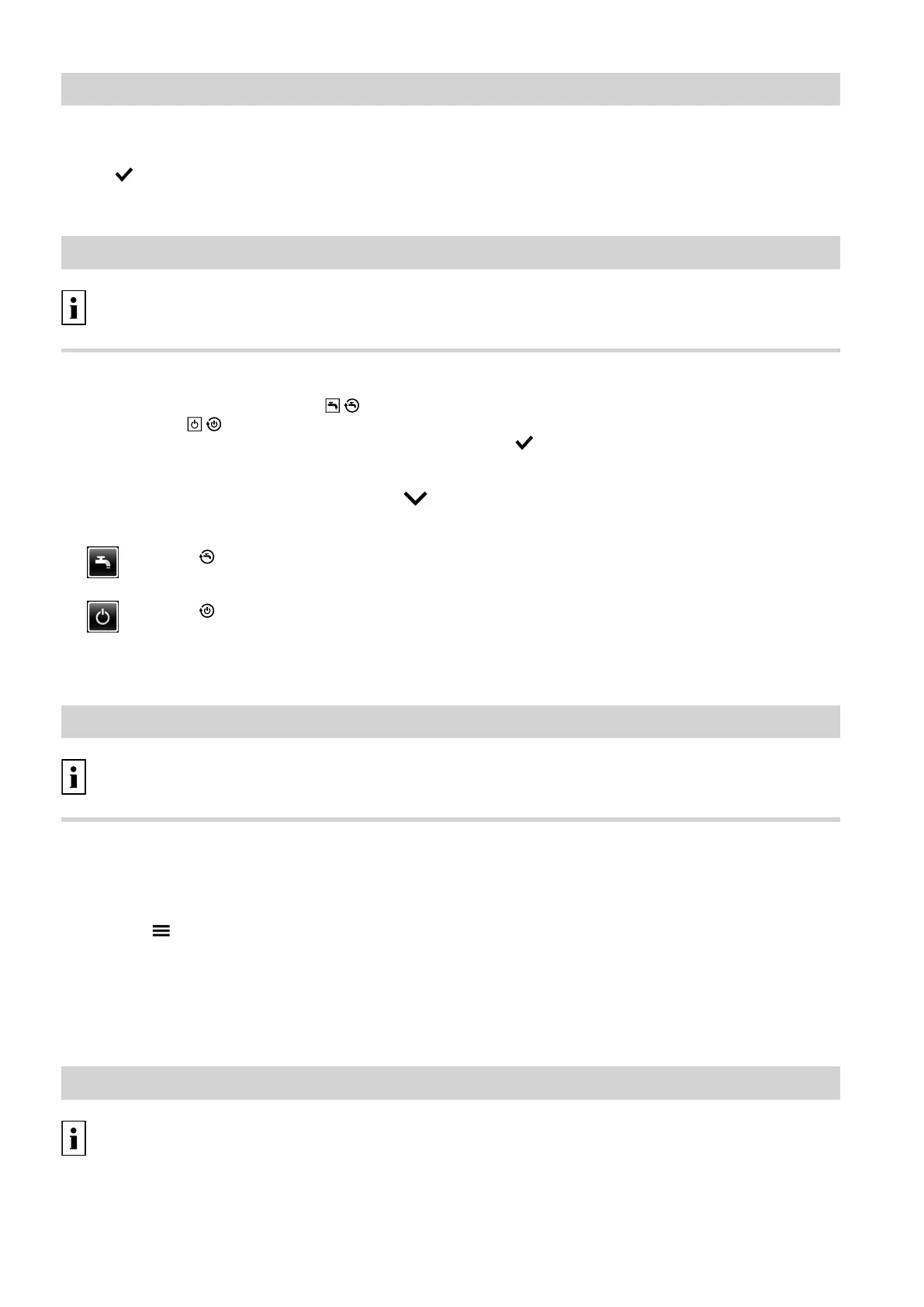
This is only necessary if "Only DHW" / or
"Standby mode" / is set.
Tap the following on-screen buttons:
1. "Heating circuit 1 2 3" or "Heating circuit 1 "
in the header for heating circuit selection
2.
or
or
The set operating program is highlighted.
3. Select "Heating and DHW" to set central heating
4. OK/ to confirm
For information on the operating programs, see
page 15.
Time program
Further information can be found in chapter
"Terminology" in the appendix.
Setting a time program
Factory setting: One time phase from 06:00 to 22:00 h
for every day of the week
1. "Menu"/" "
2. "Heating"
3. "Heating circuit 1", "Heating circuit 2" or "Heat-
ing circuit 3" as the required heating circuit
4. "Time program, heating"
To see how to set a time program, see page 16.
Note
When adjusting the setting, bear in mind that your
heating system requires some time to heat the rooms
to the required temperature.
Heating curve
Further information can be found in chapter
"Terminology" in the appendix.
Central heating
Room temperature (cont.)
5811580









 To Next Page