33
While the holiday program is active, "Holiday pro-
gram" is shown in the default display.
Tap the following on-screen buttons:
1. "Menu"
2. "Heating"
3. "Heating circuit 1 2 3" for the required heating cir-
cuit
4. "Holiday program"
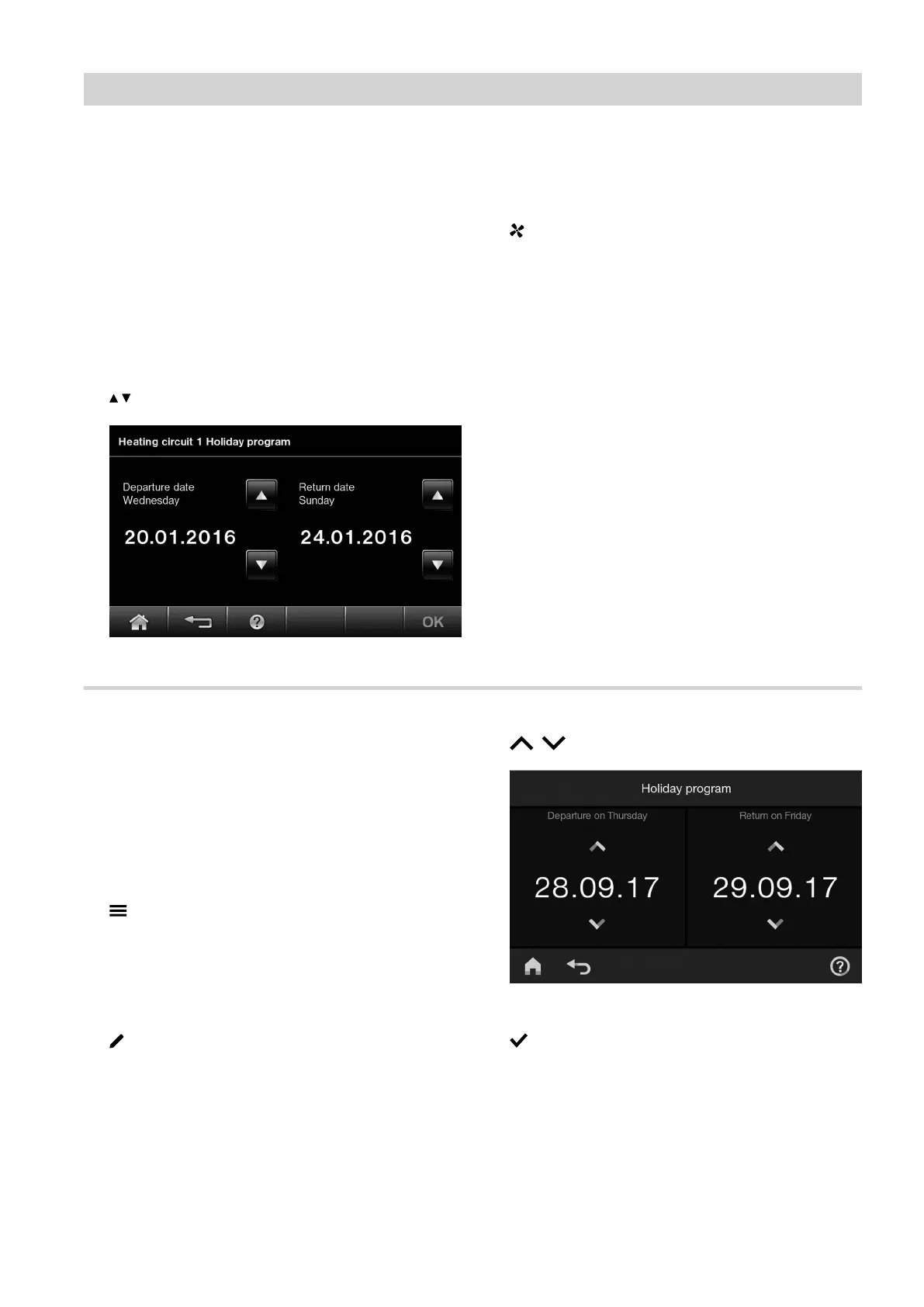
5. / for "Departure date" and "Return date"
Fig. 30
6. OK to confirm
"Holiday program" appears in the default display.
7. If you would also like to apply the holiday program
to mechanical ventilation:
The holiday program has the following effects:
■
Central heating:
–
For heating circuits in the "Heating and DHW"
operating program:
The rooms are heated to the set reduced room
temperature (see page 29).
–
For heating circuits in the "Only DHW" operating
program:
No central heating. Frost protection for the boiler
and the DHW cylinder is enabled.
■
DHW heating:
No DHW heating. Frost protection for the DHW cylin-
der is active.
■
Mechanical ventilation (if the holiday program was
applied to mechanical ventilation):
Mechanical ventilation runs in basic mode (ventila-
tion level 1).
Setting the "Holiday program" (HO2C)
The holiday program starts at 00:00 h the day after the
departure date. The holiday program ends at 00:00 h
on the return date. This means that the set time pro-
gram is active on the days of departure and return.
While the holiday program is active, "Holiday pro-
gram" is shown in the default display.
Tap the following on-screen buttons:
1.
2. "Holiday program"
3. Select "Heating circuit 1 2 3" for the required
heating circuit and/or ventilation
4.
5. / for "Departure date" and "Return date"
Fig. 31
6. to confirm
"Holiday program" appears in the default display.
Central heating
"Holiday program" energy saving function (cont.)
5811580








 To Next Page