18
10. OK/ to confirm
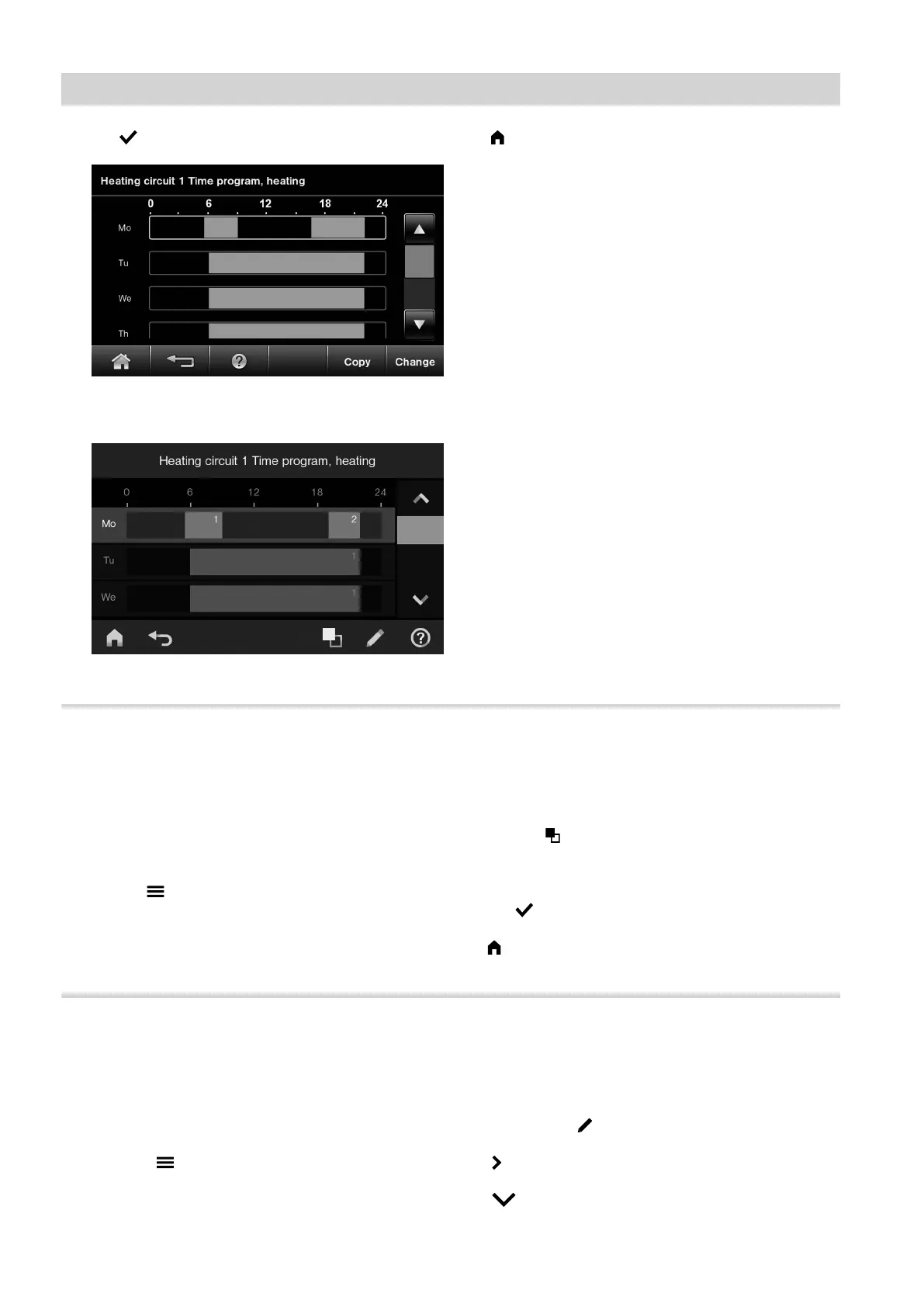
Fig. 12 HO2B
Fig. 13 HO2C
11. to quit the time program
Copying the time program to other days of the week
You can copy a given time program to every other day
of the week.
You want to copy the Monday time program over to
Tuesday to Friday.
Tap the following on-screen buttons:
1. "Menu"/
2. "Heating"
3. Heating circuit 1
4. "Time program"
5. "Mo"
6. "Copy"/
7. "Tu", "We", "Th", "Fr"
8. OK/ to confirm
9. to quit the time program
Changing the time phases
Example:
For Monday you want to change the start point of
time phase 2 to 19:00 h.
Tap the following on-screen buttons:
01. "Menu"/" "
02. "Heating"
03. Heating circuit 1
04. "Time program"
05. "Mo"
06. "Change"/ " "
07. for time phase 2
08. for the start point of time phase 2. The bar in
the time diagram is adjusted.
Operation
Time program (cont.)
5811580










 To Next Page