ConguringClientSettings
Conguring Service Access Settings
150
Options Sub-tab
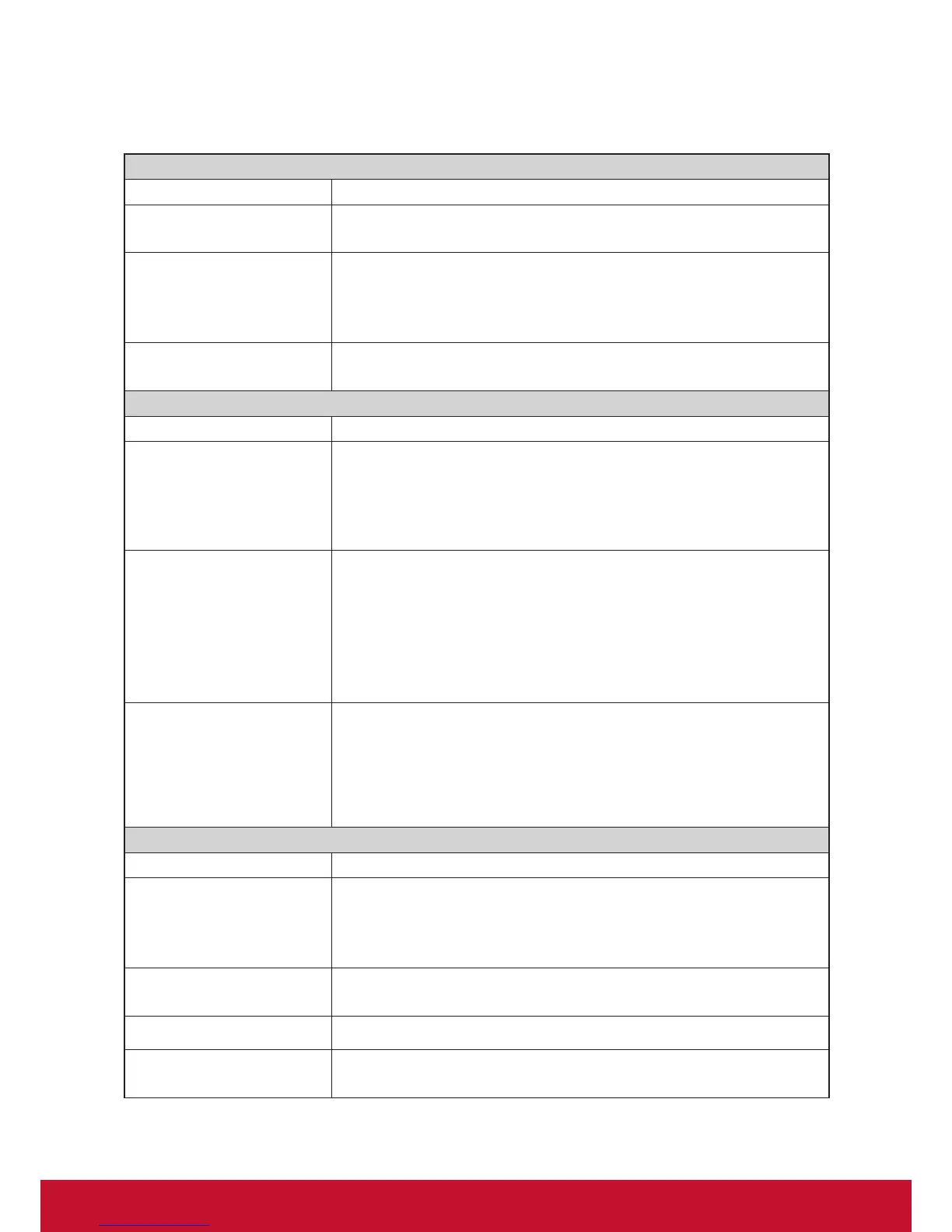
Window Settings
Item Description
Color Depth
Click the drop-down menu to select the desired color quality for a Citrix ICA
session. Three options are available: 16 Bit, 24 Bit, and Automatic.
Window Size
This item is available only when Regular Window is selected.
Click the drop-down menu to select the desired window size of a Citrix ICA
session. Four options are available: Full Screen, 1280x1024, 1024x768, and
800x600.
Window Mode
Click the drop-down menu to select the desired window mode. Two options are
available: Regular Window and Seamless Window.
Device Mapping
Item Description
Mapping Local USB Storage
Click the drop-down menu to enable/disable the mapping of the local USB drive(s) in a
Citrix ICA session.
NOTE: You need to enable local USB storage drive(s) as well. See section “4.4.3
ConguringSettingsforUSBStorageDevices”onpage68fordetails.
Mapping Local Serial Ports
Click the drop-down menu to enable/disable the mapping of the local serial device(s)
in a Citrix ICA session. If Ye s is selected, the locally attached serial device(s) will become
available in launched Citrix ICA sessions.
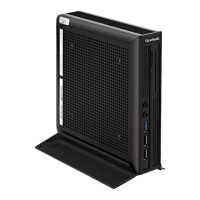
NOTE: This setting item is not applicable to your SC-T35. However, if you use a
serial-based barcode scanner, and attach it to your SC-T35 with a
serial-to-USB adapter, you need to enable this setting in order to use the
local barcode scanner in a delivered application.
Mapping local Printers
Click the drop-down menu to enable/disable the mapping of the local printer(s) in a
Citrix ICA session. If Ye s is selected, the locally attached printer(s) will become available
in launched Citrix ICA sessions.
NOTE: To enable locally attached printer(s), please refer to section “4.4.6
Adding a Local Printer” on page 71 for detailed instructions.
Connection Settings
Item Description
Rendering Type
Click the drop-down menu to select resources rendering on the endpoint or the
server. Two options are available: Server Rendering and Client Rendering.
NOTE: The Client Rendering option may not be available on your system.
Enable Automatic Reconnect
Check/Uncheck to enable/disable automatic reconnecting after an ICA session
was interrupted.
Number of Retries Click the drop-down menu to select the number of retries, ranging from 1 to 10.
Delay between Retries
Click the drop-down menu to select the delay time between retries, ranging from
5 to 60 seconds.



 To Next Page