181
Step 2: Update the Frimware of your SC-T35 Thin Client
To update rmware for your SC-T35 thin client, please do the following:
1. In the Power-o state (the Power LED is o), plug your USB ash drive into a USB port on the front panel
of your SC-T35, and ensure that you have made power connection and connected a keyboard, mouse, and
monitor to your SC-T35 thin client.
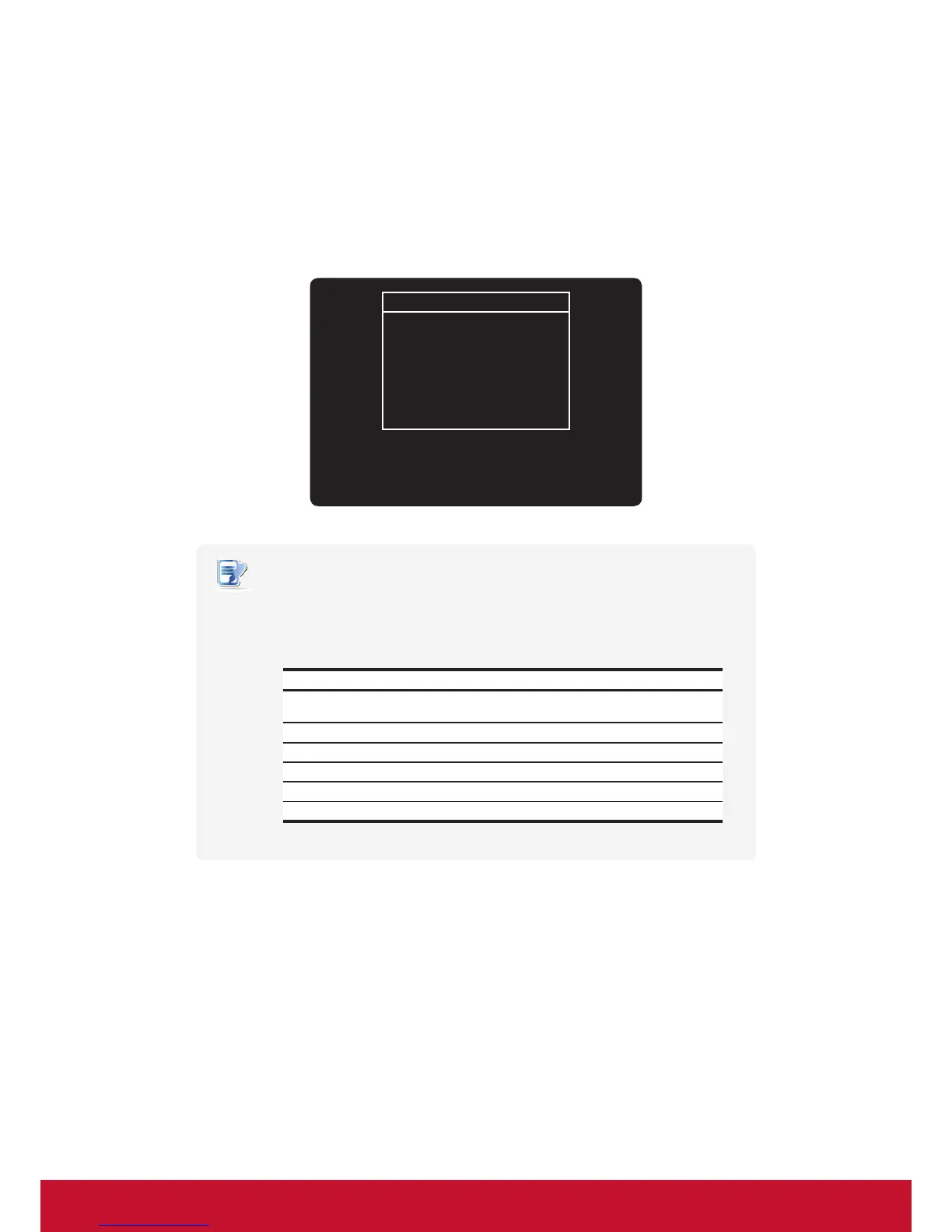
2. Long press the power button 6 to 8 seconds to enter ViewSonic Thin Client Menu.
ViewSonic Thin Client Menu
Normal Mode
Safe Mode
Reset Mode
Firmware update
Reboot
Shutdown
NOTE
• You might need to wait about 15 seconds for this menu to appear on the screen
• Six options are available on ViewSonic Thin Client Menu: Normal Mode, Safe Mode,
Reset Mode, Firmware update, Reboot, and Shutdown. See the table below for
the description of each option:
Menu Option Description
Normal Mode Boots up your SC-T35 as the normal startup procedure.
Safe Mode Clears and resets the current screen resolution setting.
Reset Mode Resets your SC-T35 to the factory default.
Firmware update UpdatesrmwareforyourSC-T35.
Reboot Reboots your SC-T35.
Shutdown Shuts down your SC-T35.
3. Use arrow keys on the keyboard to select Firmware update, and then press Enter to continue.
4. ViewSonic Thin Client Recovery System is launched with a message prompting for conrmation.
5. Use arrow keys on the keyboard to select Yes, and then press Enter to continue.
6. A new screen appears prompting you to select the source for rmware update.
7. Use arrow keys on the keyboard to select USB, and then select Next.
8. Press Enter on the keyboard to conrm.
9. A new screen appears prompting you to select the Recovery mode. Two modes are available:
INSTALL and UPDATE.
10. Use arrow keys on the keyboard to select the desired mode, and then select Next.



 To Next Page