VIKING TECHNICAL SUPPORT 1.800.908.0884
20
Two Wire Communication
!
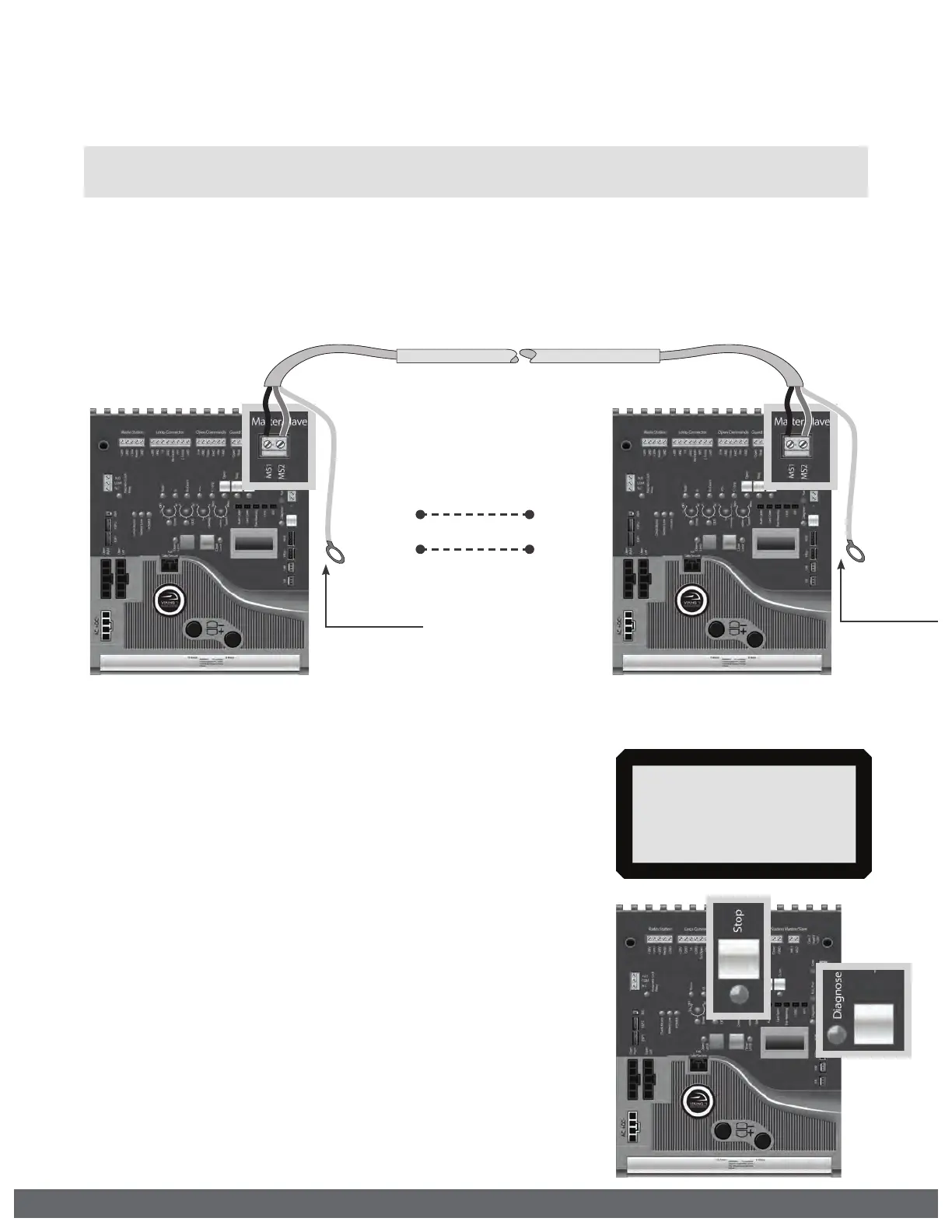
IMPORTANT: DO NOT run the Primary/Secondary communication cable in the same
conduit or within 12” of 115 - 230V power supply cables.
PRIMARY/SECONDARY SETUP
Step 3
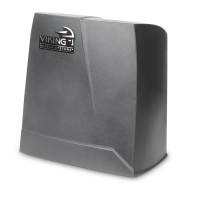
At the Secondary Operator:
Turn ON the DUAL MODE Feature:
•
Toggle the “Diagnose” button until you see DUAL MODE
on the LCD Display.
•
Default setting is OFF.
•
Press and hold the “Stop” button.
•
Toggle the “Diagnose” button once.
•
The feature should now be displayed as ON.
Step 2
At the Primary Operator:
Connect the entrapment protection sensor(s) as
described on pages 7 and 18.
Step 1
Connect shielded cable to “Primary/Secondary”
connectors at the control boards
! Technical Tip: DO NOT set the “Timer” and/or “Overlap” features on both operators
Control Boards. Only turn these features on at the Primary Control Board.
DUAL MODE
ON
CABLE REQUIREMENTS:
•
2 Conductor (wire)
•
18 AWG or better
•
Shielded (overall foil)
•
Drain Wire (bare wire)
MS1
MS2
MS1
MS2
Connect Drain Wire
to Chassis Ground
Connect Drain Wire
to Chassis Ground



 To Next Page