© 2012 Viking Preferred Service
12
Diagnostics
Diagnostic Procedures
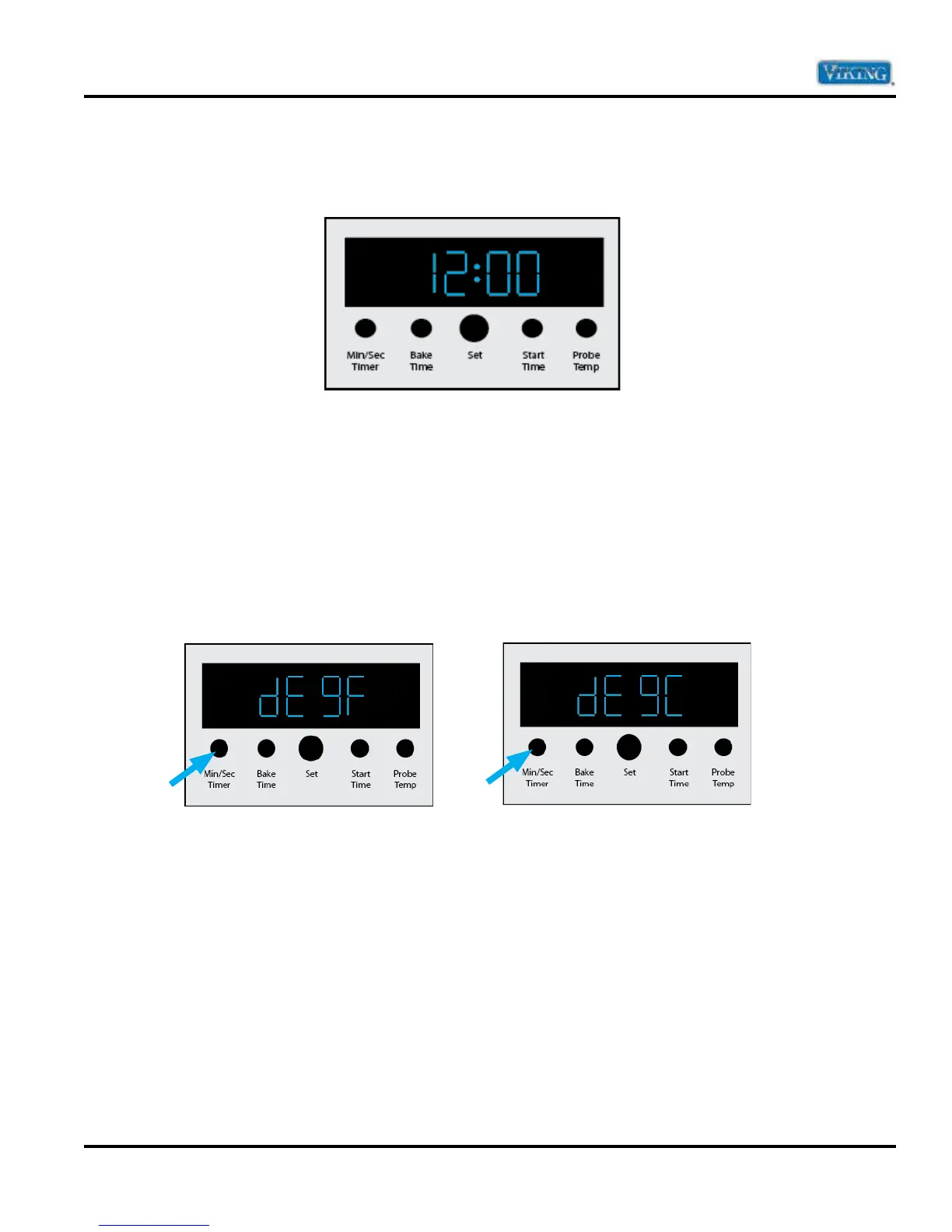
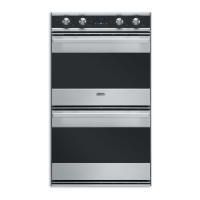
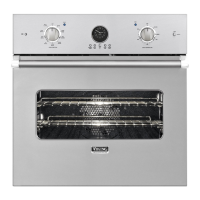
This manual will refer to (from left to right) MIN/SEC TIMER, BAKE TIME, SET KNOB, START TIME, PROBE
TEMP Buttons and knob.
User Settings
To enter into Settings parameter, press and hold “MIN/SEC TIMER” for three seconds. When the Settings mode
is entered, the clock display will change to the first parameter (Temperature). To exit the Settings mode, press
“BAKE TIME”.
Note: Settings mode will automatically exit the Settings mode if nothing is pressed within 60 seconds.
Degrees
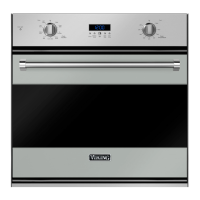
The “F” indicates that the unit is set to display fahrenheit (below left). To change to celsius, depress
“MIN/SEC TIMER”. The unit set for celsius is shown (below right).


 To Next Page