© 2012 Viking Preferred Service
14
Service Diagnostics and Procedures
Oven Selection And Offset Adjustment
Oven Selection
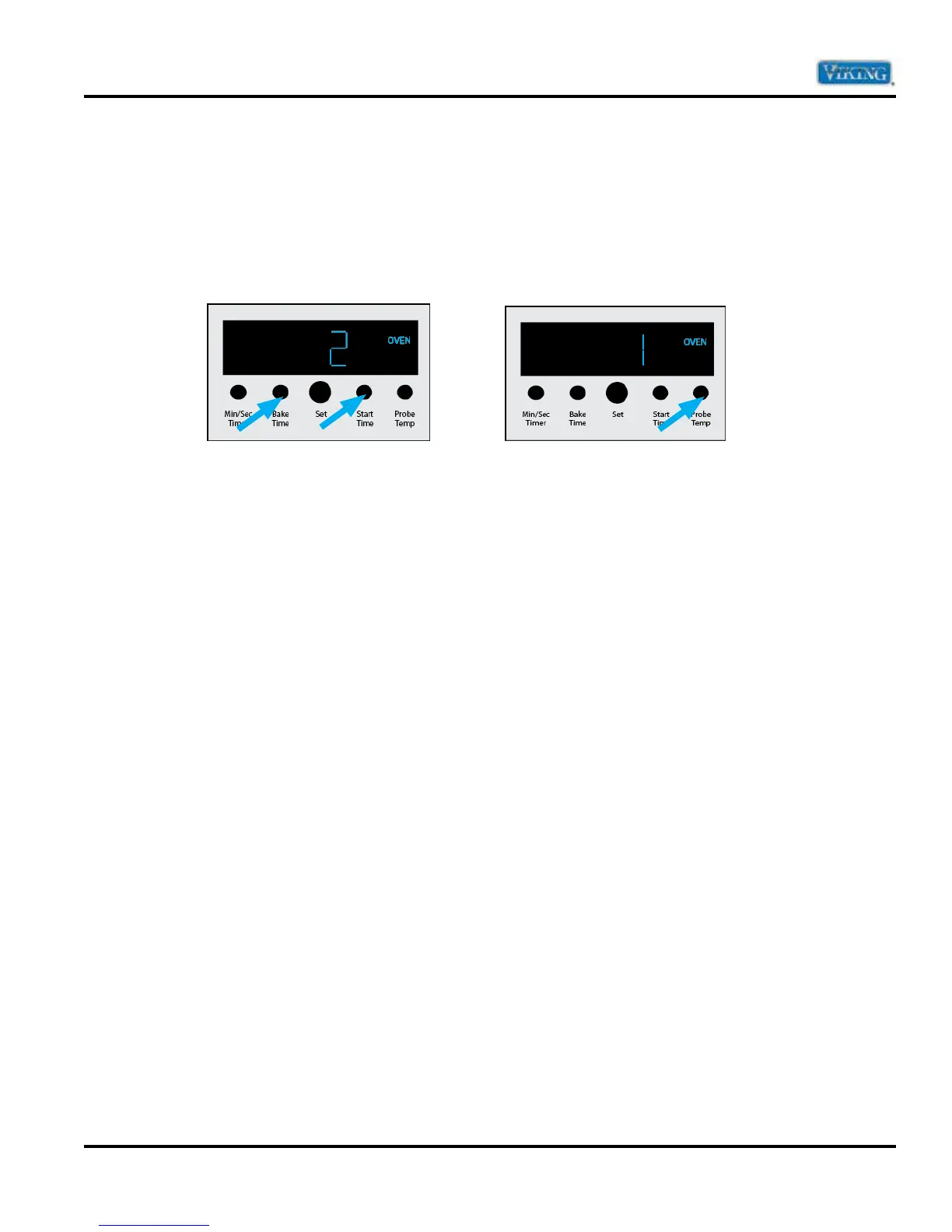
To access this parameter, you must already be in the Settings parameters. To enter, push and hold “BAKE
TIME” and “START TIME” simultaneously and you will hear three beeps. Continue holding for five seconds until
you hear a confirmation beep. You will see a numeric number “2” on the RDDOE series or a numeric number “1”
on the RDSOE series in the display as shown below on left and right. If the oven selection is incorrect, depress
“MIN/SEC TIMER” to toggle between 1 (single) or 2 (double). After setting the proper parameter, press
“PROBE TEMP” to exit the program mode.
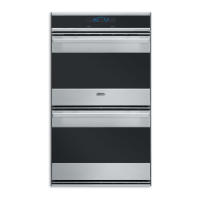
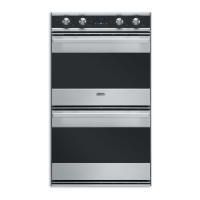
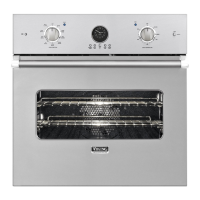
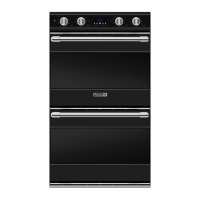
Double Oven (RDDOE) Single Oven (RDSOE)
Important Parts Information
A replacement TOD2 (Clock) comes set at a default for a double oven (2). After replacing a clock on a single
oven, you must access the Oven Selection parameter and set it to number “1” for a single oven.
Note: Failure to do this will cause improper operation.


 To Next Page