53
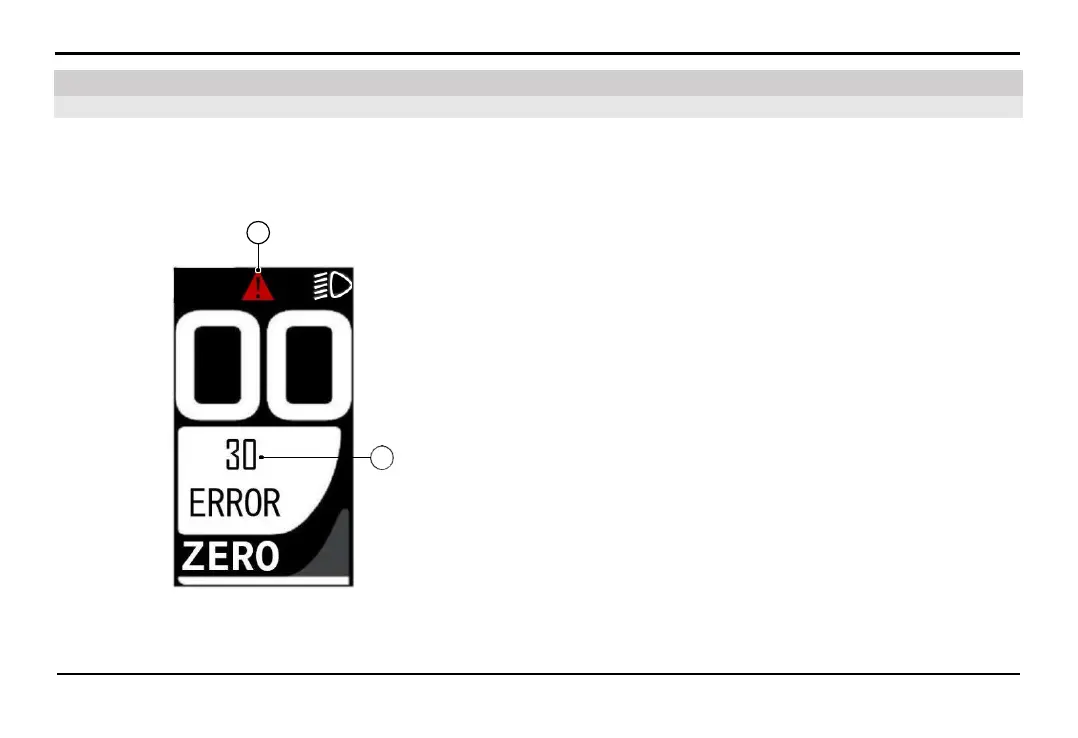
7.1. The HMI screen displays an error icon
7. Troubleshooting
TROUBLESHOOTING
Check the error codes displayed on the HMI instrument cluster.
Use a mobile app to read the error codes and receive instructions.
It is recommended to bring the vehicle to the authorized Distributors and Service workshops of VinFast for resolution.
If the self-diagnosis system detects an error, the error warning
symbol (A) will be displayed on the HMI screen.
The error code will be displayed at position (B). Please refer to the
error code table below.
A
B



 To Next Page