40 © 1999 Directed Electronics, Inc. Vista, CA
long term event history
The system stores the last two full triggers in memory. These are not erasable. Each time the unit sees a full
trigger, the older of the two triggers in memory will be replaced by the new trigger. To access long term event
history:
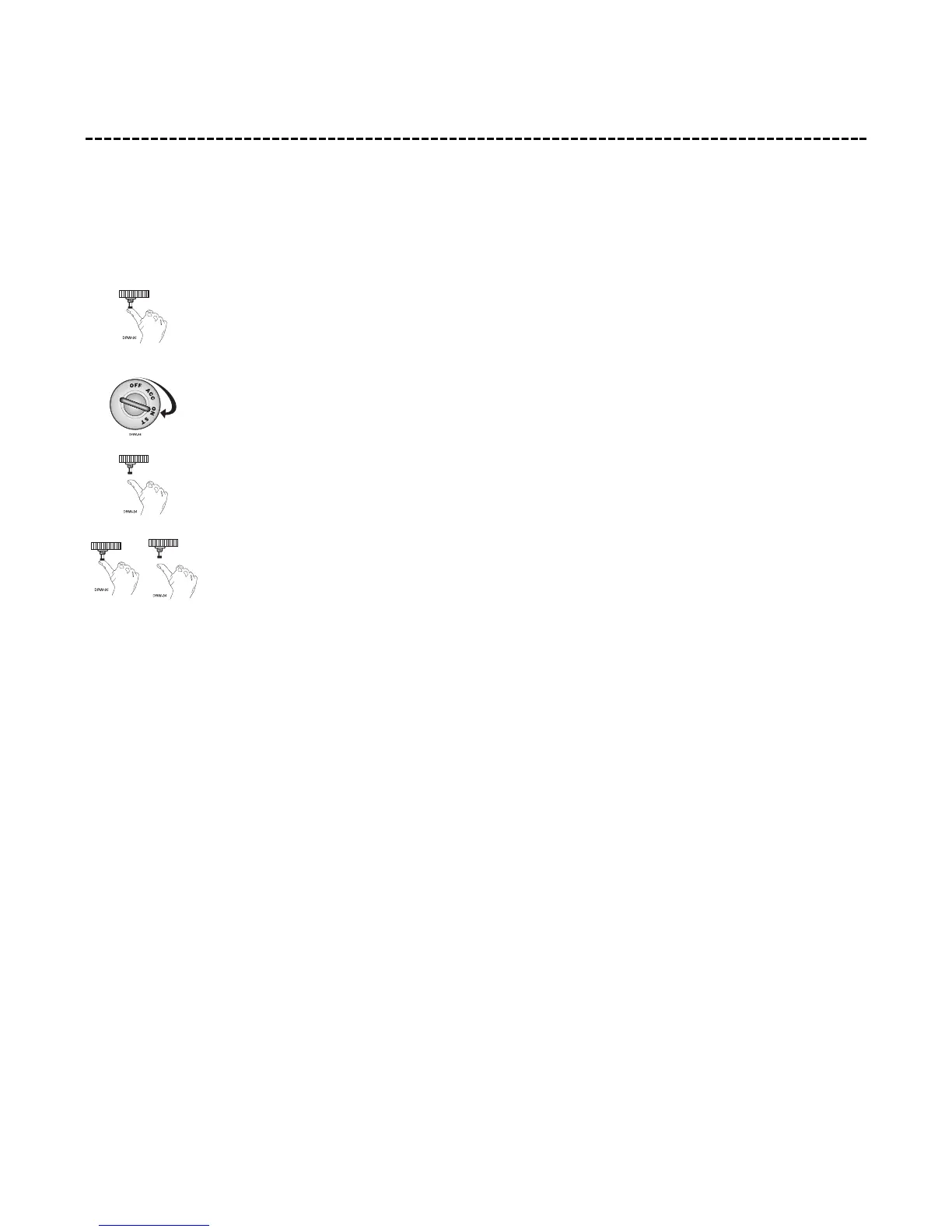
1. With the ignition off, press and hold the Valet®/Program switch.
2. Turn on the ignition.
3. Release the Valet®/Program switch.
4. Press and release the Valet®/Program switch within 5 seconds. The LED will flash in groups
indicating the last two zones that triggered the unit. The LED will flash for one minute or
until the ignition is turned off.
NOTE: The Warn Away® triggers are not stored to memory and will not be reported.



 To Next Page