8 VISIONEER STROBE XP 200 SCANNER INSTALLATION GUIDE
To calibrate the scanner:
A calibration window opens so you can calibrate the scanner.
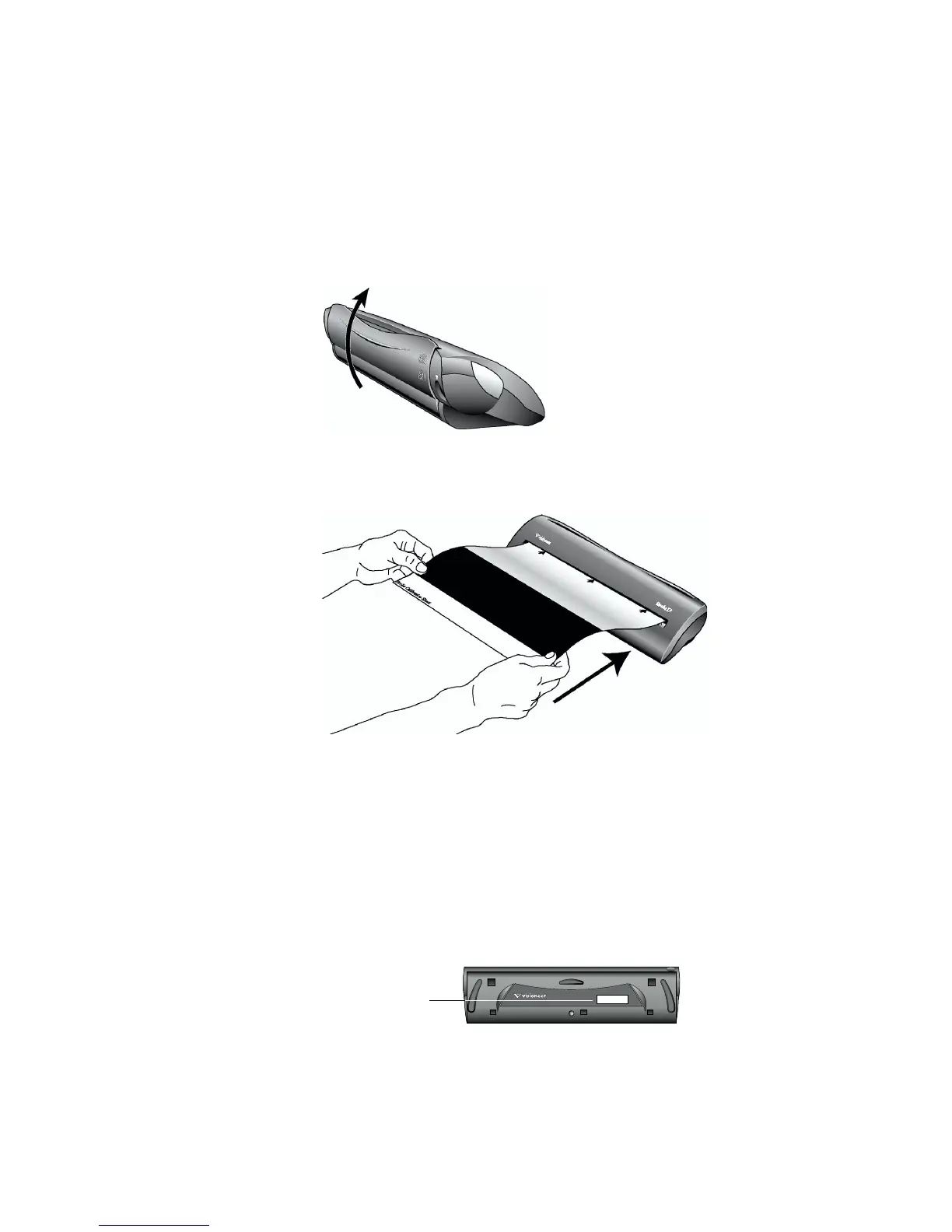
1. Move the scanner’s paper return to the Up position so the
calibration paper will feed straight through the scanner.
2. Insert the calibration paper into the page feed, face up.
The scanner grabs the paper and feeds it through the scanner.
Wait until calibration is finished before proceeding.
3. For Windows XP users only, click Finish on the Found New
Hardware Wizard window.
4. Click Finish on the Connect Scanner window.
5. On the Visioneer Registration screen, complete the required
information and click Register.
The serial number is located on the underside of the scanner.
6. Click Next on the vsxp200 Setup window to install the ISIS driver.
S/N: 57422C049735
Serial Number














 To Next Page