SCANNING FROM THE PAPERPORT SOFTWARE 29
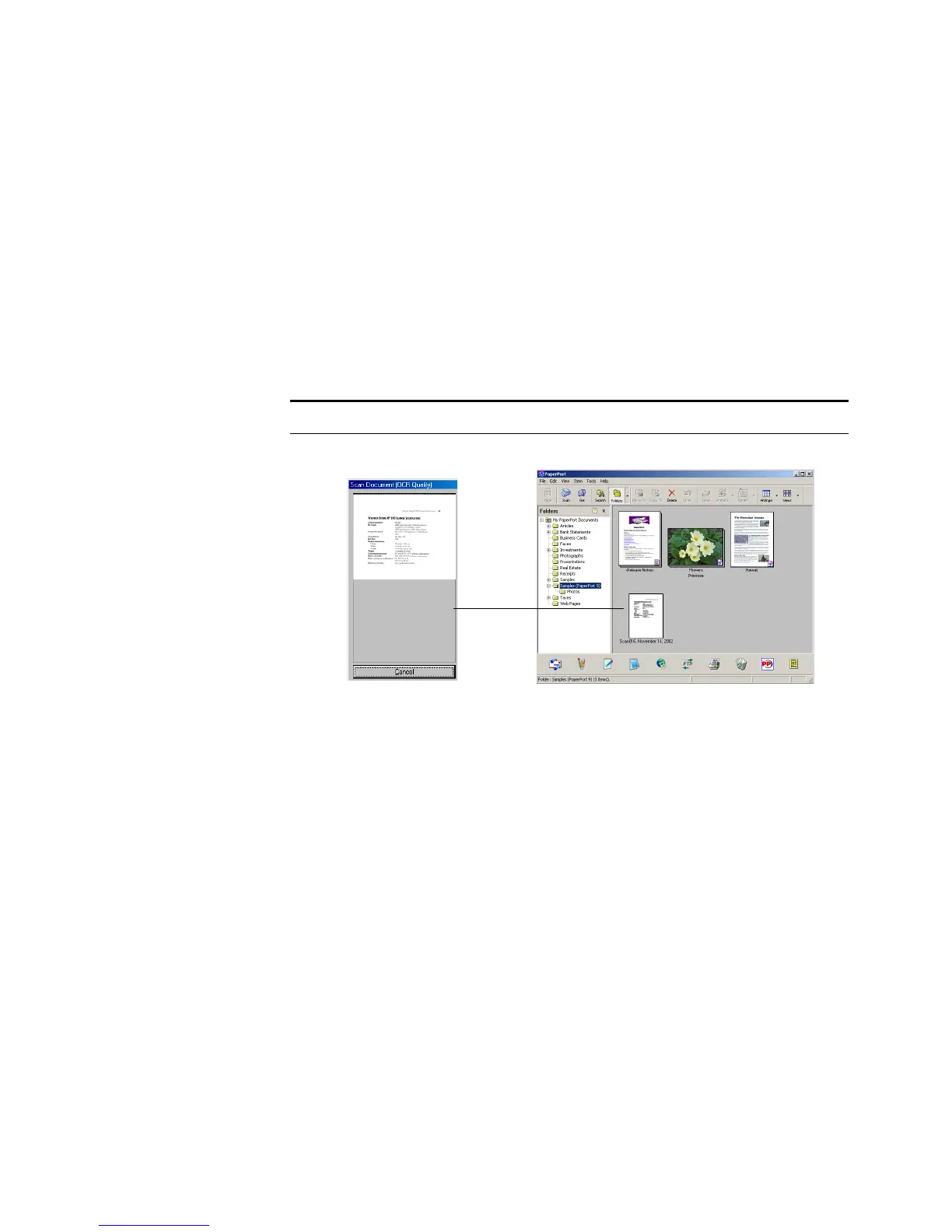
The scanner starts scanning and a progress box shows the image.
If the Single page items check box is selected on the PaperPort
desktop, the item appears as a thumbnail on the desktop.
12. If the Single page items check box is not selected, a thumbnail
does not appear until you indicate the scanning job is finished.
■ Close the Scan Manager.
■ On the PaperPort - Scan message box, click Done.
ON THE PAPERPORT DESKTOP
■ By default, the name of the scanned image is the day, date, and
number of scanned items that day.
■ The thumbnail images of the stack of documents has scroll arrows so
you can click through the pages in the stack. The page counter next
to the scroll arrows shows which page you’re viewing and the total
number in the stack.
Note: Refer to “The Single Page Items Check Box” on page 30.














 To Next Page