VX90 - User Manual
13
III.3 - Installation Procedures
Site Requirements
The VX90 unit should be placed on a clear table or desktop close to a power outlet. The unit
should not expose to direct light on the patient side. Better results will be obtained if the unit is
located in a room with limited illumination.
3.a) Unpacking the Unit
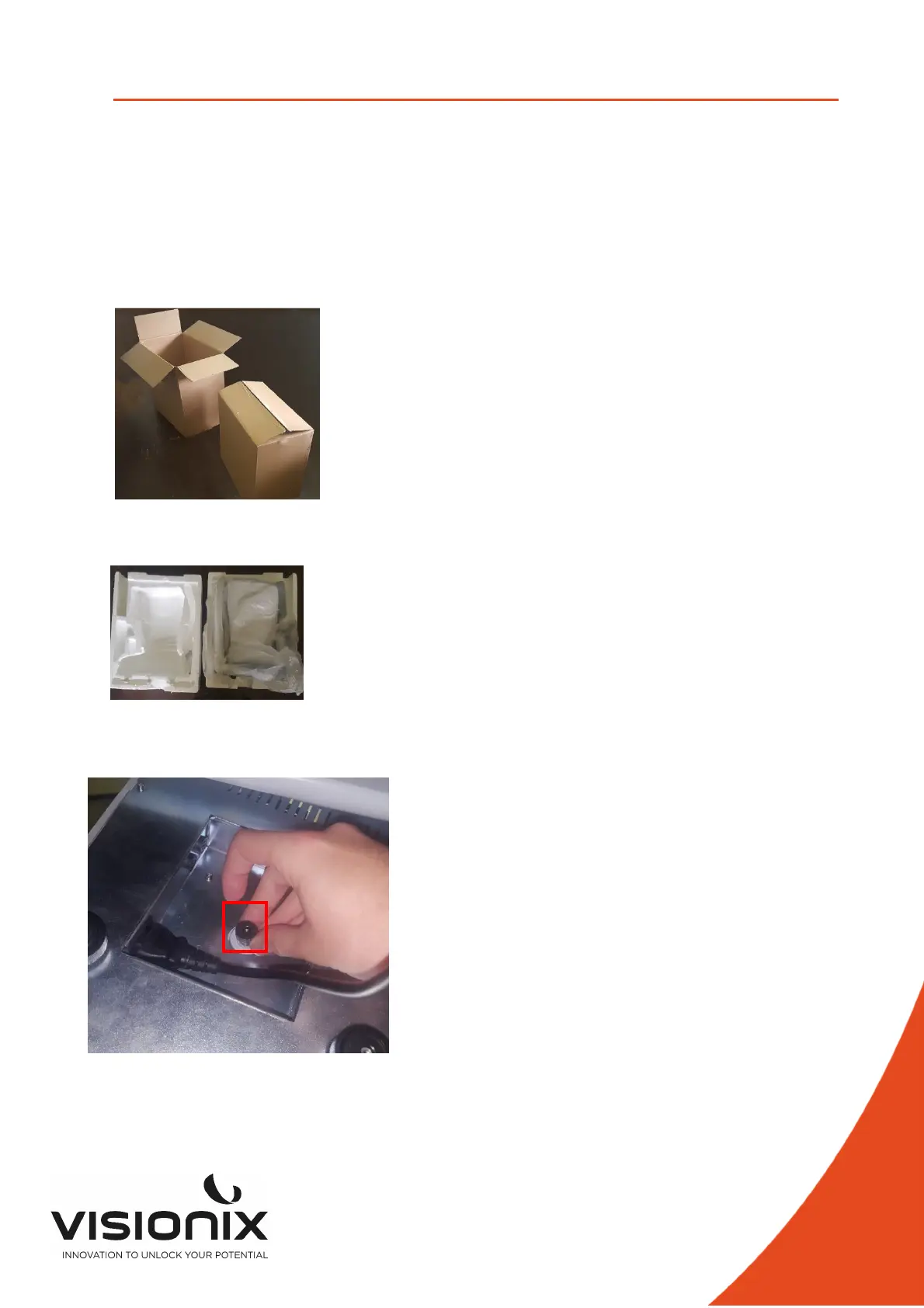
To unpack the unit:
- Remove the tape around the box.
- take out the carton with care.
- Remove the Polystyrene box to uncover the VX90 unit, which is packed in a protective
plastic bag.
- Take the VX90 out of the box and put it on the table.
- Lift the protective plastic bag to uncover the device.
To Unlock the unit:
To unlock the head, turn this screw below the unit



 To Next Page