VX90 - User Manual
29
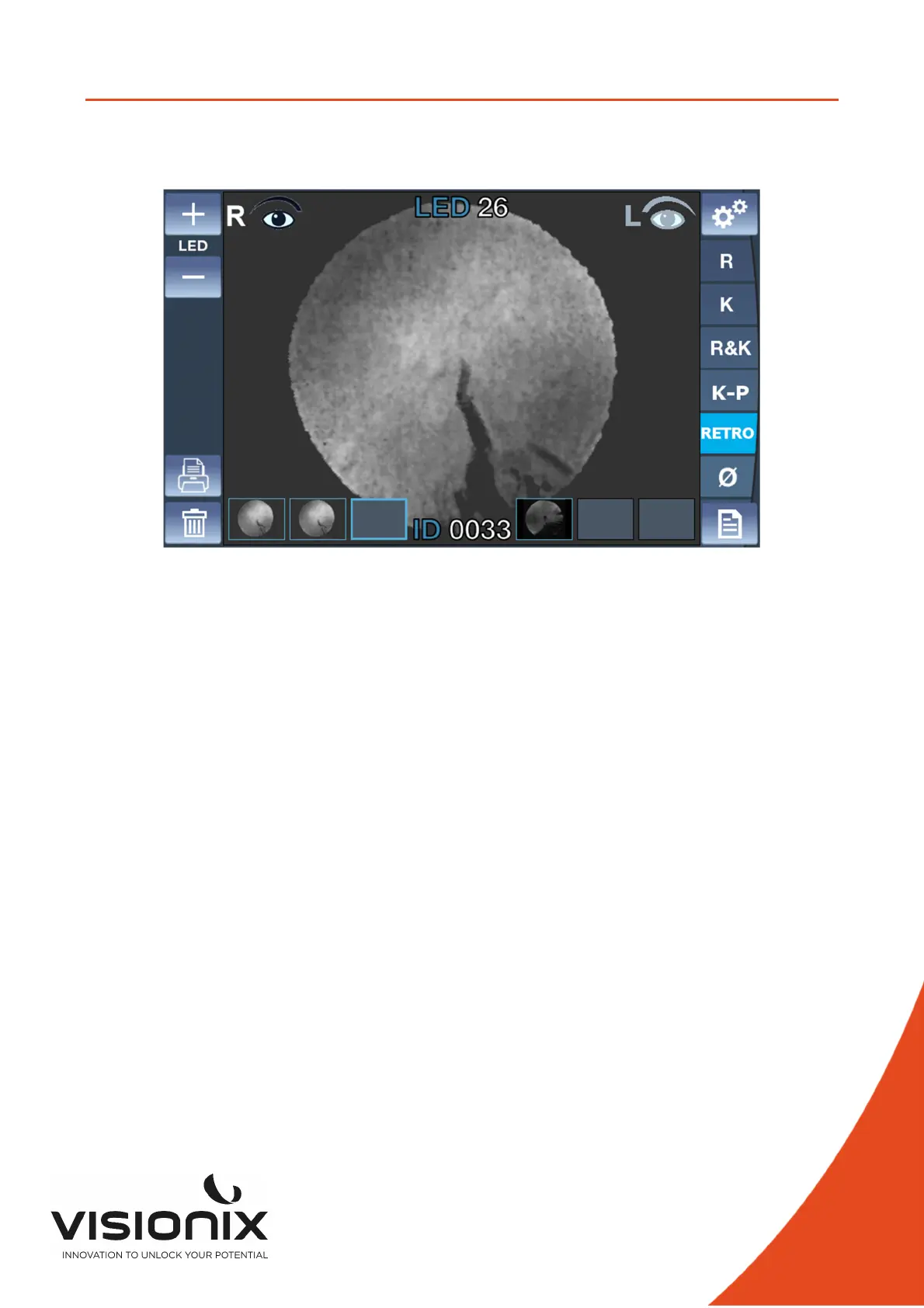
V.4 - Managing the Retro-Illumination Image.
1. It is to examine the crystalline lens of patient who has the severe symptom of cataract or
undergoes it examine the degree of opacity of crystalline lens with the shape of light reflected
from retina while changing intensity of light shed on the eye.
1. Adjustment of brightness of the LED
• Adjust the brightness of the LED clicking on button + and button -.
2. Observation of retro illumination image
• Place the VX90 in front of the eye (right or left).
• Use the joystick to center and focus properly.
• In order to protect the patient’s eyes, avoid examining the eyes over 30
seconds.
3. Acquisition of the image
• Click on the joystick to save an image.
It will be saved in the selected box of the current eye. As the live mode of the
camera continues after each acquisition, it is possible to take several images
consecutively.
• If more than 3 images are acquired for a same eye, the 1
st
one will be erased and
will be replaced by the 2
nd
one (and the 3
rd
one becomes the 2
nd
one, and the
new one becomes the 3
rd
one).
4. Review an image
• Click on the wanted image.
• To come back on live camera, click on the joystick or click on an empty box
image of retro illumination.
5. Delete an image
• Click on the wanted image.
• Click on clear button.
If there is an image after the deleted one, the images will be translated to avoid
empty box image.
NOTE



 To Next Page