VX90 - User Manual
14
3.b) Electrical Connection
To connect the unit to an electric outlet:
- Check that the power supply voltage corresponds to that required by the equipment (see
the identification label on the back of the unit).
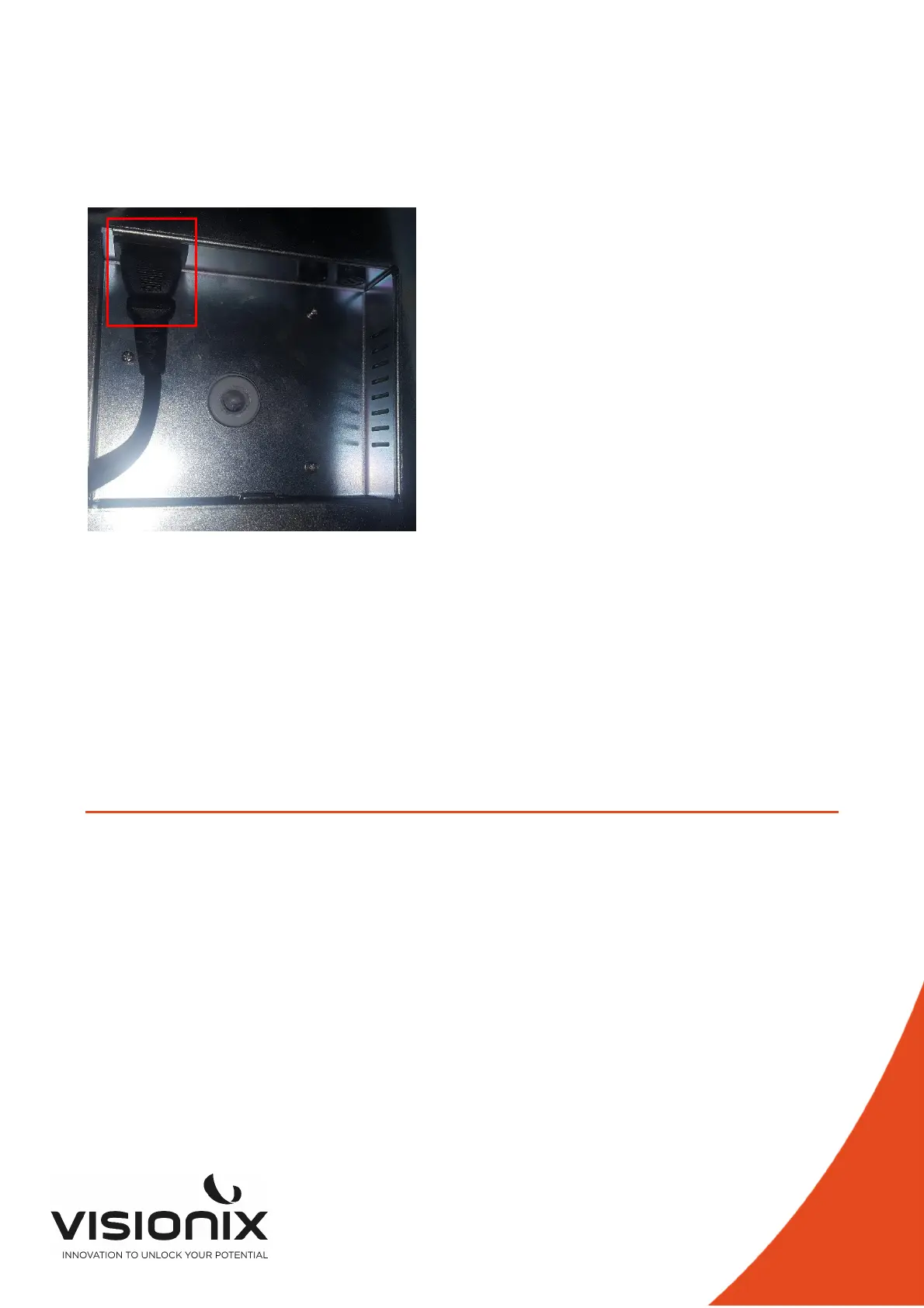
- Insert the power connector under the unit
- Connect the power plug to a wall outlet.
under the Vx90
3.c) Loading Paper into the Printer
To insert a paper roll into the printer:
- Lift the handle in the middle of the paper compartment and pull the cover down.
- If an empty paper roll is in the printer, remove it.
- Insert the new roll with the end of the paper on the top of the roll.
- Feed the paper into the slot at the top of the compartment.
- Push the paper-compartment door closed.
III.4 - Turning the Unit On and Off
To turn the unit on:
- Press the On/Off switch (#2 in the illustration).
To turn the unit off:
- On the unit, press the On/Off switch.



 To Next Page