VX90 - User Manual
17
8 Refraction Measure
Touch this button to select only refraction measurement
9
Keratometry Measure , second push of the button will call the peripheral K
mode proceed the same as the central K on the 4 different fixation targets
(nasal/temporal/up/down)
Third push of this button will call back central keratometry measurement
10 Refraction Keratometry measure
Touch this button to have the refraction and keratometry value
11 Keratometry peripheric measurement
To open the keratometry peripheric measurement screen
12 Retro-illumination mode
To open the retro-illumination screen
13 Corneal Radius
It is the mode to measure the corneal radius
Second push on the button will call the Retro illumination mode, to acquire
the picture of the eye with the back reflexion from the retina.
Third push of the button will call back the Corneal radius measurement
14 Data Menu
To open the menu of the data you have already measured
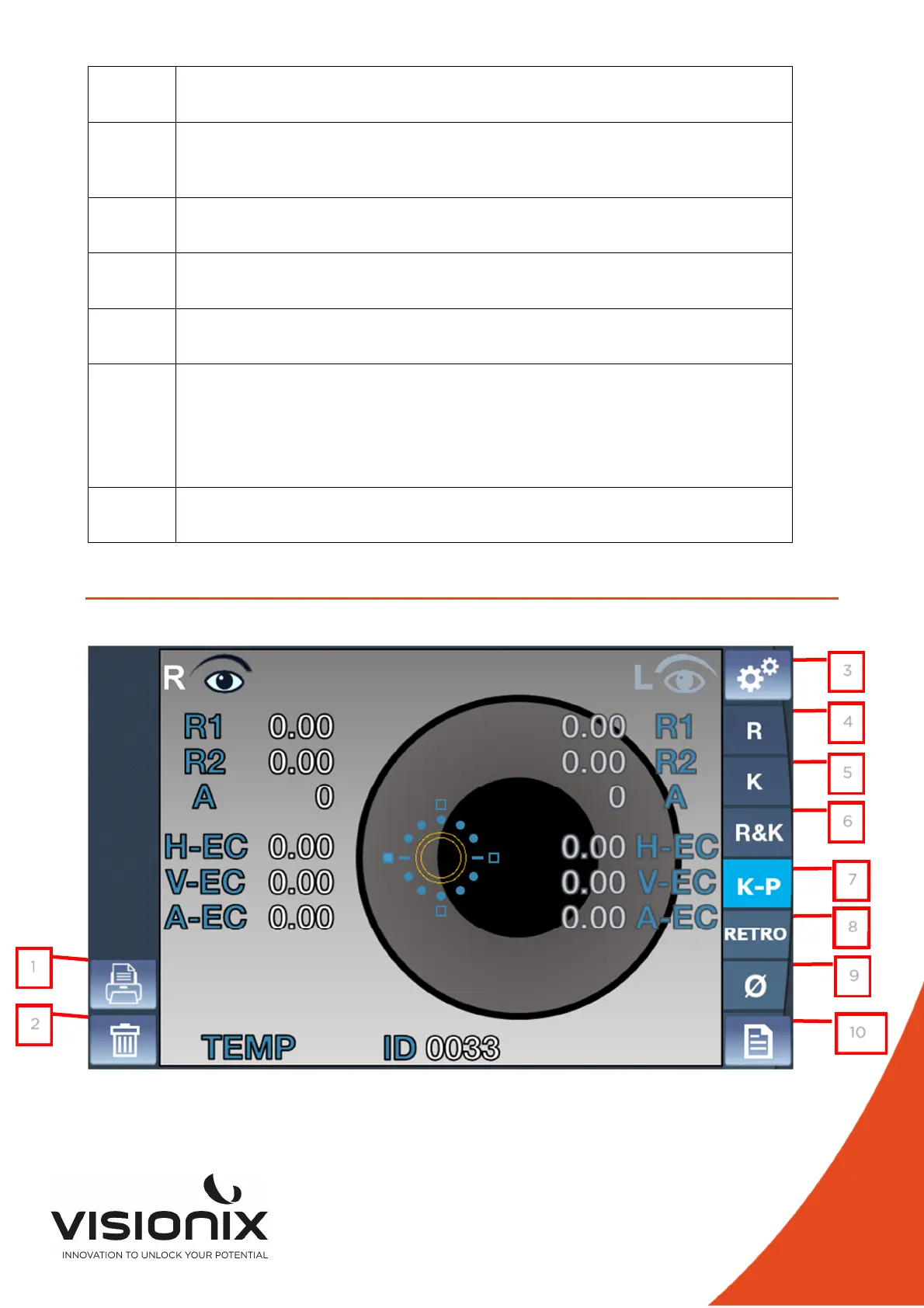
IV.2 - Keratometry peripheral screen
1
2
3
4
5
6
7
8
9
10



 To Next Page