VX90 - User Manual
35
Touch this button to access to the second page
6 Access to the first page
Touch this button to return at the first page
7 PD Print
To enable or disable the pint of the PD
8 Ticket Header
To choose what you want to write on your own head ticket
9 Ticket Footer
To choose what you want to write on your own foot ticket
10 Return
To return at the main screen
11 Refraction settings
To set the taking of the refraction measurement
12 Keratometry Settings
To set the taking of the Keratometry measurement
13 Device Settings
To change the settings of the device
14 Print Settings
To set the printing
15 Export Settings
To set all information to export data to an external device
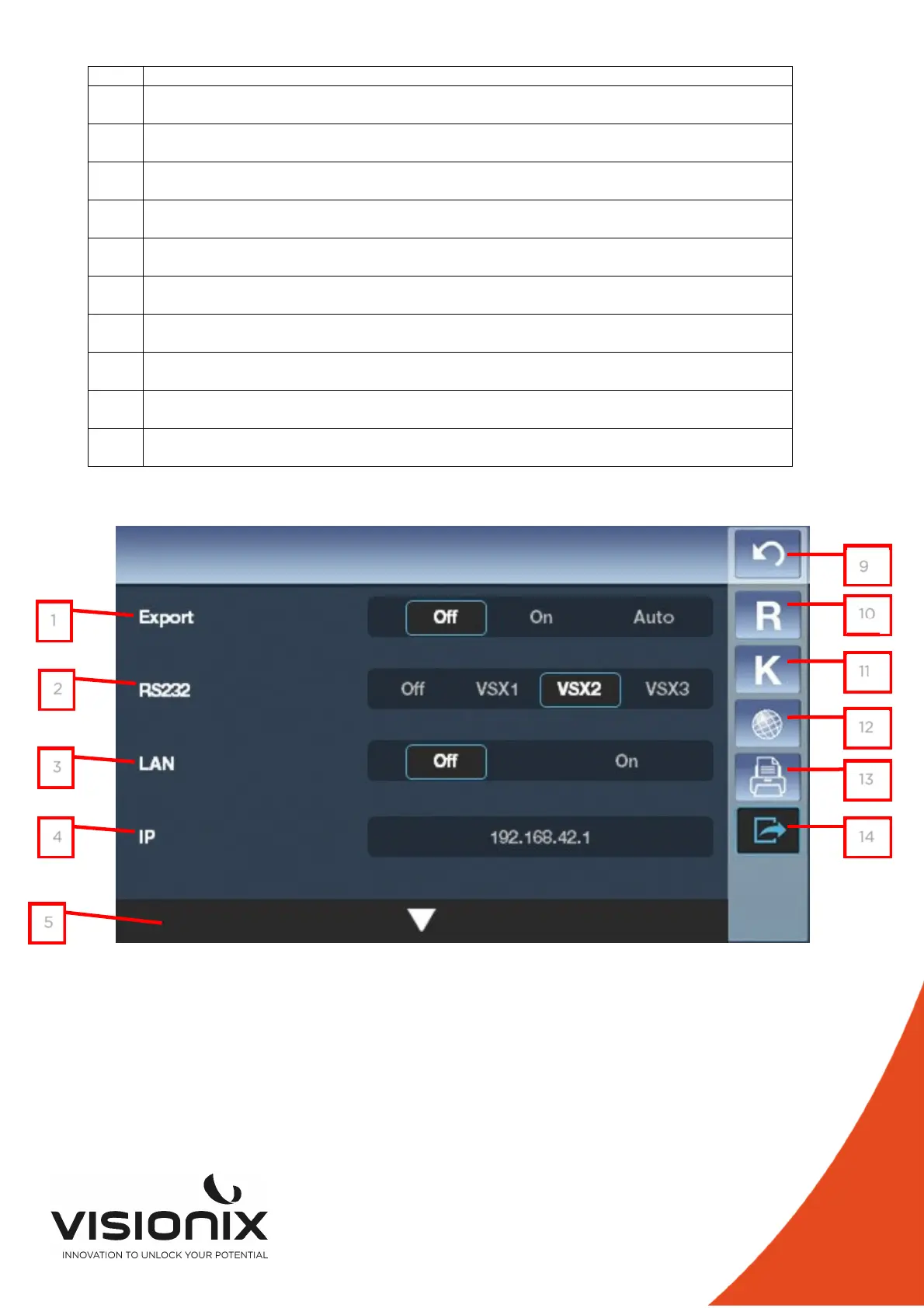
2.e) Export Settings
1
2
3
4
5
93
10
11
12
13
14



 To Next Page