VX90 - User Manual
40
This chapter explains how to clean the VX90 unit and how to perform routine maintenance
tasks.
VIII.1 - Cleaning the Unit
Important!
Before cleaning the unit, turn it off and unplug it from the electric outlet.
To clean the plastic surface of the VX90, dampen a cloth with a commercial, non-abrasive
cleaner and gently wipe the top, bottom, and front surfaces.
CAUTION: Do not spray or pour any liquid directly on the device.
CAUTION: Do not use caustic or abrasive cleaners.
Chin Rest
Cleaning of the chin rest with a soft cloth and alcohol is strongly recommended after each
patient. Chin rest paper coverings are supplied with the device. Use the paper to cover the chin
rest after each patient use.
Headrest
Regular cleaning of the forehead rest with a soft cloth and alcohol is strongly recommended.
The forehead rest is the only part of the machine that comes into contact with the patient.
VIII.2 - Replacing the Printer Paper
The printer is mounted on the right side of the VX90 unit. If the paper roll is used up, the Printer
LED indicator blinks.
To insert a paper roll into the printer:
- Lift the handle in the middle of the paper compartment and pull the cover down.
- If an empty paper roll is in the printer, remove it.
- Insert the new roll with the end of the paper at the top of the roll.
- Feed the paper into the slot at the top of the compartment.
- Push the paper-compartment door closed.
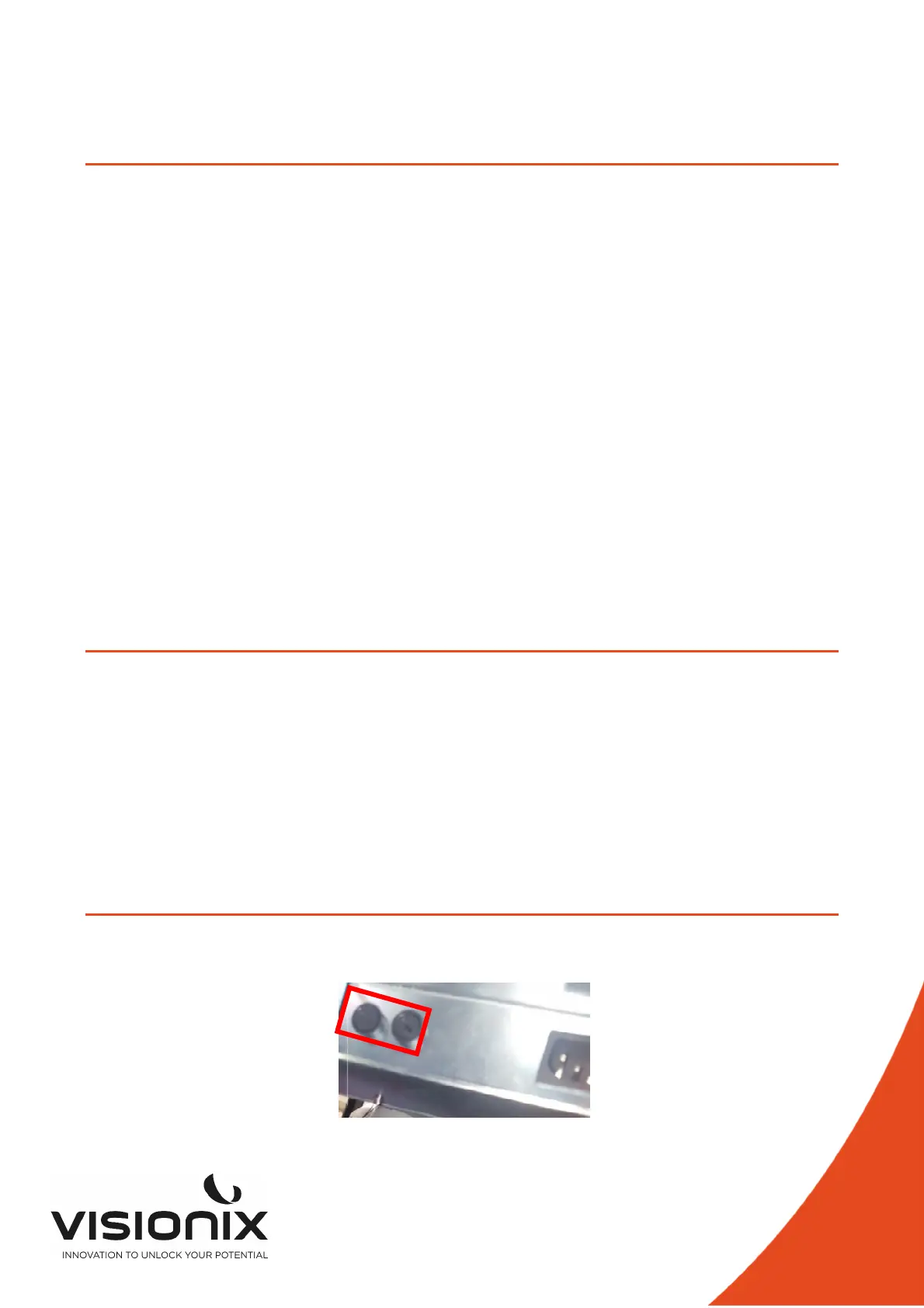
VIII.3 - Replacing Fusible
Specification : F1AL250V fuse
Position:



 To Next Page