WWW.VISIONQUESTCE.COM
11
Chapter 1 -Basic Controls and Connections
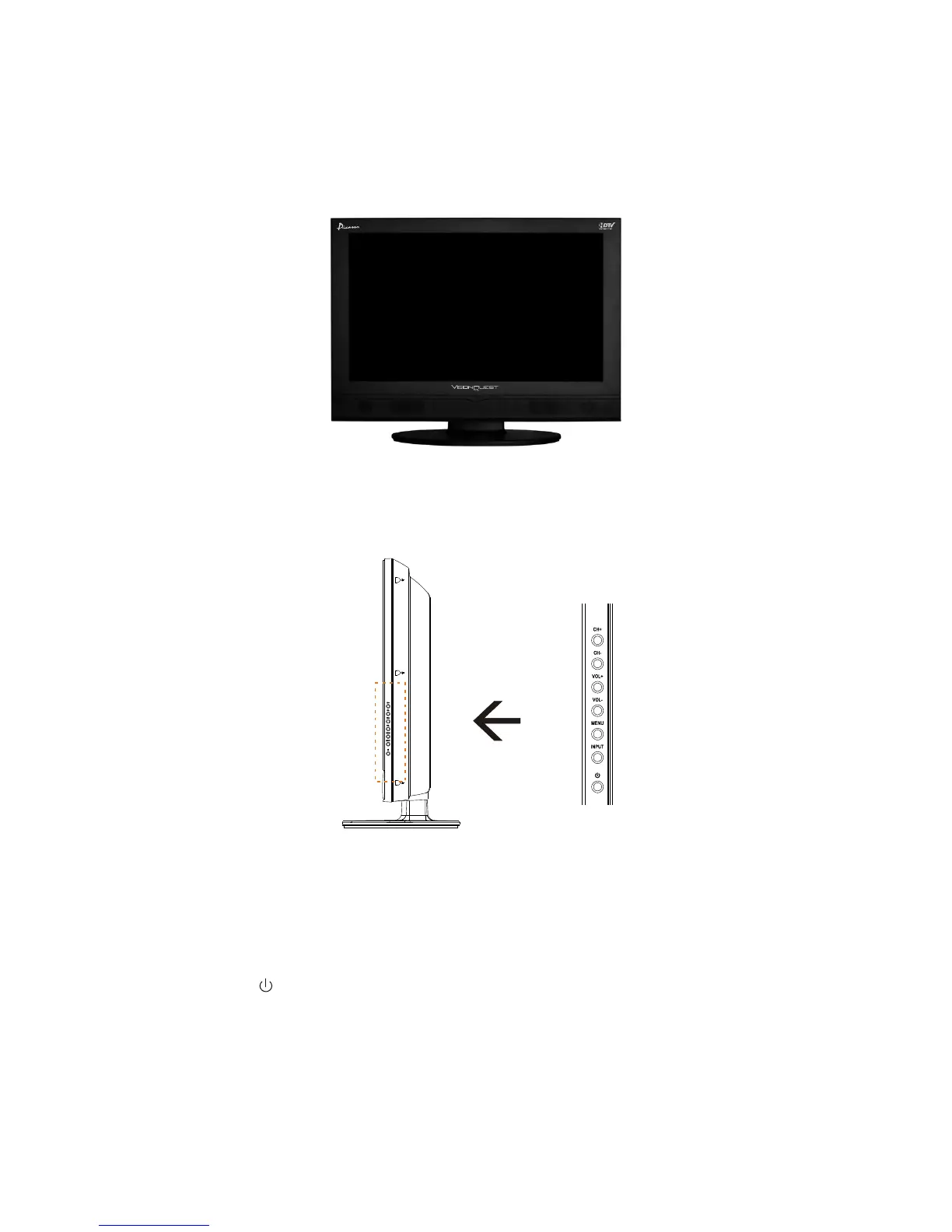
1.1 - Front Panel Controls
1.CH(+/-)-These buttons increase or decrease the channels. When the OSD is active, these buttons
are used to select OSD options.
2.VOL(+/-)- These buttons increase or decrease volume. When the OSD is active, these buttons adjust
the OSD options.
3.MENU - This button opens the TV OSD menu.
4.INPUT-This button switches between the available input sources in the sequence: Composite1,
Composite2, S-Video, Component1,Component2,VGA, HDMI1,HDMI2, TV, Press the button repeatedly
to cycle through the available options.
5.Power Button( )-Switch the LCD TV on by pressing the button once. Press the button again to turn the
LCD TV off.
1.2 - Side Panel Controls


 To Next Page