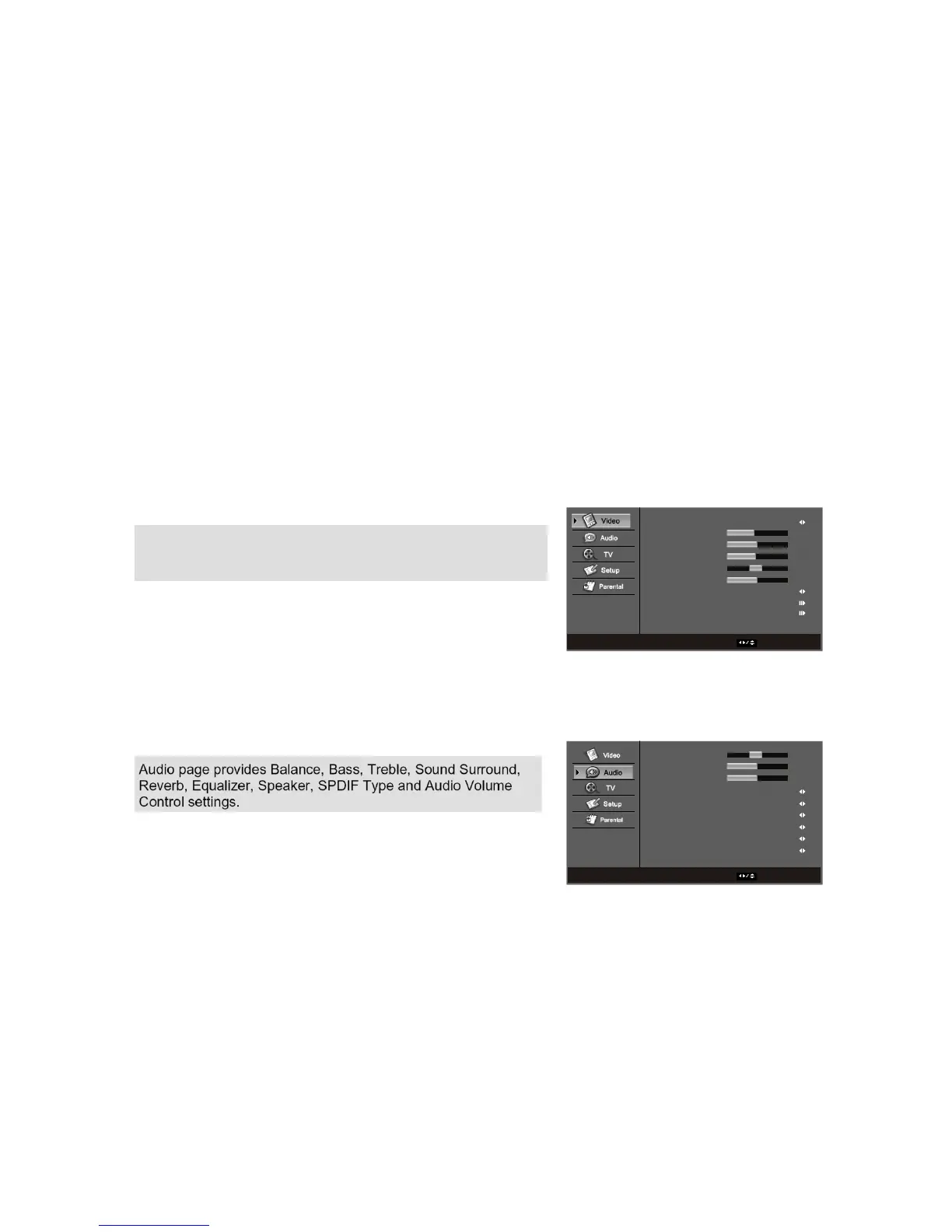
Picture Mode
Brightness
Contrast
Saturation
HUE
Sharpness
Back Light
Color Temperature
Advanced Video
Video
ENTER Enter Select EXIT Exit
User
45
50
50
0
4
Bright
The remote control or the bottom control keys on the front panel of the TV can control all the function
settings. The on-screen display(OSD) allows you to adjust and save contrast, brightness and other
settings. The TV will save changes made to the settings, even if the TV is turned off.
3.4-Using the On-Screen Display(OSD)
The OSD consists of several menu options: Video, Audio, TV, Setup, Parental. The main menu options may
vary depending on your selected input source.
Note: Some of the main menu options may have additional sub menus, i.e. H-Position in the Video for VGA.
Video- Adjust the video related setting.
Audio- Adjust the audio r elated settings.
3.4.1-OSD Menu Operations
WWW.VISIONQUESTCE.COM
32
Balance
Bass
Treble
Sound Surround
Reverb
Equalizer
Speaker
SPDIF Type
Auto Volume Control
On
Off
Off
On
PCM
Off
Audio
ENTER Enter Select EXIT Exit
0
50
50
Video page provides Picture Mode, Brightness, Contrast,
Saturation, HUE, Sharpness, Back Light, Color Temperature,
Advanced Video and VGA settings.


 To Next Page