12
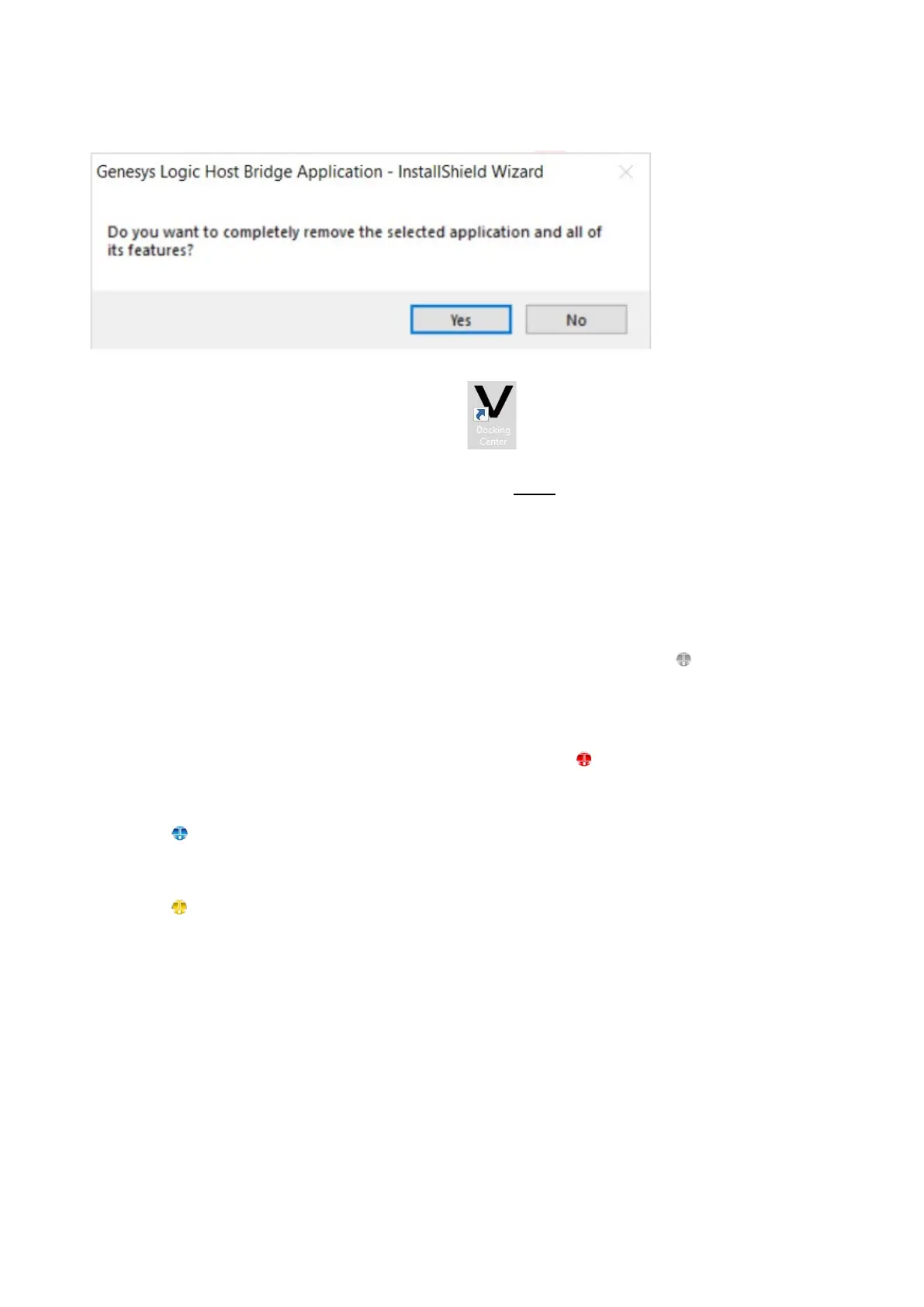
c. If previous version of App is installed on your PC, App will ask users to uninstall it. Please
uninstall the previous version and get back to this step to reinstall this version.
d. After the installation is completed, double click icon to start the application.
e. If “User Account Control” (UAC) is shown, please click “Yes”
f. Please run the above steps on a second PC. If the second PC is a Mac, please refer to the Mac
user guide.
g. If hub cannot connect to two PCs, or the software is not executed, this icon indicates NOT
connected.
h. If two PCs are running different versions of software, this icon indicates NOT able to run.
i. This icon indicates the connection is completed.
j. This icon indicates KM Master mode (Host can control client’s keyboard and mouse)



 To Next Page