22
4.4 Functions
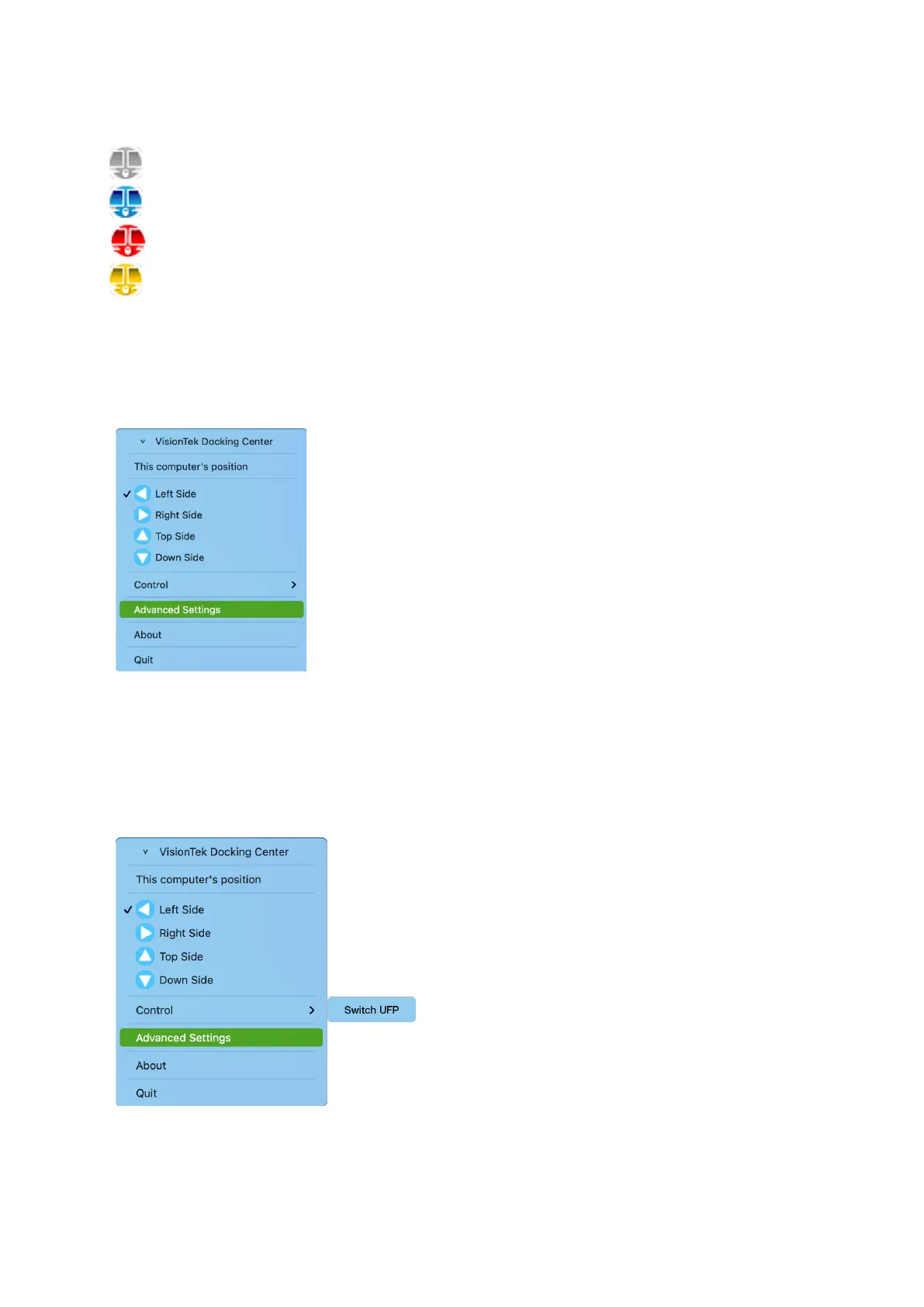
When KM Share is started, there are four statuses.
Indicates NON-Connected
Indicates Connected
Indicates ERROR (it may be caused by mismatched hardware of software)
Indicates KM Master mode (Host can control client’s keyboard and mouse)
a. Mouse and Keyboard
After the connection has been successfully built-up, the mouse on both computers or on the
Hub can be moved over between the two computers, and the Keyboard can be used to input
on the computer that mouse focus on.
b. Switch UFP
When the Hub connects to two host platforms, devices connected to the hub will be
recognized and enumerated by the master host, for example, the storage devices will only be
shown on Master side, with the other side being set to slave or client host. Switch the UFP
function to allow you to switch the roles of master and client host
c. Advanced Settings
- UFP Switch Hotkey Setting



 To Next Page